Hall Effect and Optical Switches
Published How we research
Most mechanical switches register a keypress when two metal contacts touch inside the switch, but hall effect and optical switches work differently by removing that physical contact from the equation. Instead of metal leaves meeting, they use magnetism or light to detect the key moving. This different approach enables a few capabilities that traditional contact switches cannot easily offer.
Products from this article
The highest-scoring picks from the buying guides this article links to. Scores are our editorial assessment, not customer ratings.
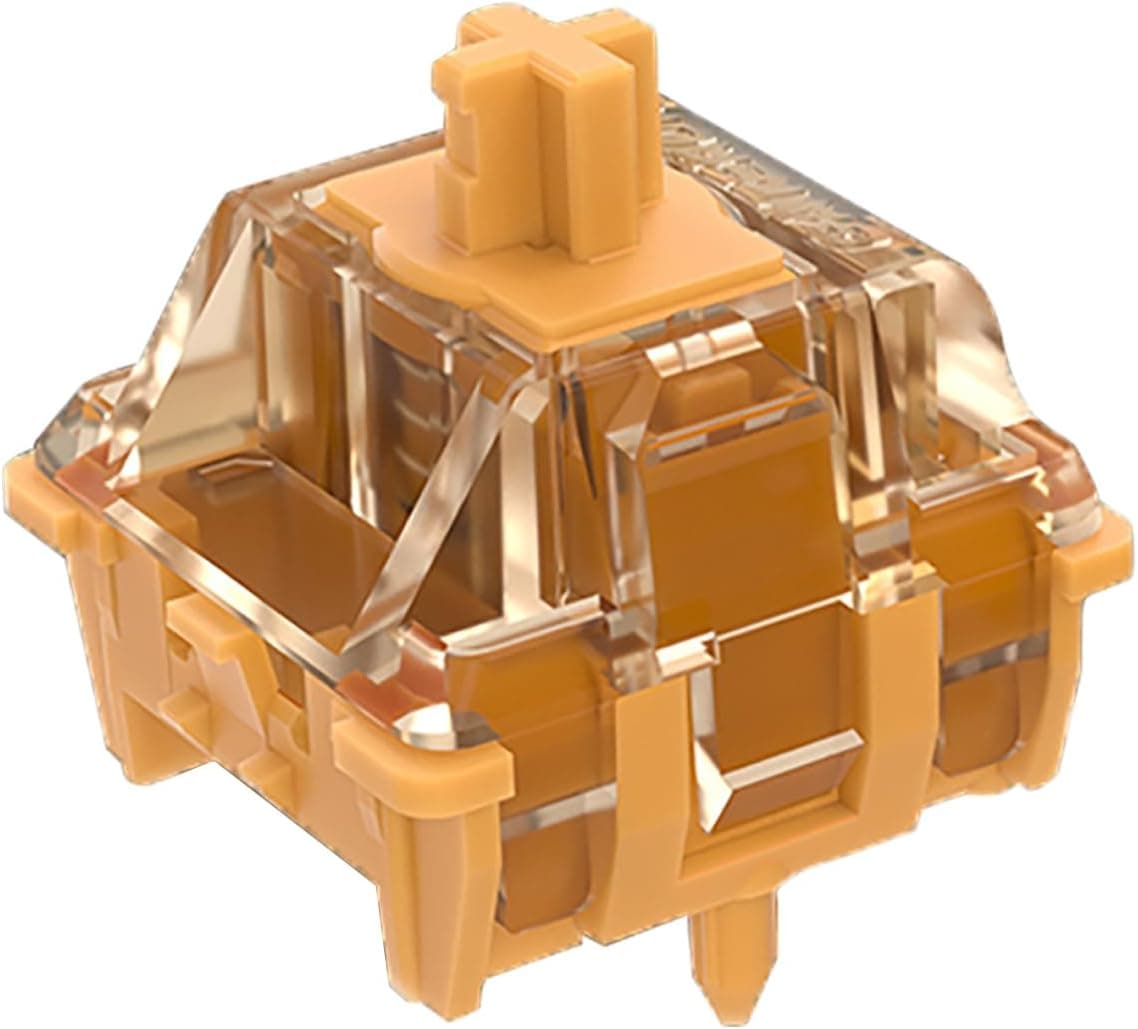
+ 20mm springs give a smoother, more even force curve
From our guide: Best Magnetic Hall Effect Switches and Keyboards (2026)
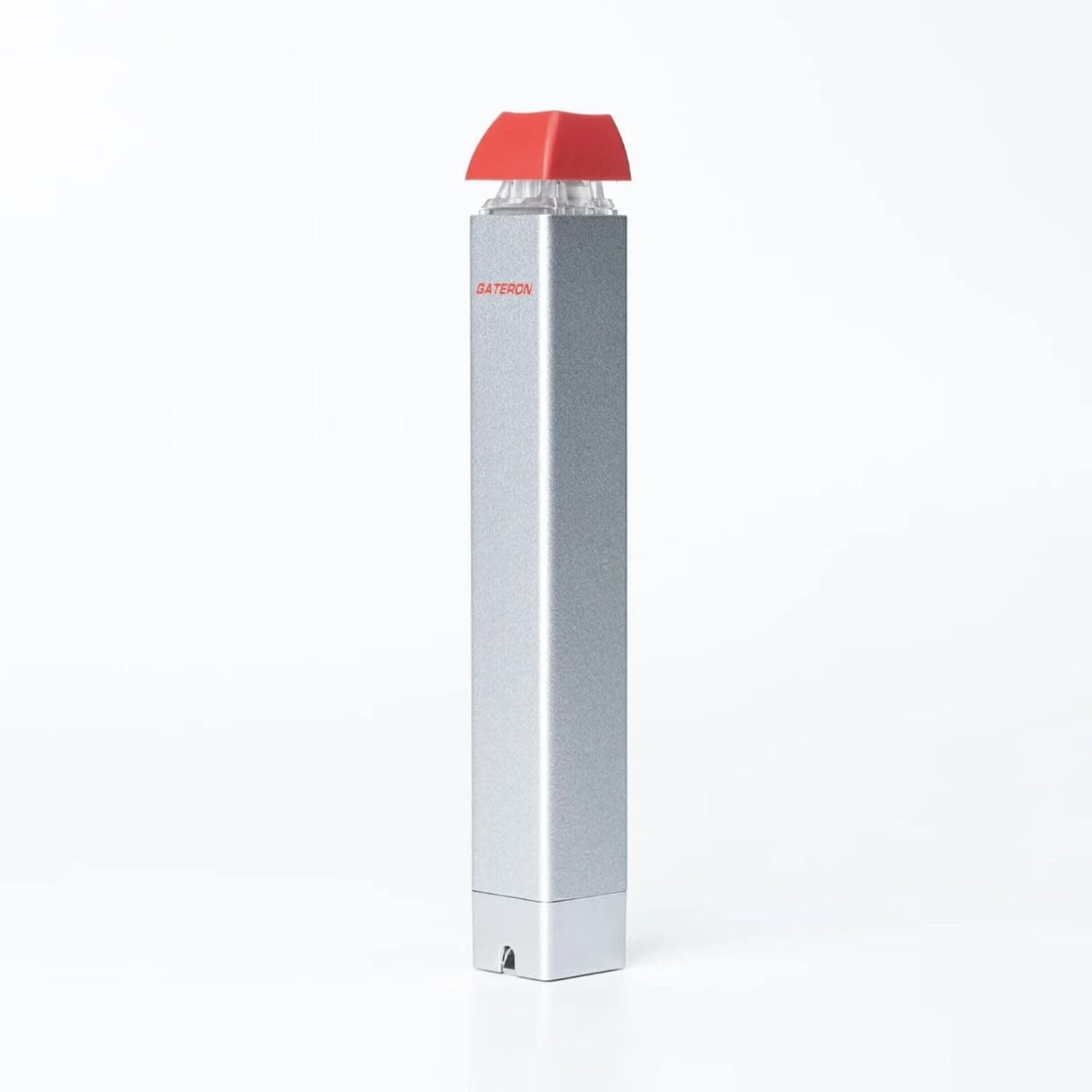
+ Semi-automatic action reduces effort when pulling many switches
From our guide: Best Switch Pullers (2026)
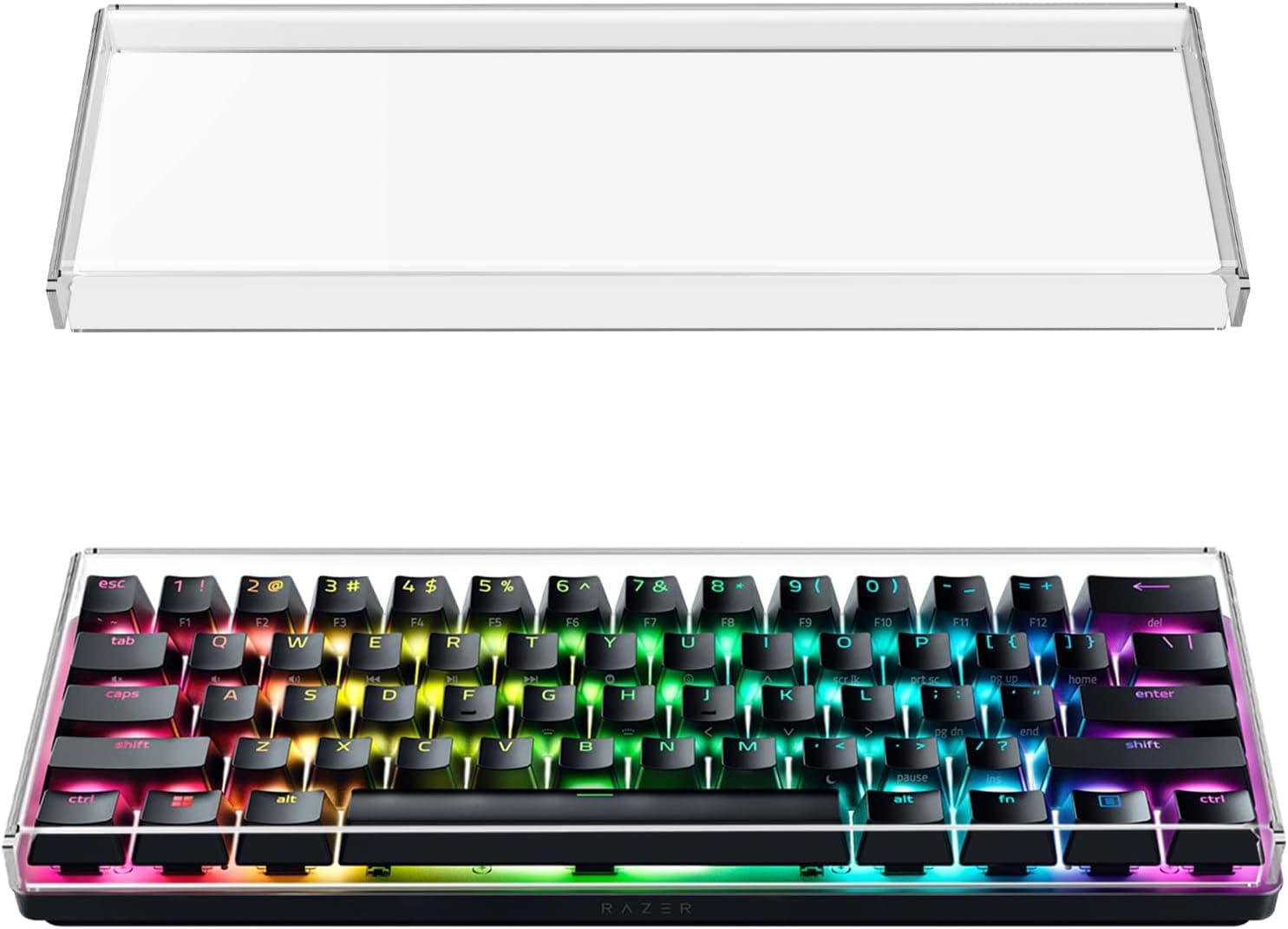
+ Named fits for Huntsman Mini and RK61 simplify sizing
From our guide: Best Keyboard Dust Covers (2026)
+ Dual-SMD design supports brighter or better spread per-key lighting
From our guide: Best Magnetic Hall Effect Switches and Keyboards (2026)
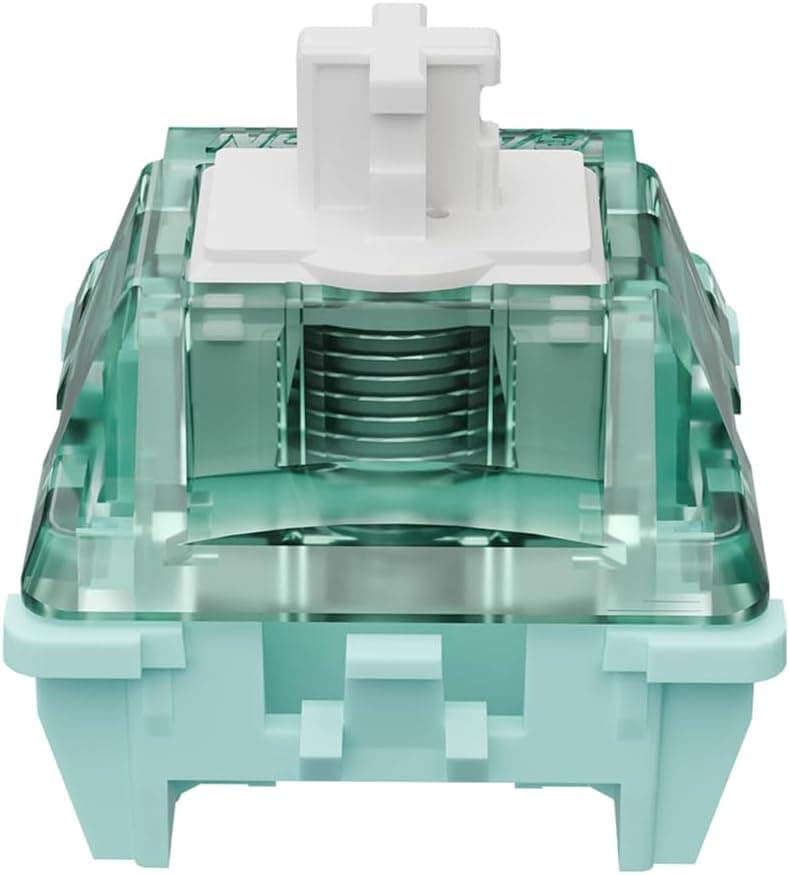
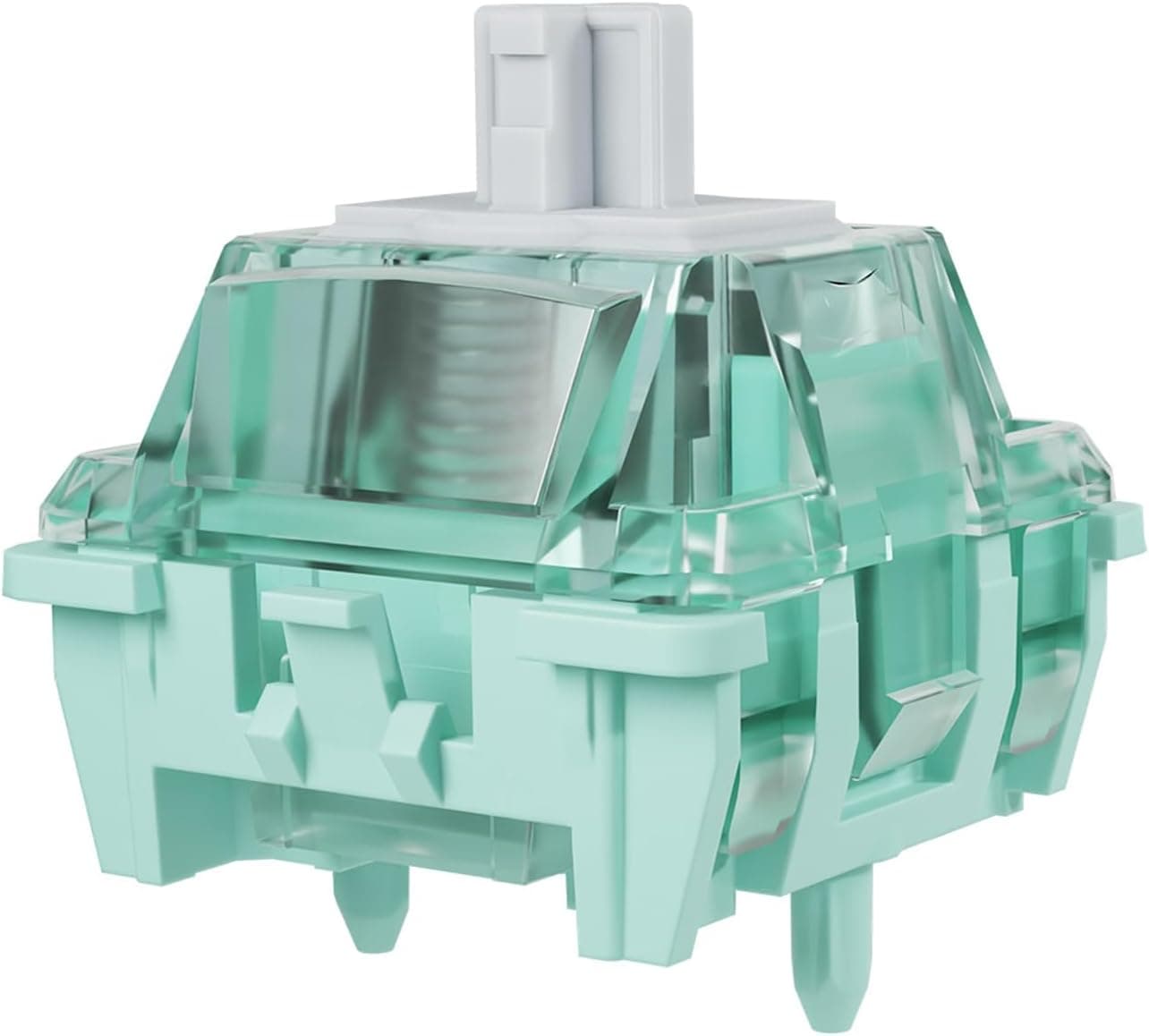
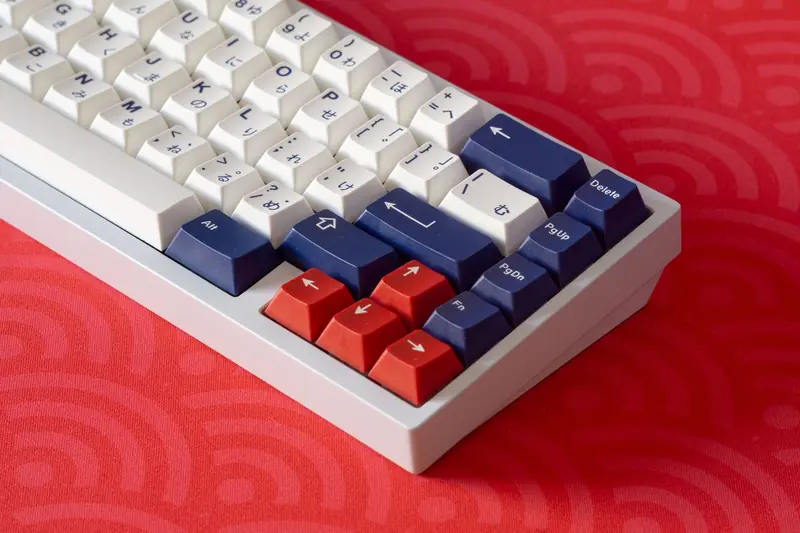
Hall effect switches use a magnet in the moving stem and a sensor on the board that detects the magnet's position. Because the sensor reads how far the magnet has traveled rather than a single on or off contact, the board can know the exact depth of the press at every moment. That opens the door to adjustable actuation, where you set how far down a key must go before it registers, and to features that respond to partial presses.
Optical switches register presses by interrupting a beam of light. When the stem moves down, it either blocks or unblocks a light path, and the board reads that change as a keypress. Removing the metal contact can reduce certain forms of wear at the contact point and allows for very fast registration, which is why optical switches are often marketed toward gaming.
The headline advantage of the hall effect approach is adjustability and analog style input. Being able to tune actuation depth per key, or to have the game read a key like a gradual trigger rather than a simple button, is genuinely useful for some gamers and is difficult to replicate with contact switches. These features are the main reason people seek these switches out.
There are trade offs to weigh. Contactless switches typically require a board specifically built to support them, so they are not a drop in replacement on an ordinary hot-swap board, and the ecosystem of compatible parts is narrower. For pure typing feel, plenty of people are perfectly happy with traditional mechanical switches. Consider hall effect or optical switches if adjustable actuation or analog input genuinely appeals to you, and stick with conventional switches if those features are not a priority.
Popular right now
- What Is a Hot-Swap Keyboard and Why It MattersArticle
- Best Ortholinear Keyboards (2026)Buying guide
- North vs South Facing SwitchesArticle
- What Are QMK and VIA? Keyboard Firmware ExplainedArticle
- Linear vs Tactile vs ClickyArticle
- Mechanical Keyboard Switch ChartArticle
Based on the last 28 days of search and visitor data.