What Is a Hot-Swap Keyboard and Why It Matters
Published How we research
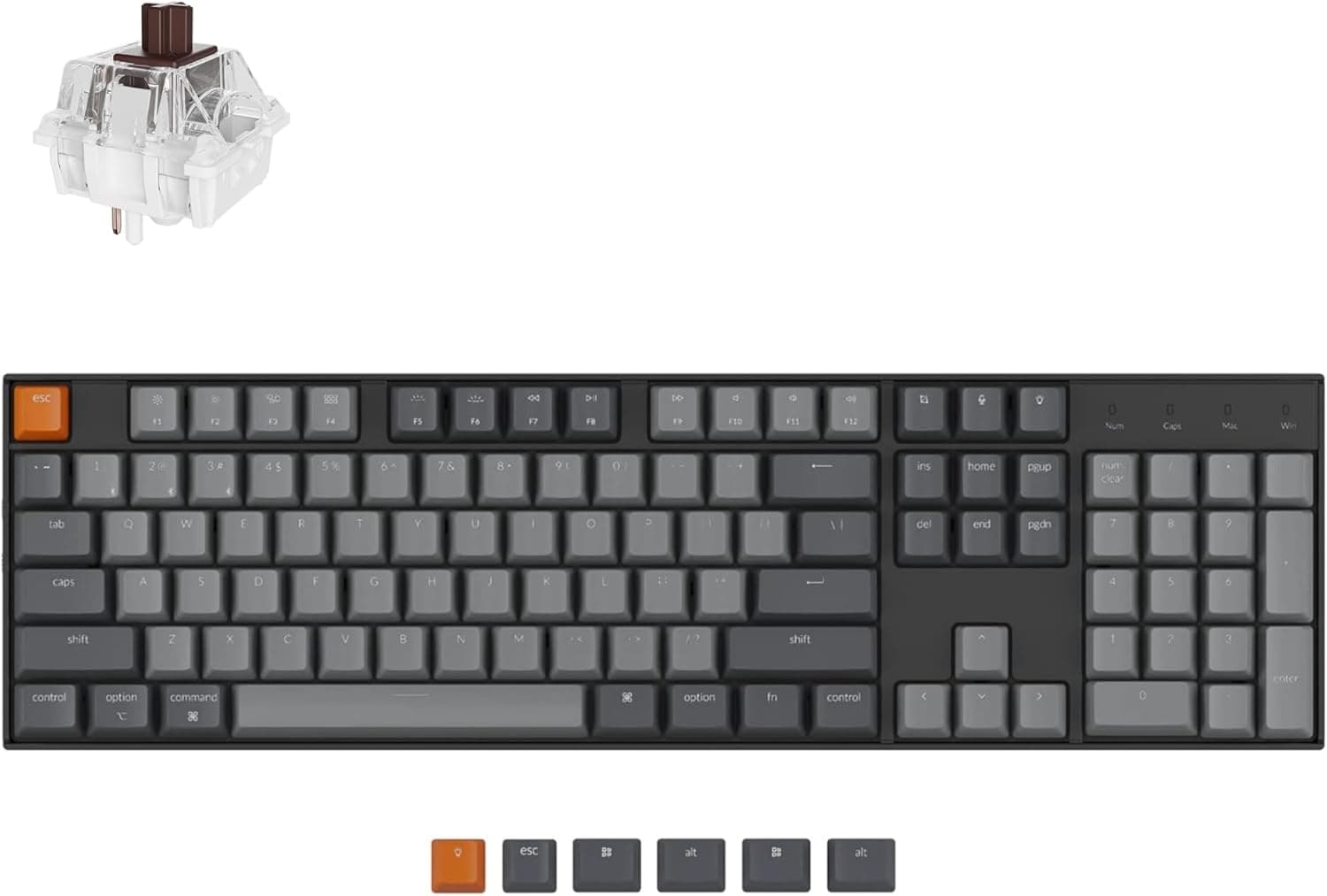
Hot-swap keyboards have switch sockets instead of soldered joints, so you pull switches out and press new ones in by hand with no soldering. This makes trying new switches as easy as an afternoon swap, and a single failed switch is replaced individually. Sockets need straight, intact pins and the board unplugged during swaps; check whether a board supports 3-pin and 5-pin switches before buying. Soldered boards feel marginally more solid, but hot-swap is the more flexible, beginner-friendly choice for most buyers. Hot-swap is a keyboard feature that lets you pull out switches and push new ones in by hand, with no soldering required. Instead of the switch pins being fixed permanently to the circuit board, they slot into small sockets that grip the pins and make the electrical connection. This one design choice turns switches into something you can experiment with rather than commit to for life.
Products from this article
The highest-scoring picks from the buying guides this article links to. Scores are our editorial assessment, not customer ratings.
+ Hot-swap sockets let you customize switches without losing the full numpad
From our guide: Best Hot-Swappable Mechanical Keyboards (2026)
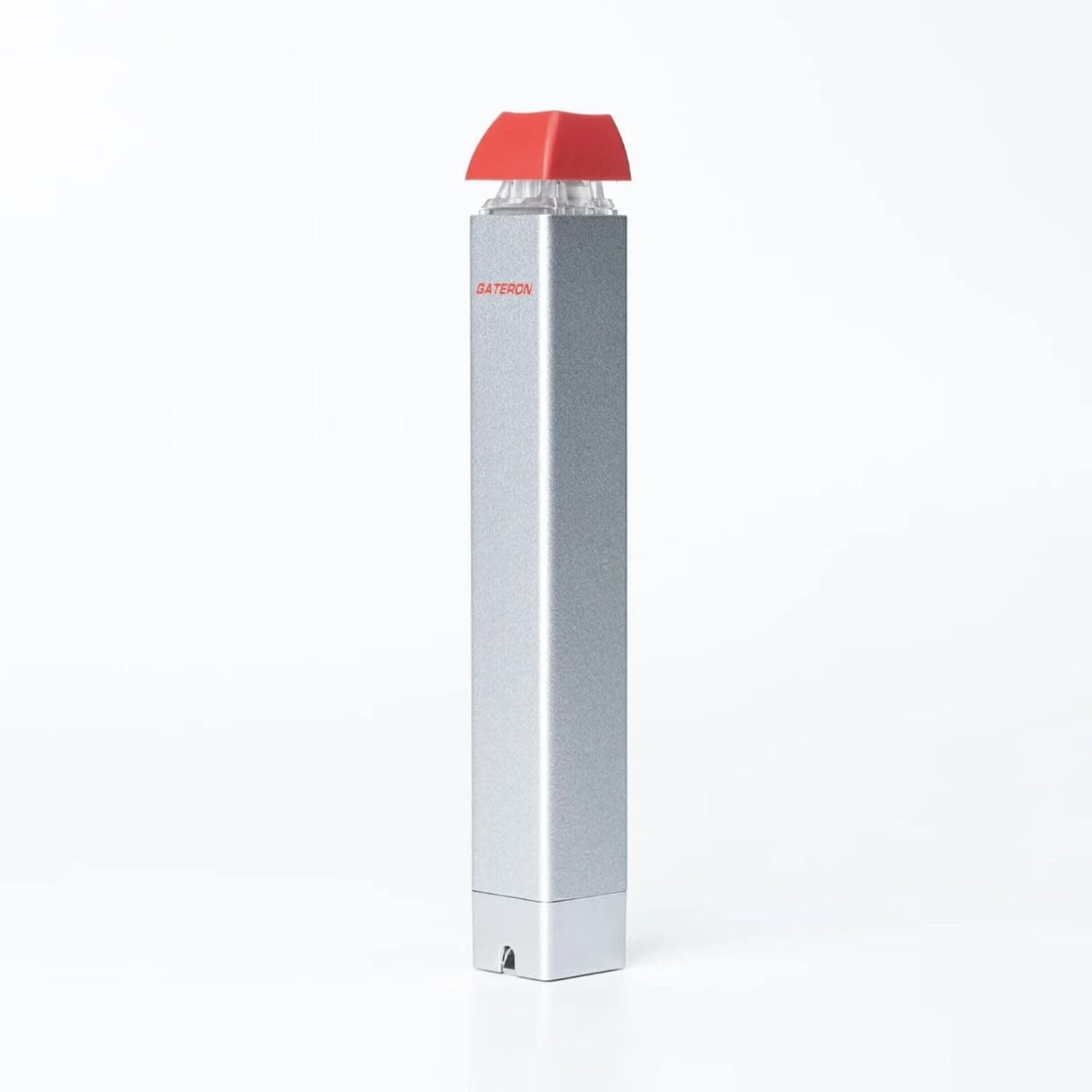
+ Semi-automatic action reduces effort when pulling many switches
From our guide: Best Switch Pullers (2026)
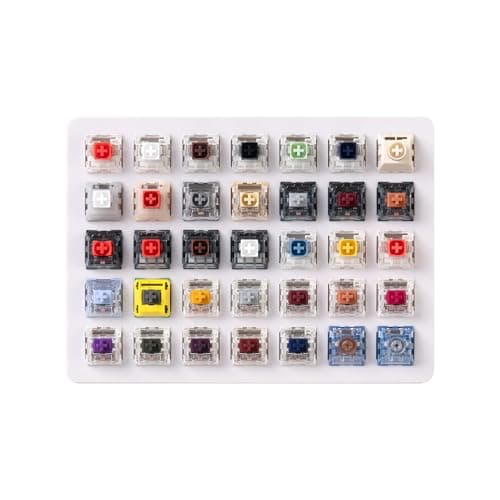
+ Lists 35 curated Kailh switches including Box Red, White, Brown and Jade plus Super Speed Silver and Box Heavy.
From our guide: Best Switch Sample Packs (2026)
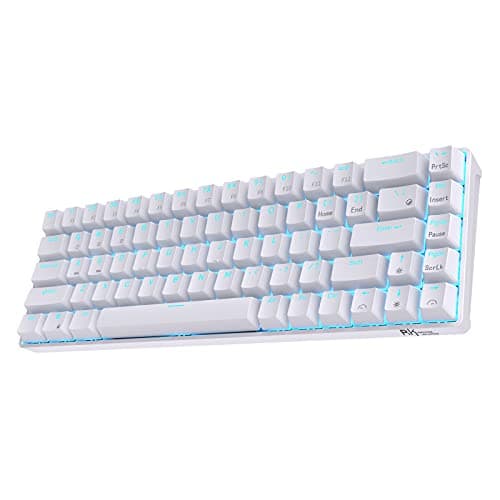
+ Hot-swap PCB accepts 3-pin and 5-pin switches, so you can change switches without soldering.
From our guide: Best Hot-Swappable Mechanical Keyboards (2026)
Soldered vs hot-swap: how switches attach
On a traditional soldered board, each switch is bonded to the printed circuit board with molten solder. Changing a switch means heating each joint, removing the old solder, and soldering the new switch in, which takes tools, practice, and time. Hot-swap sockets remove that barrier entirely, so trying a new switch is as simple as pulling with a puller tool and pressing a replacement into place.
The practical benefit: freedom to explore
The practical benefit is freedom to explore. You can buy a switch tester, decide you like a feel, and then swap your whole board over an afternoon without any risk of damaging traces. If a switch ever fails, you replace just that one. This lowers the stakes of every switch decision and makes the hobby far more approachable for newcomers.
What to watch for when swapping
There are a few things to watch. Sockets accept switches with intact, straight pins, so bent pins must be gently straightened before insertion, and you should always confirm the board is powered off or unplugged first. Some boards support only certain pin counts, so check whether a socket takes three pin and five pin switches before buying switches that may not seat fully.
Is hot-swap always better?
Hot-swap is not strictly better in every way. Soldered boards can feel marginally more solid and remove any chance of a switch working loose, and some enthusiasts still solder for that reason. For the vast majority of buyers, though, hot-swap is the more flexible and beginner friendly choice, and it is worth prioritizing on your first custom oriented board.
Frequently asked questions
What does hot-swap mean on a keyboard? The switches plug into sockets on the PCB instead of being soldered, so you can pull them out and press new ones in by hand with no tools or soldering required.
Can you damage a hot-swap PCB by changing switches? Not if pins are straight and intact and the board is unplugged first. Bent pins should be gently straightened before insertion, and sockets accept only certain pin counts.
Is hot-swap or soldered better for a first keyboard? Hot-swap, for most buyers. It lowers the stakes of every switch decision and is far more approachable for newcomers, though soldered boards can feel marginally more solid.
Do all switches work in a hot-swap board? Only switches with the pin count the sockets support (commonly 3-pin and 5-pin), so check compatibility before buying switches for a hot-swap board.
Popular right now
- Best Ortholinear Keyboards (2026)Buying guide
- North vs South Facing SwitchesArticle
- What Are QMK and VIA? Keyboard Firmware ExplainedArticle
- Linear vs Tactile vs ClickyArticle
- Mechanical Keyboard Switch ChartArticle
- Best Split Ergonomic Mechanical Keyboards (2026)Buying guide
Based on the last 28 days of search and visitor data.