Keyboards
Mechanical keyboards come in many layouts, materials and feature sets. Size, hot-swap sockets and connectivity matter most, since they decide desk space and how easily you can change the keyboard later.
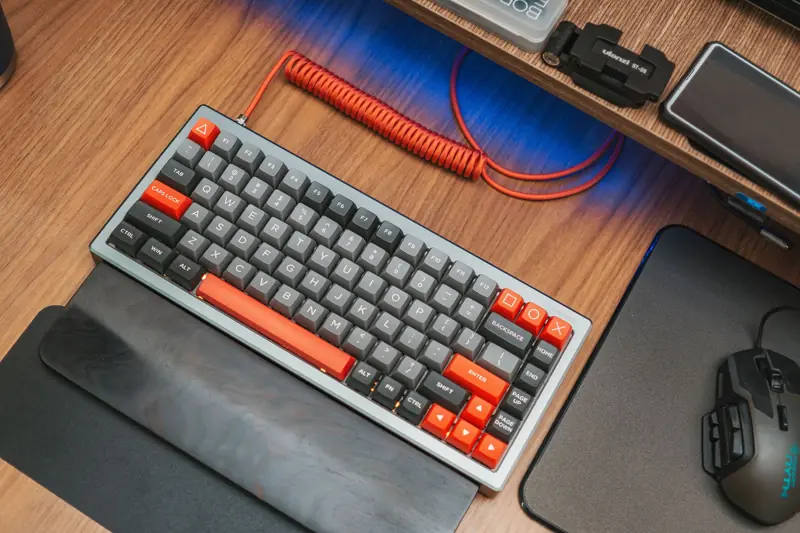
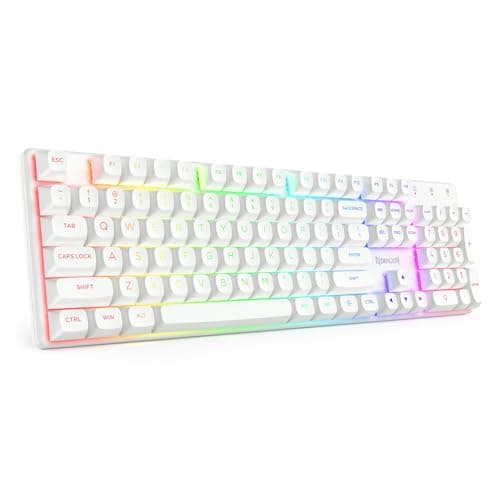
Best Clicky Mechanical Keyboards (2026)
Clicky mechanical keyboards with blue-style switches, from full-size and TKL to 60% and 75%. Compare layout, hot-swap support and noise before you buy.
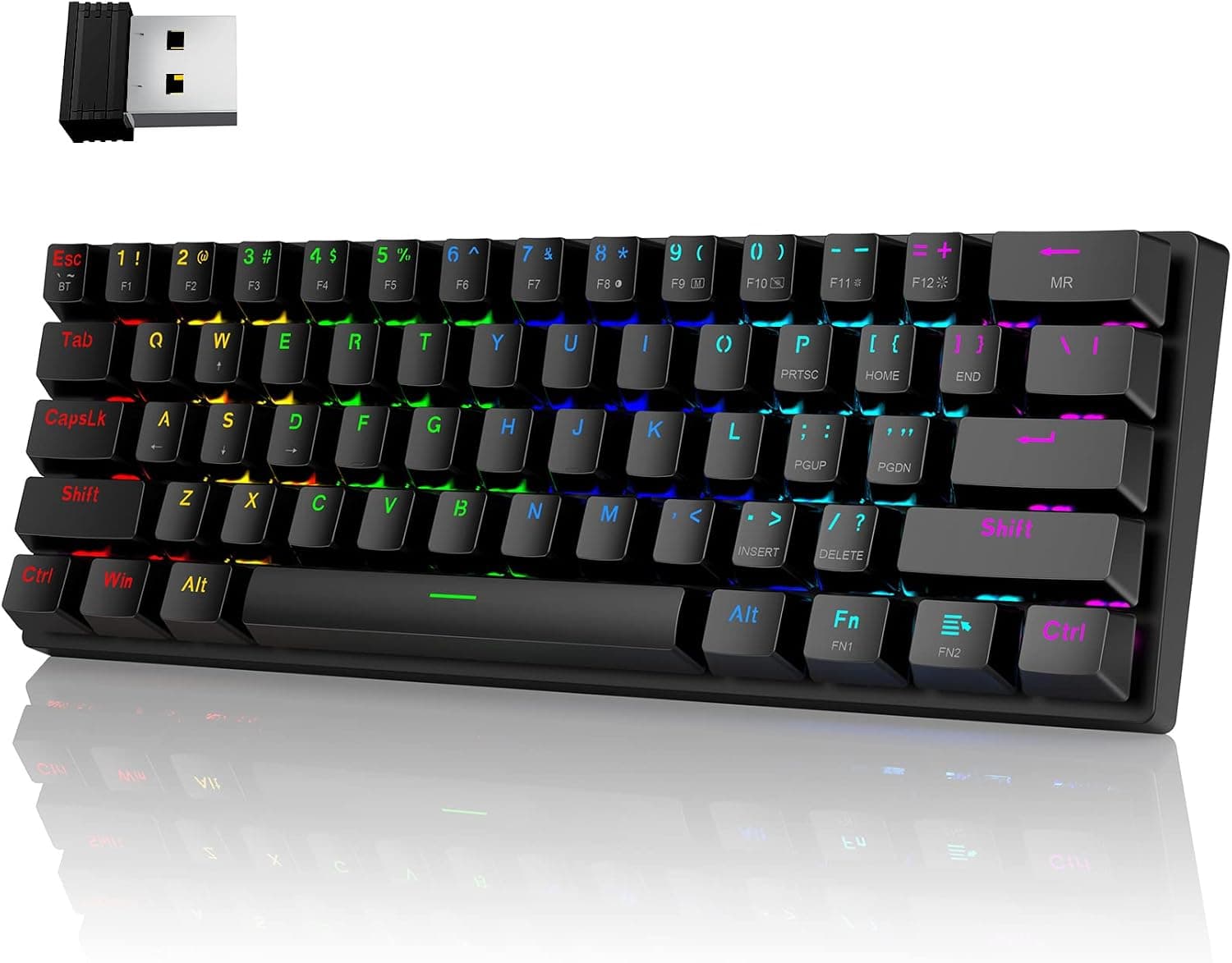
Best Wireless Mechanical Keyboards (2026)
Compare the best wireless mechanical keyboards with Bluetooth and 2.4GHz options, long battery life, and multi-device pairing for a clean desk.
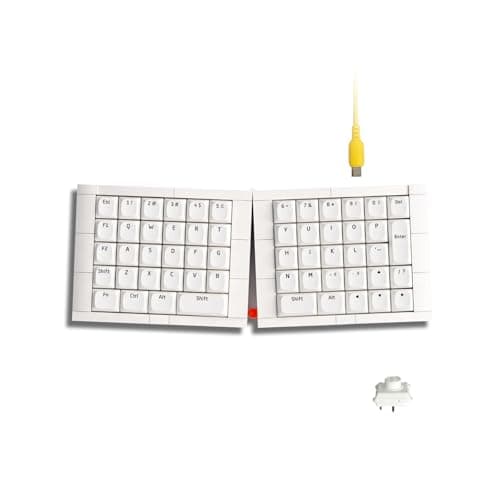
Best Ortholinear Keyboards (2026)
Find the best ortholinear keyboards with grid-aligned keys that aim to reduce finger travel and offer a fresh, efficient typing experience.
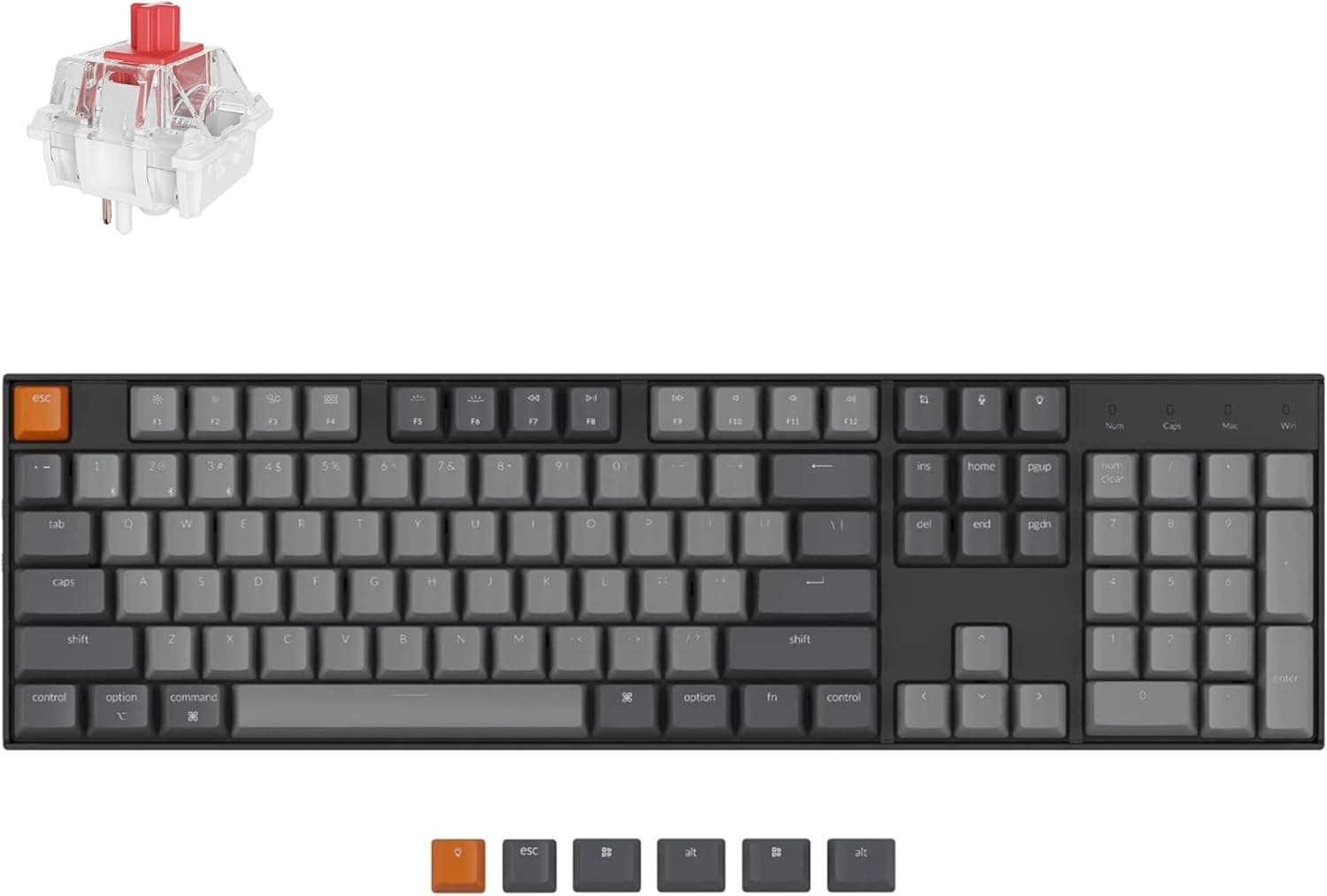
Best Full-Size Mechanical Keyboards (2026)
Compare the best full-size mechanical keyboards with a dedicated numpad, function row, and arrow cluster for work, data entry, and gaming.
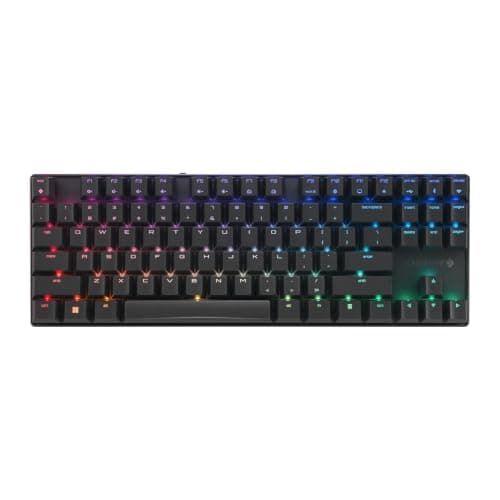
Best TKL (Tenkeyless) Mechanical Keyboards (2026)
Find the best tenkeyless mechanical keyboards that drop the numpad for a compact footprint while keeping the function row and arrow keys.
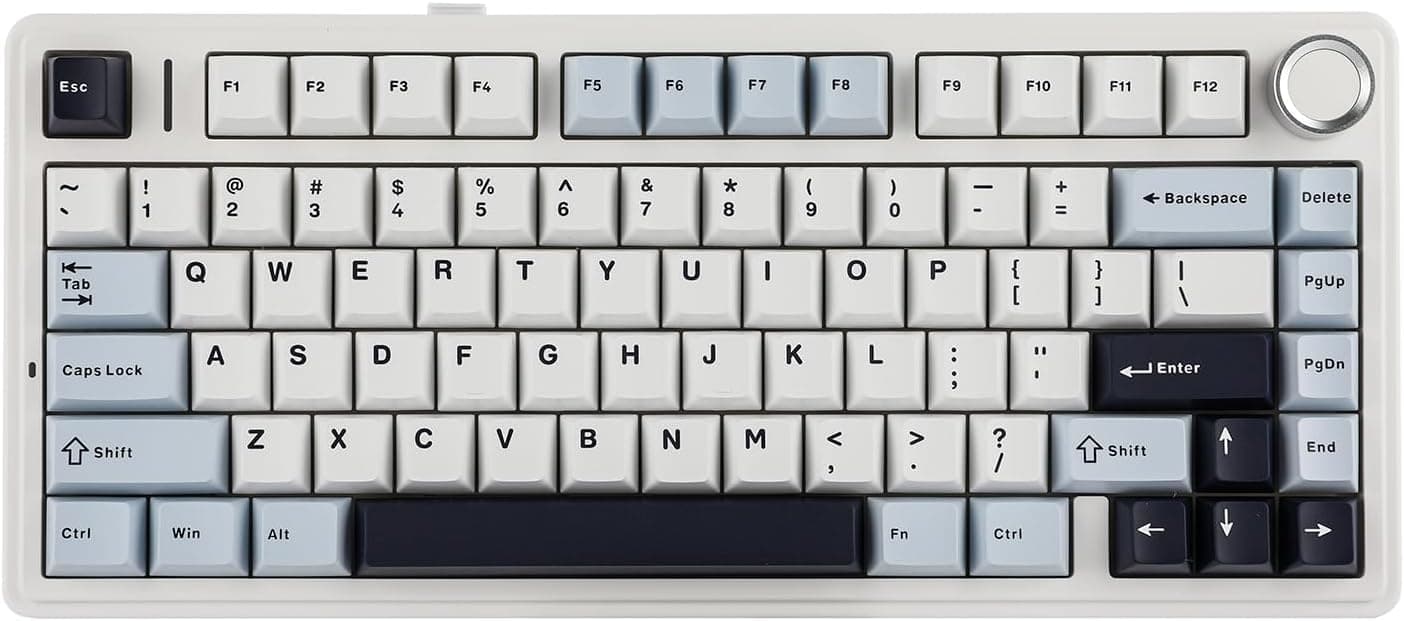
Best 75% Mechanical Keyboards (2026)
Compare the best 75% mechanical keyboards that pack the function row and arrow keys into a compact, space-saving layout for work and play.
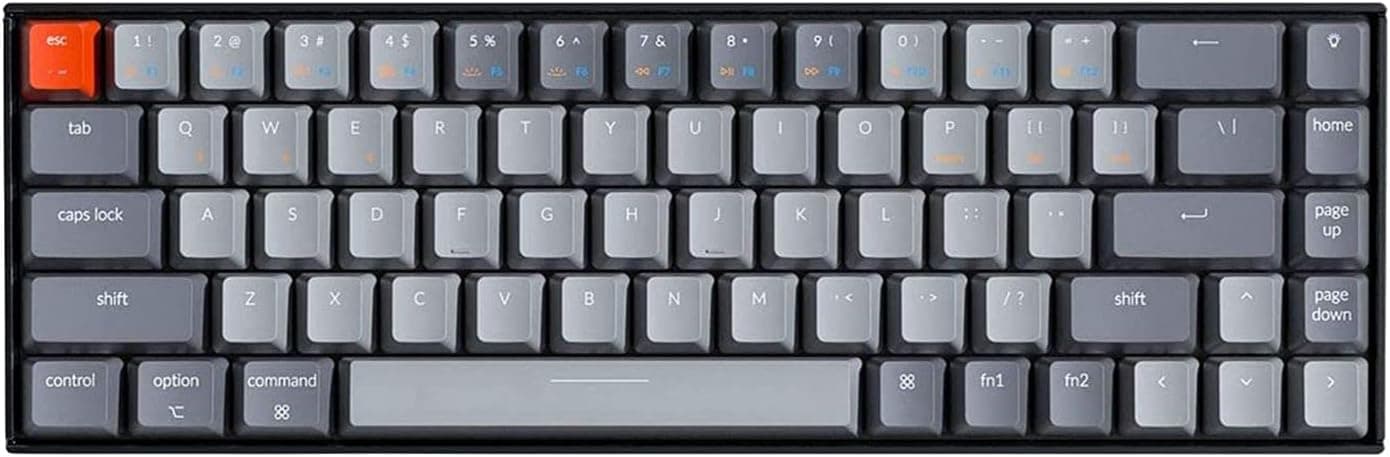
Best 65% Mechanical Keyboards (2026)
Discover the best 65% mechanical keyboards that keep arrow keys and a few navigation keys in a compact, minimalist layout for desk and travel.
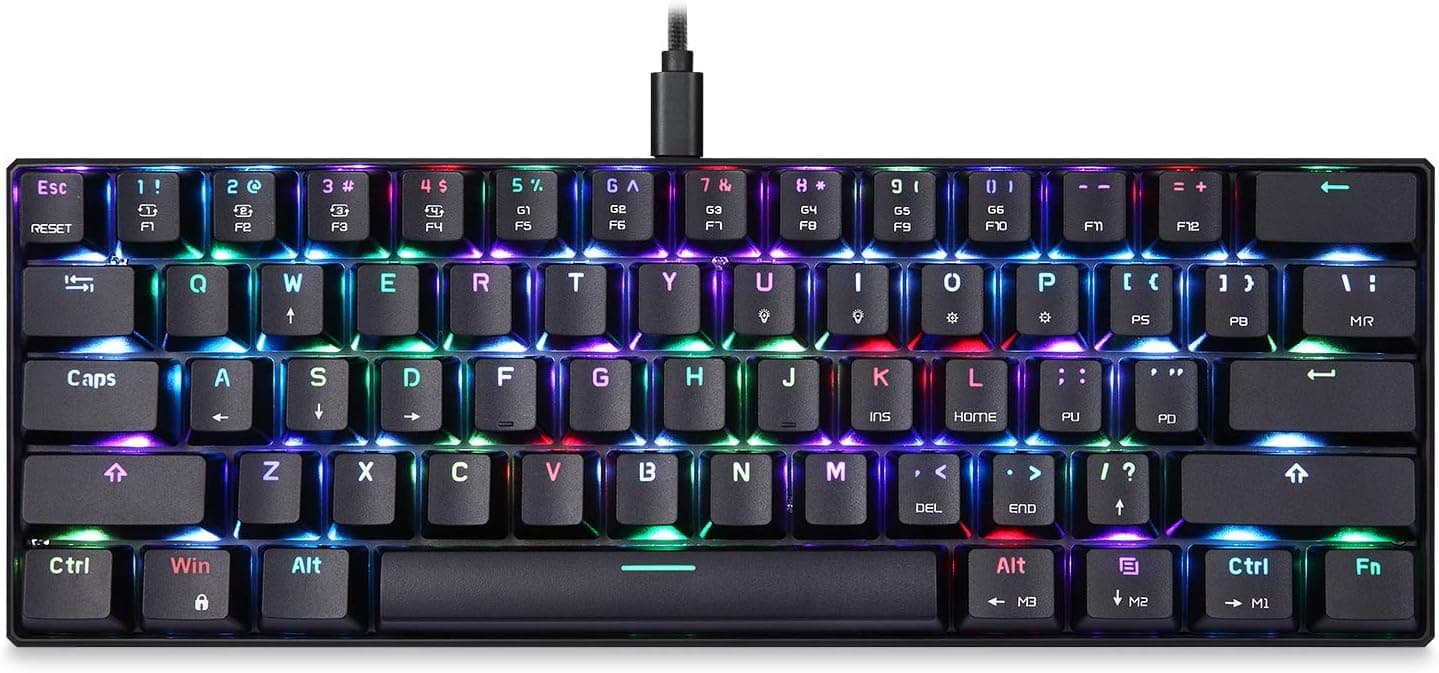
Best 60% Mechanical Keyboards (2026)
Compare the best 60% mechanical keyboards with an ultra-compact layout that maximizes desk space for gaming, travel, and minimalist setups.
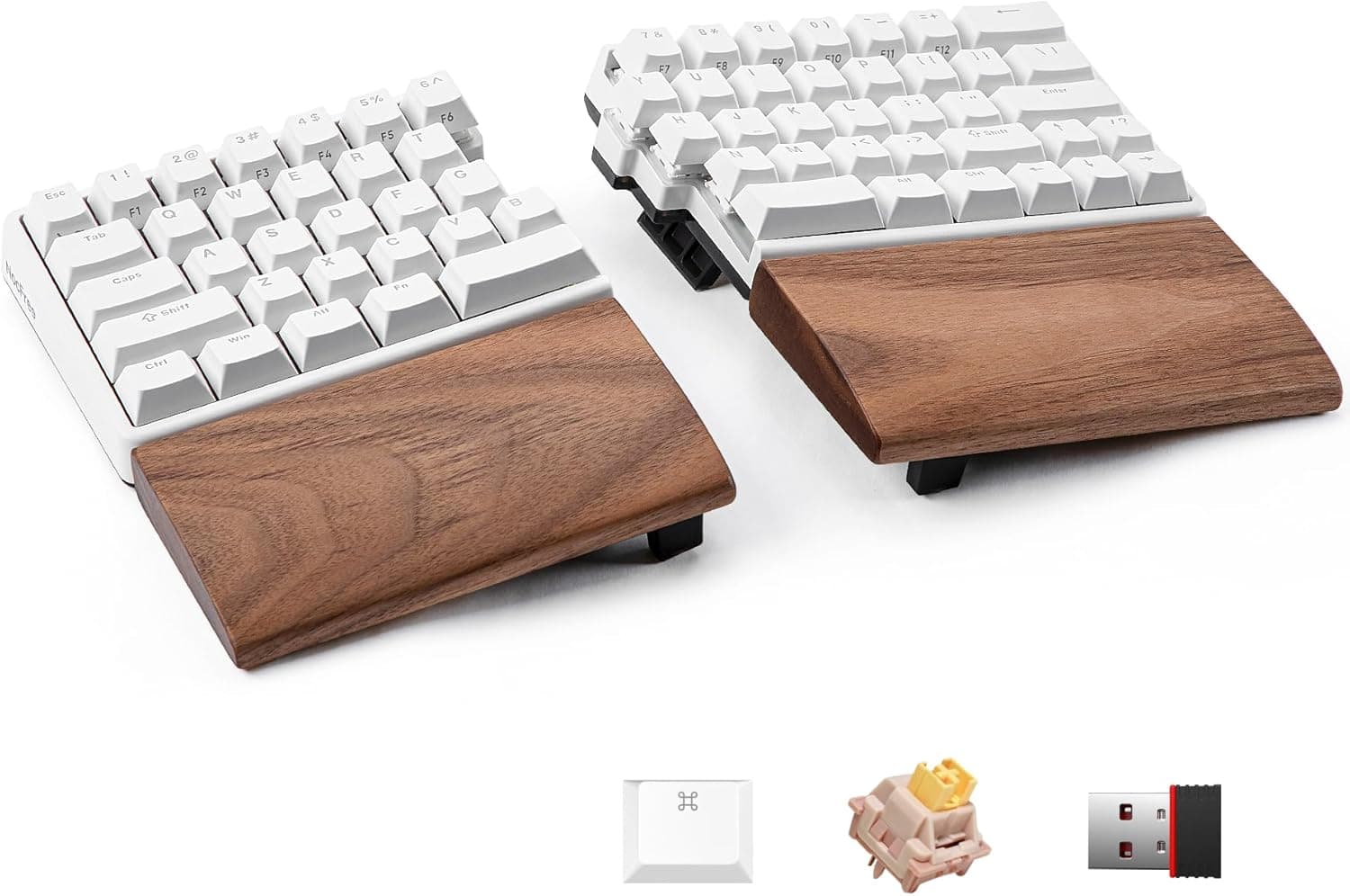
Best Split Ergonomic Mechanical Keyboards (2026)
Find the best split ergonomic mechanical keyboards designed to reduce wrist strain with separated halves, tenting, and thumb clusters.
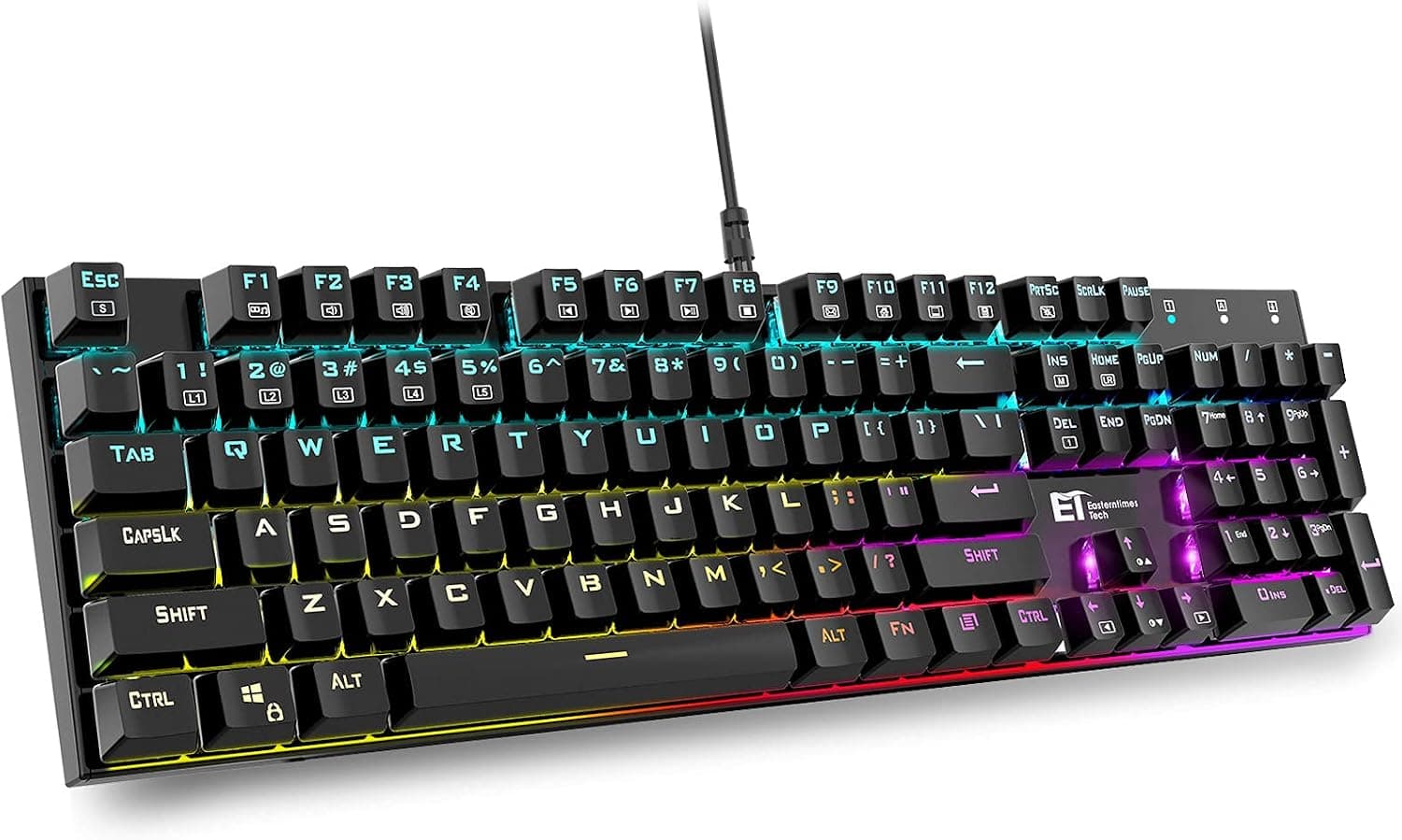
Best Gaming Mechanical Keyboards (2026)
Discover the best gaming mechanical keyboards with fast switches, low latency, N-key rollover, and durable builds for competitive and casual play.
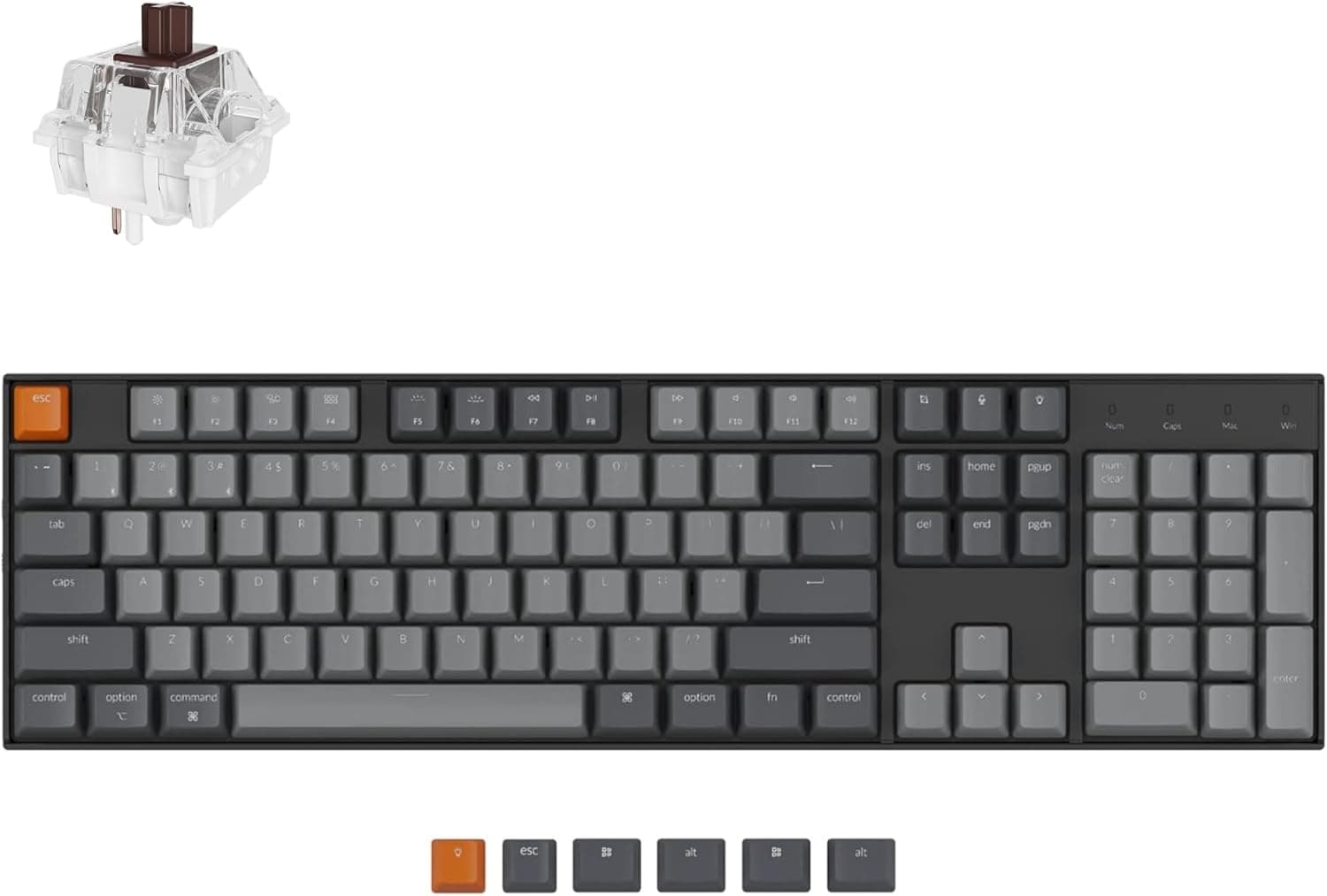
Best Hot-Swappable Mechanical Keyboards (2026)
Compare the best hot-swappable mechanical keyboards that let you change switches without soldering for easy customization and future upgrades.
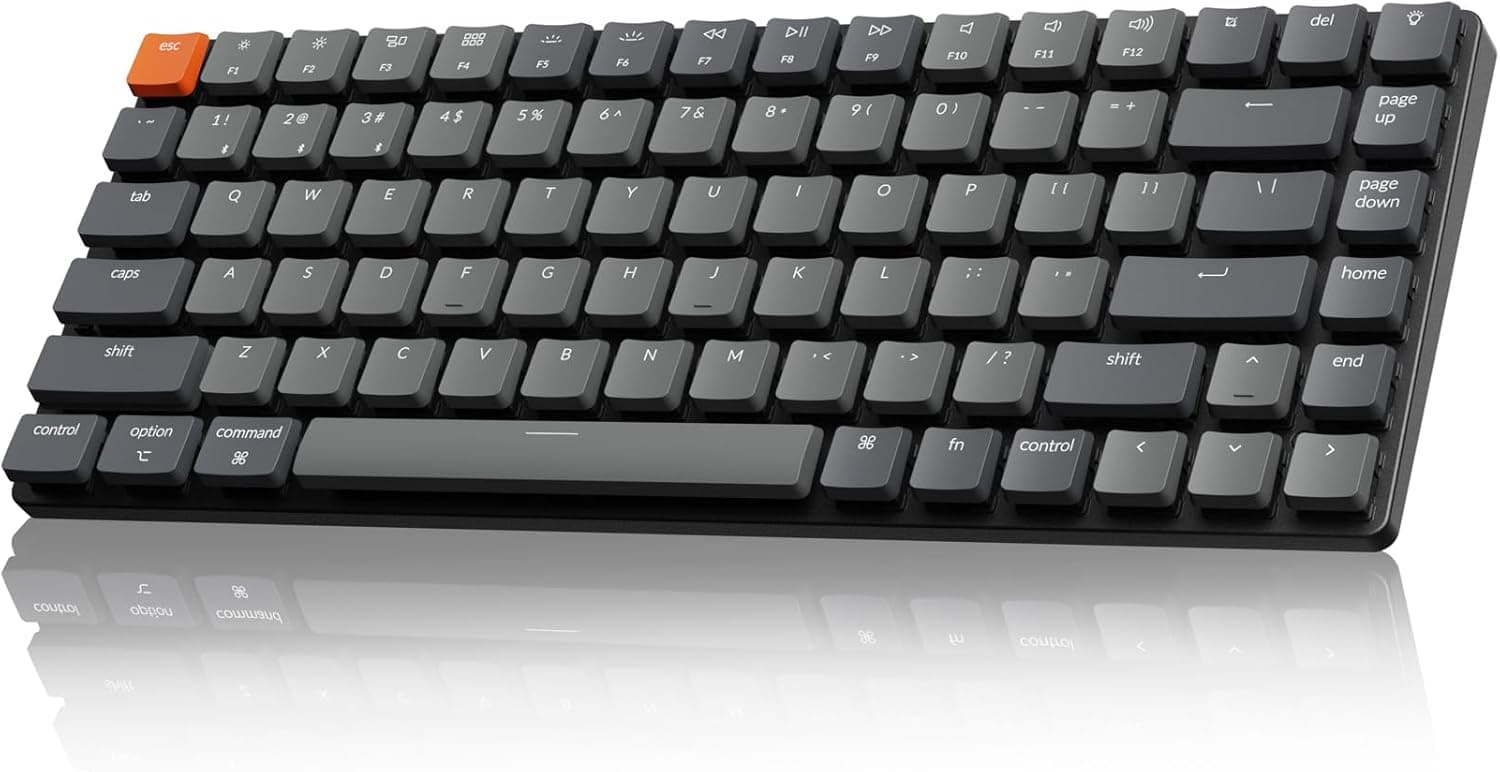
Best Low-Profile Mechanical Keyboards (2026)
Find the best low-profile mechanical keyboards with shorter switches and slim cases that feel closer to a laptop while keeping a mechanical feel.
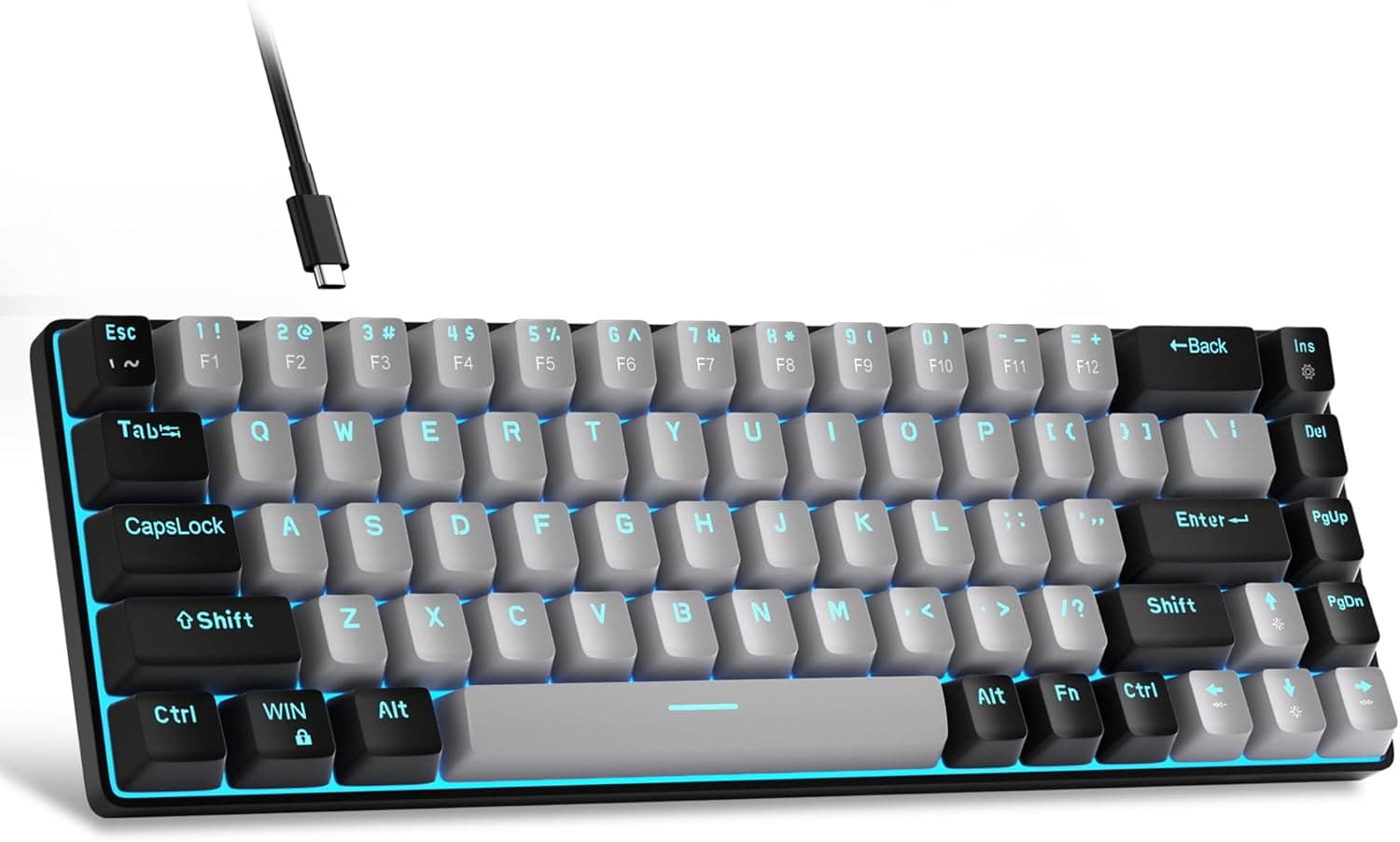
Best Budget Mechanical Keyboards (2026)
Compare the best budget mechanical keyboards that deliver solid switches, decent builds, and real value without stretching your wallet.
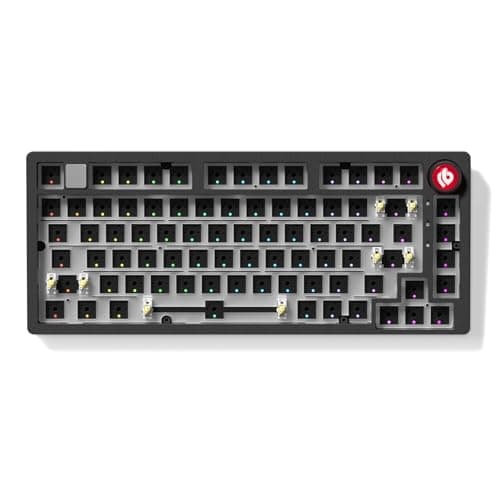
Best Custom Keyboard Kits (2026)
Discover the best custom mechanical keyboard kits with barebones cases, PCBs, and plates so you can build your own board and pick every part.
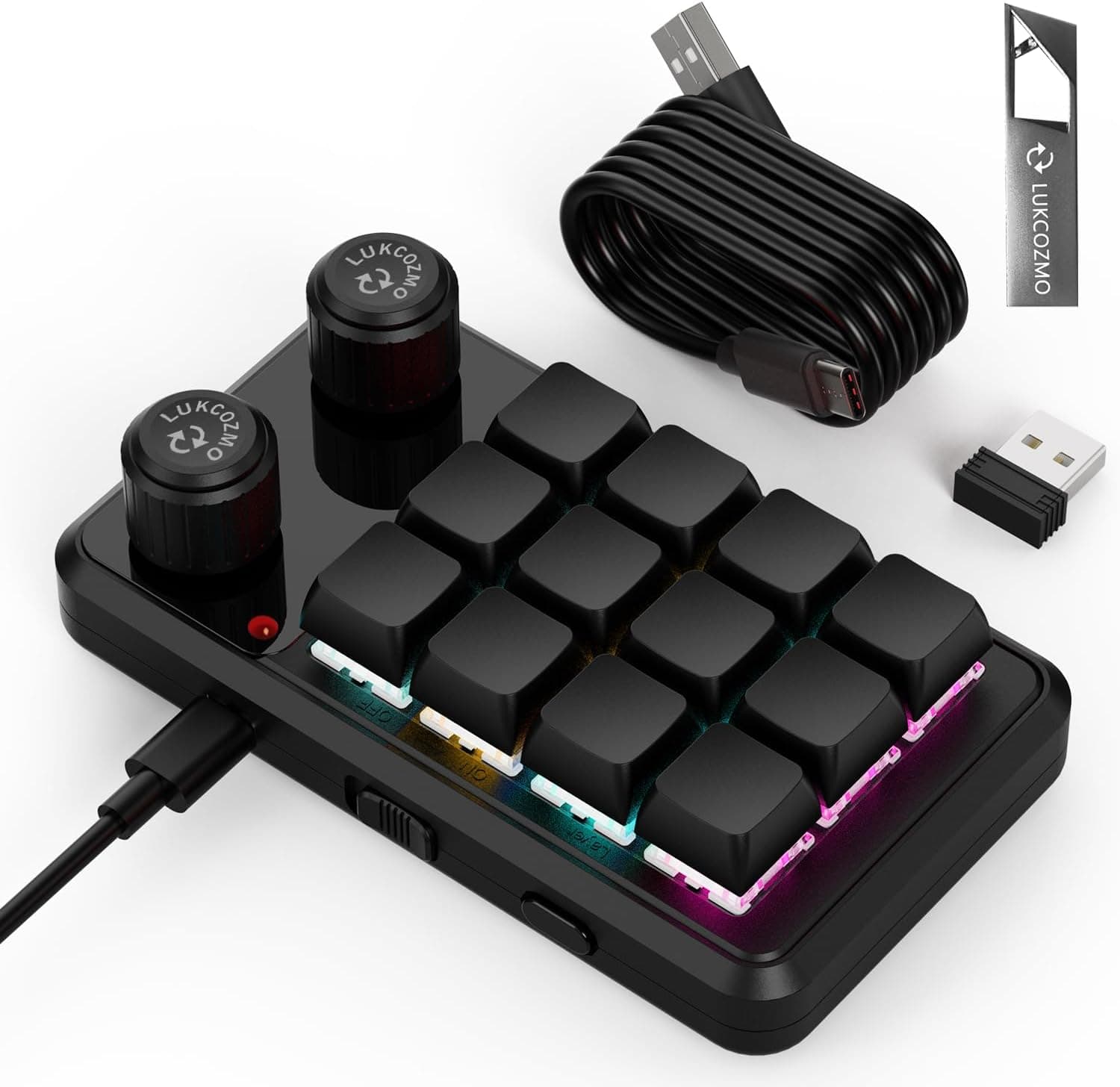
Best Macropads (2026)
Compare the best macropads with programmable keys, knobs, and screens to speed up editing, shortcuts, and workflows alongside your keyboard.
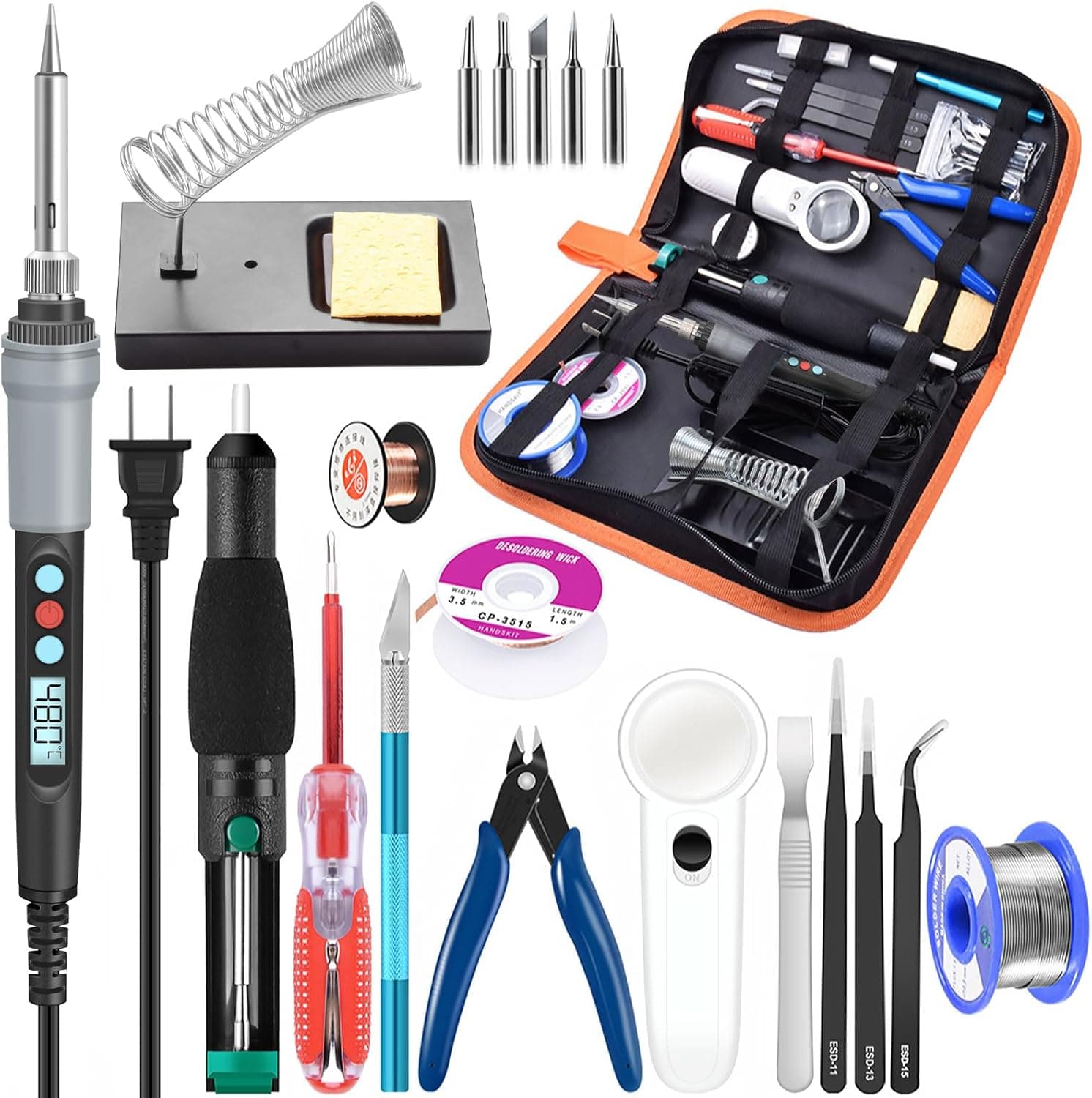
Best Soldering Kits for Keyboards
Soldering kits for keyboard building judged on temperature control and stability, wattage, tip selection, and which bundled accessories are actually padding.
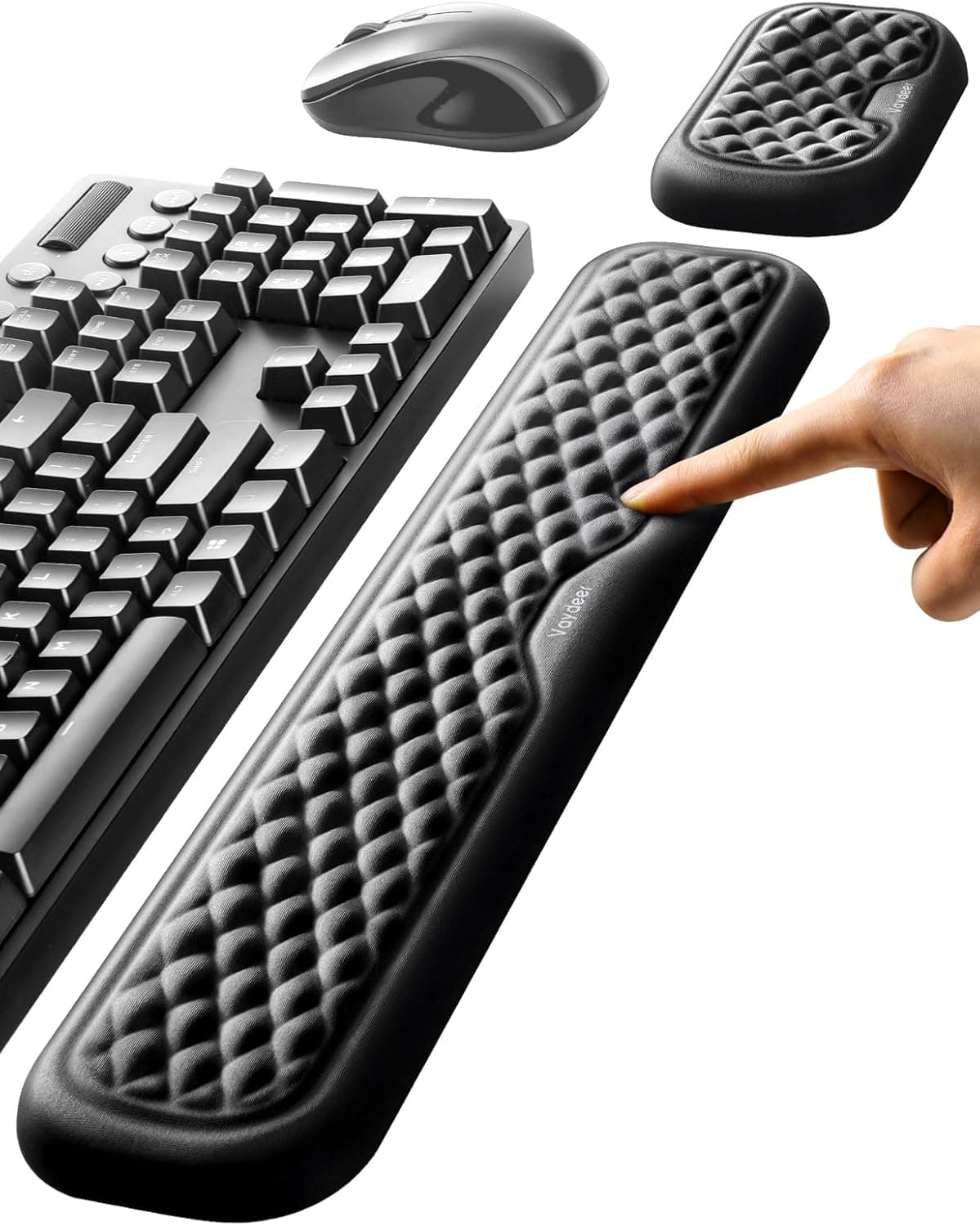
Best Keyboard Wrist Rests
Wrist rests compared on height matched to your keyboard front edge, memory foam versus cooling gel firmness, base grip, and keyboard plus mouse pad sets.
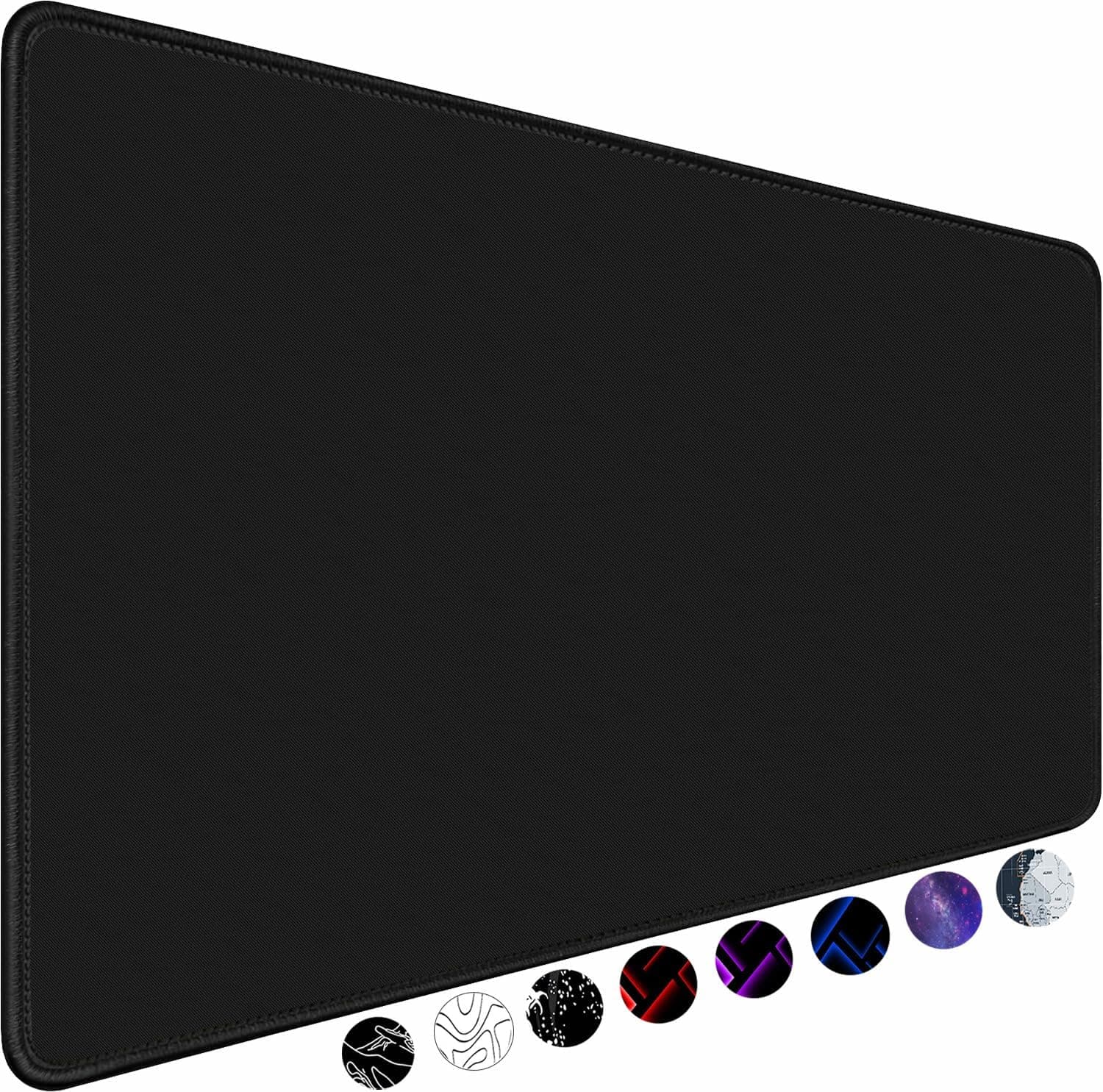
Best Deskmats
Deskmats compared on the dimensions that actually fit a keyboard plus mouse travel, thickness and typing feel, stitched edges, and rubber base grip and mass.
How to choose
- Choose a layout that fits your desk and the keys you use, often TKL or 75%.
- Prefer hot-swappable boards so switches can change without soldering.
- Check wireless battery life and connection options if you move between devices.
- Confirm keycap compatibility, especially for the bottom row.
Common questions
What mechanical keyboard layout should I choose?
TKL and 75% layouts suit most people, keeping arrows and function keys while freeing mouse space. Full size is best if you use the number pad daily.
Is a hot-swappable keyboard worth it?
Yes for most buyers. It lets you try different switches or replace a faulty one in minutes without soldering.