Linear vs Tactile vs Clicky
Published Updated How we research
Linear switches press straight down with no bump and no click, tactile add a bump you can feel at actuation, and clicky add an audible click on top of that bump. Gamers usually favour linears, typists usually favour tactiles, and clicky suits anyone who types where noise is not a problem. Here is how each one actually feels.
Products from this article
The highest-scoring picks from the buying guides this article links to. Scores are our editorial assessment, not customer ratings.
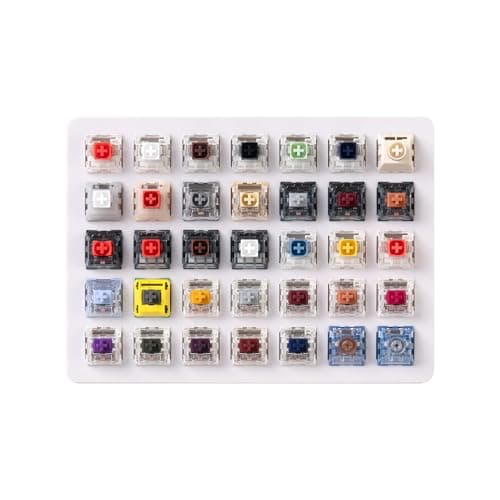
+ Lists 35 curated Kailh switches including Box Red, White, Brown and Jade plus Super Speed Silver and Box Heavy.
From our guide: Best Switch Sample Packs (2026)
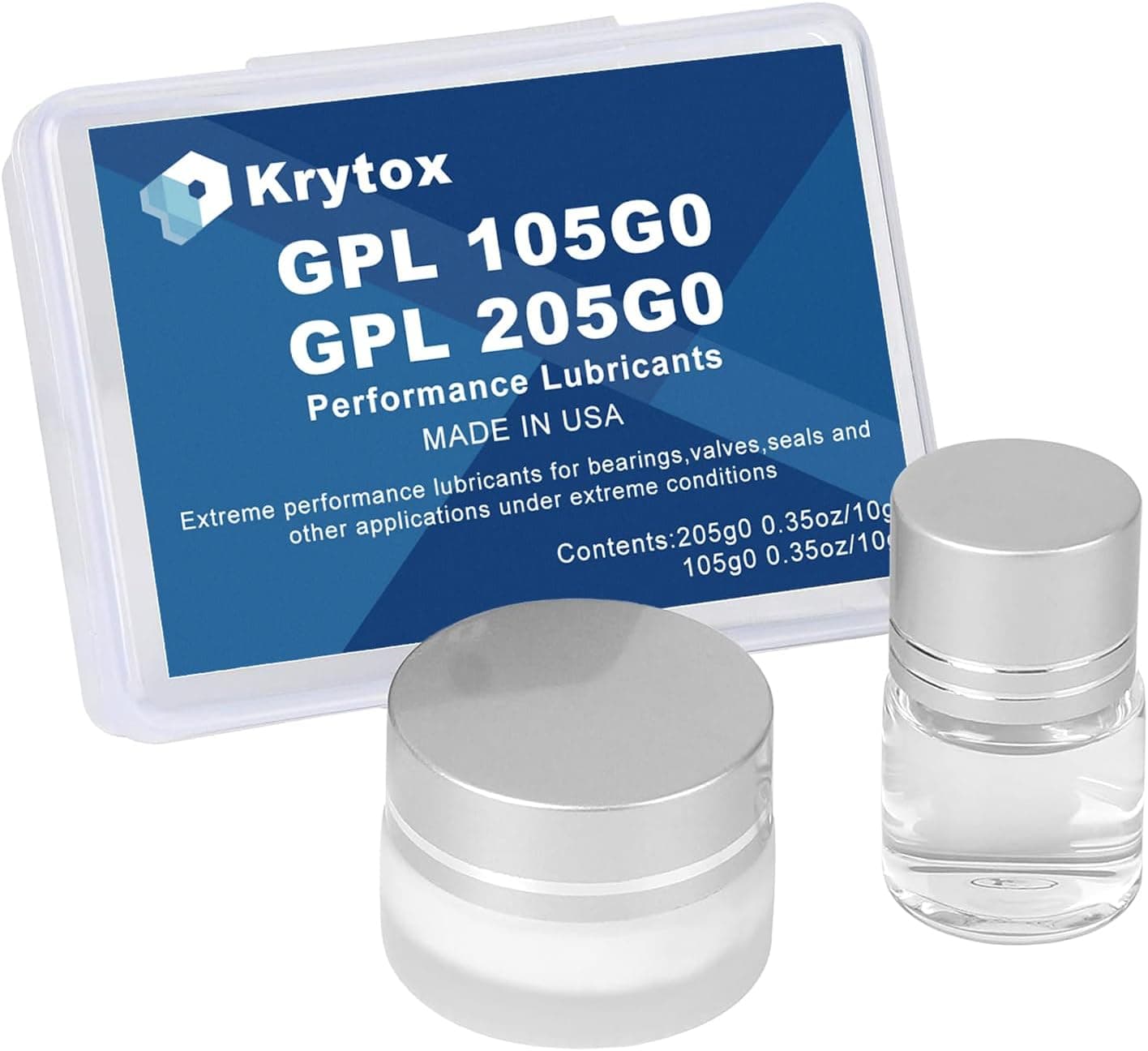
+ 205G0 handles switch housings while 105G0 oil suits springs
From our guide: Best Switch Lube (2026)
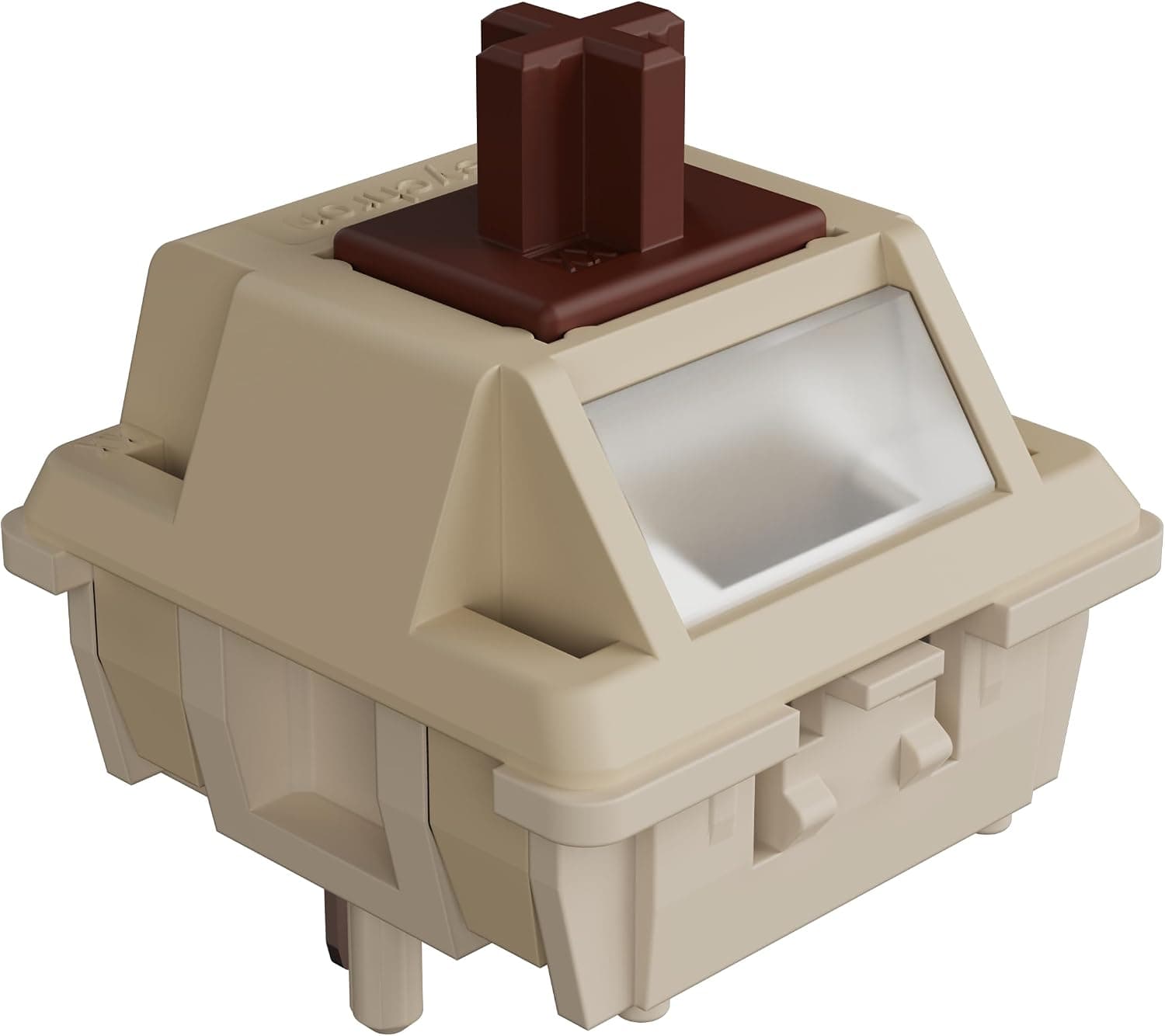
+ Full POM housing and stem give a smooth, deep sounding tactile feel
From our guide: Best Tactile Mechanical Switches (2026)
+ Tri-mode connection (Bluetooth 5.0, 2.4GHz, USB wired) with up to five devices listed
From our guide: Best Clicky Mechanical Keyboards (2026)
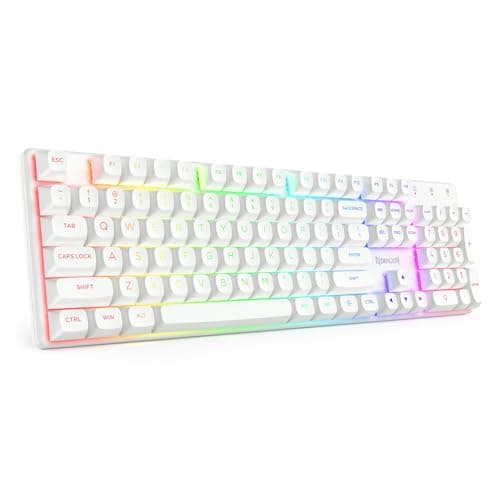
Linear: Smooth All the Way Down
Linear switches move straight down with no bump and no click. The force curve is smooth from the top of the press to the bottom, so the motion feels clean and consistent. Many gamers prefer linears because the uninterrupted travel makes rapid repeated presses feel effortless, and plenty of typists enjoy the calm, smooth stroke as well.
Tactile: Feedback Without the Noise
Tactile switches add a noticeable bump partway through the press. That bump gives physical feedback that the key is registering, which many typists find reassuring because they can feel the actuation without bottoming out hard. The bump size and sharpness vary widely between switches, so tactiles range from a gentle round nudge to a strong, pronounced kick.
Clicky: Sound Paired With the Bump
Clicky switches build on the tactile bump by adding an audible click at roughly the same point in the travel. The click is produced by a small mechanism inside the switch and is meant to pair sound with the tactile feedback. They are satisfying to many people but loud, which makes them a poor fit for shared offices, calls, or quiet rooms.
How to Choose for Your Desk
Choosing comes down to feel preference and your environment. If you want quiet and smooth, go linear. If you want feedback without noise, go tactile. If you love sound and type where noise is not an issue, clicky can be a joy. Whenever possible, try a switch tester so you can feel the categories before committing, since preference here is deeply personal.
Buying a complete clicky keyboard
If you already know you want the click, the quickest route is a complete board with clicky switches rather than a bag of loose ones. Blue-style switches are usually rated around 50 gf with a tactile bump and an audible click, and most entry-level boards use them. The choices that matter after the switch are layout (full-size, TKL or 75%), whether the sockets are hot-swappable, and the keycap plastic, since cheaper boards often use ABS.
Plan for the noise before you order. A clicky board is easy to hear on a call or in a shared room, and if that is a concern a tactile or silent switch is the safer pick. Our clicky keyboards guide compares wired and wireless full-size, TKL, 75% and 60% options with the trade-offs listed for each.
Common Questions About Switch Types
Which switch type is quietest? Linear, and quieter still with a silent variant that has dampening built into the stem. Tactile sits in the middle, clicky is loudest by design.
Are linear switches better for gaming? Many players prefer them because nothing interrupts the downstroke, but the difference is preference rather than measurable advantage.
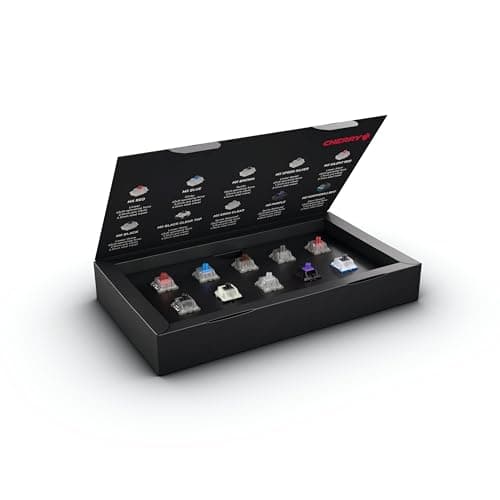
Can I try switches before committing? Yes. A switch sample pack is the cheapest way to feel the differences before buying a full set.
Do tactile switches slow down typing? No. Most typists report the opposite, because the bump signals actuation so you stop bottoming out on every key.
At a glance: Linear vs Tactile
| Linear | Tactile | |
|---|---|---|
| Feel | Smooth, consistent | Bump near actuation |
| Typing feedback | Relies on bottoming out or sound | Feel the keypress without bottoming out |
| Gaming | Popular for fast repeated presses | Works well, slightly less smooth |
| Sound | Can be very quiet when lubed | Moderate, depends on the bump |
| Examples | Cherry MX Red, Gateron Yellow | Cherry MX Brown, Boba U4T |
| Best for | Gaming and light touch typists | Typing-heavy work |
Choose Linear if
- You game a lot
- You like a smooth, uninterrupted press
- You want a quiet build
Choose Tactile if
- You type all day
- You tend to bottom out hard
- You want clear feedback without a click
Bottom line: Tactile switches are the safest first choice for mixed work and play. Gamers and people who dislike bumps usually prefer linear. A switch tester settles it quickly.
Popular right now
- What Is a Hot-Swap Keyboard and Why It MattersArticle
- Best Ortholinear Keyboards (2026)Buying guide
- North vs South Facing SwitchesArticle
- What Are QMK and VIA? Keyboard Firmware ExplainedArticle
- Mechanical Keyboard Switch ChartArticle
- Best Split Ergonomic Mechanical Keyboards (2026)Buying guide
Based on the last 28 days of search and visitor data.