Keyboard Sizes Explained
Published How we research
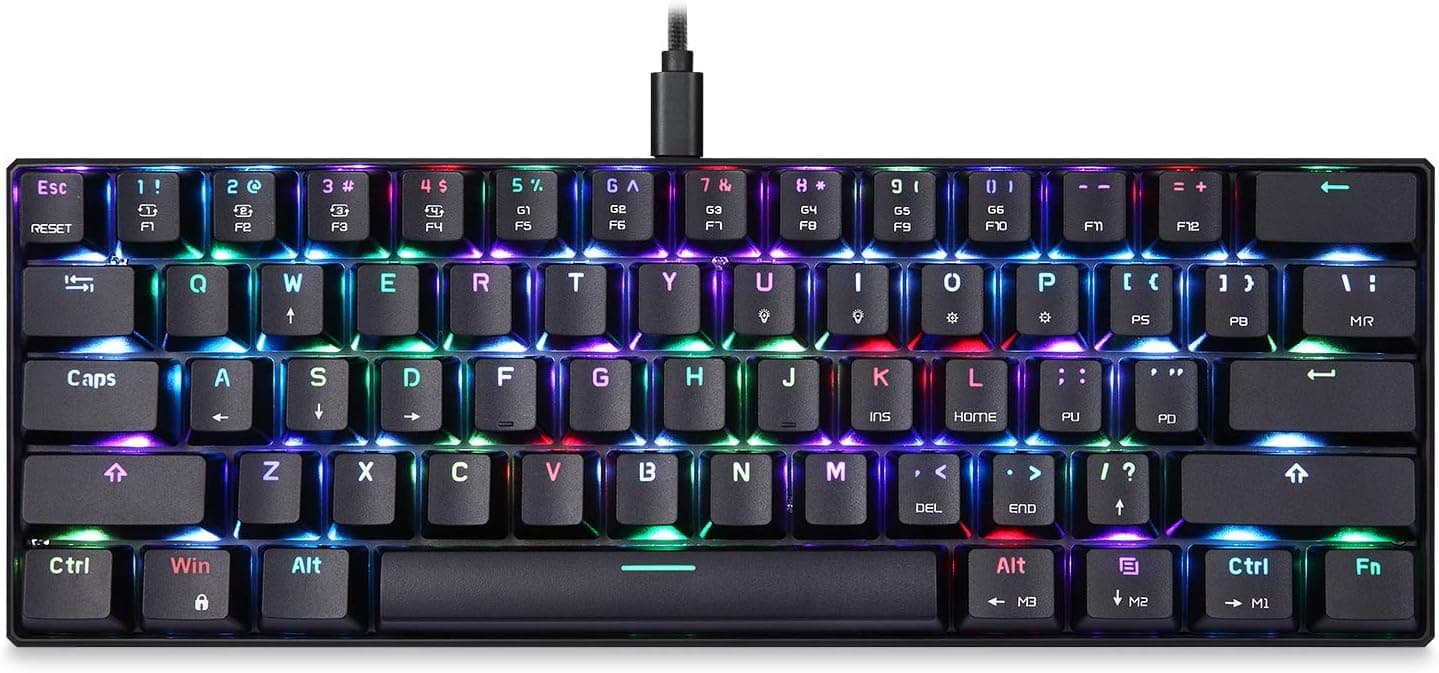
Keyboard sizes drop keys to save desk width. Full size keeps everything including a number pad. Tenkeyless (TKL) removes the number pad but keeps arrows and function row, the most popular starting point. 75 percent squeezes the same keys into a tighter footprint. 65 percent drops the function row but keeps arrows; 60 percent drops both and reaches them through a function layer. Pick the smallest size whose missing keys you can genuinely live without. Keyboard size is usually the first real decision you make, and it shapes almost everything else about the board. Size refers to how many keys are present and how tightly they are packed, which in turn affects desk space, mouse room, and how much you have to relearn. The common named sizes are full size, tenkeyless, 75 percent, 65 percent, and 60 percent, and each one drops a group of keys to save width.
Products from this article
The highest-scoring picks from the buying guides this article links to. Scores are our editorial assessment, not customer ratings.
+ Hotswap support lets you change switches without any soldering
From our guide: Best 60% Mechanical Keyboards (2026)
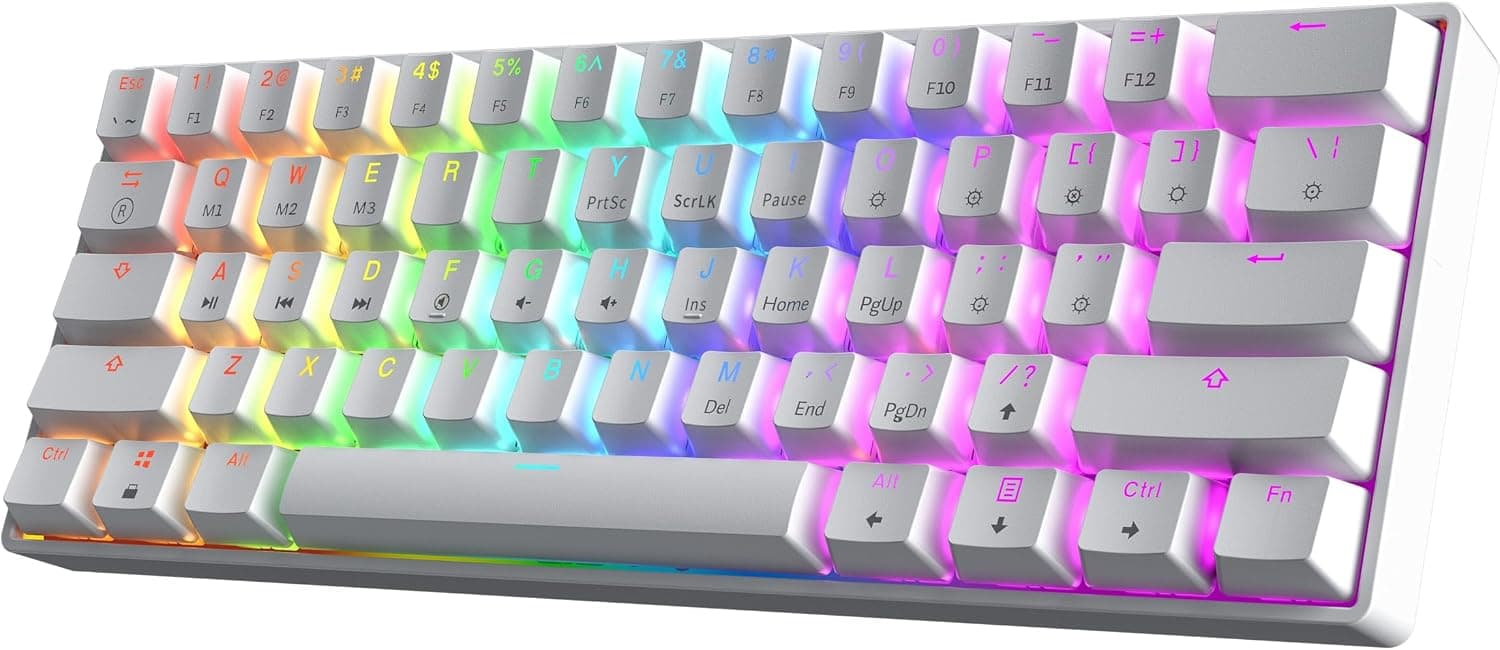
+ Gasket mount gives a cushioned, muted typing sound that rivals pricier custom boards
From our guide: Best 75% Mechanical Keyboards (2026)
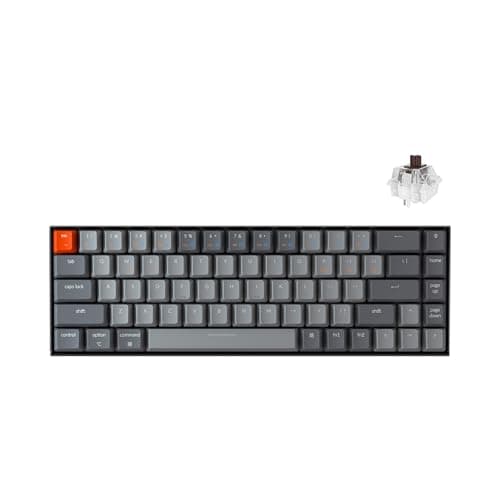
+ Hot-swap sockets work with most MX style SMD-LED switches, including Gateron, Cherry and Kailh.
From our guide: Best 65% Mechanical Keyboards (2026)
+ Brown switches offer a mild bump that feels good for writing and chat
From our guide: Best 60% Mechanical Keyboards (2026)
Full size: nothing removed
A full size board keeps everything: the alphas, a function row, arrow keys, navigation cluster, and a dedicated number pad on the right. This is the traditional office layout and it is ideal if you enter numbers all day or rely on the nav cluster. The trade off is width, which pushes your mouse further to the right and can strain the shoulder over long sessions.
Tenkeyless (TKL): the popular middle ground
Tenkeyless, often written as TKL, removes the number pad but keeps the function row, arrows, and navigation keys. It is the most popular starting point for people leaving a full size board because nothing you use often disappears, yet you reclaim a meaningful chunk of desk. Many typists find TKL to be the comfortable middle ground between familiarity and space.
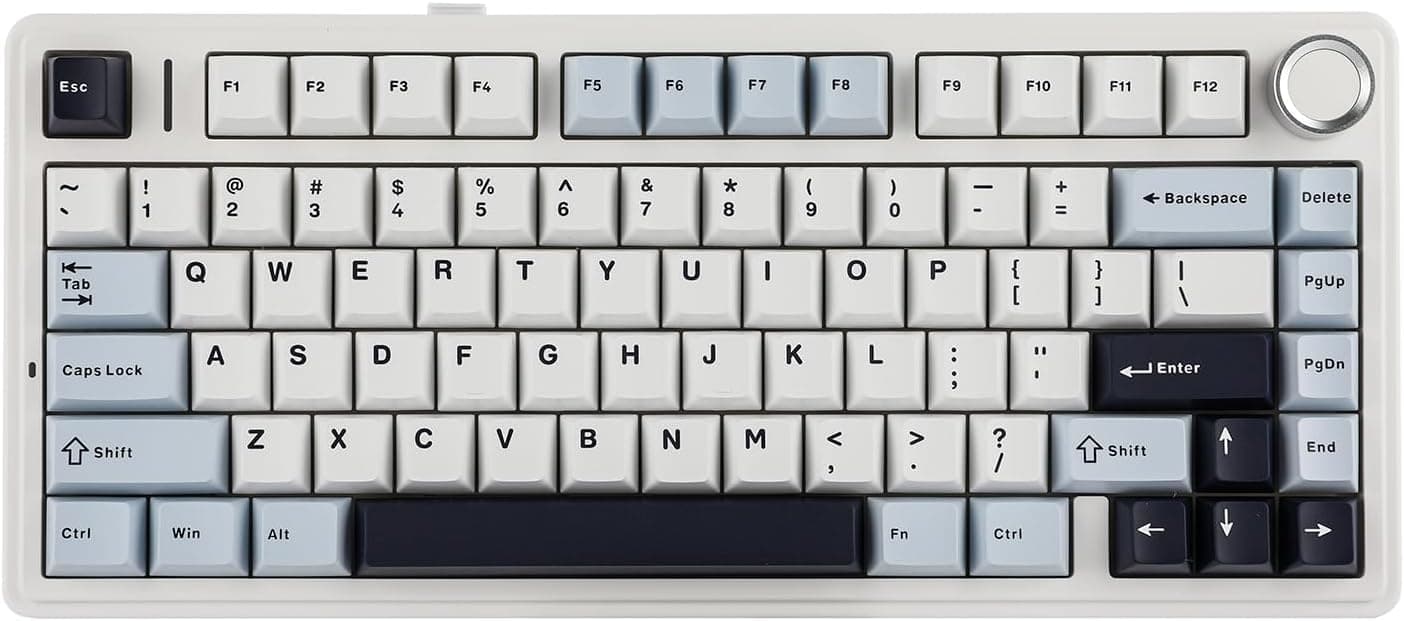
75 percent: TKL features, tighter footprint
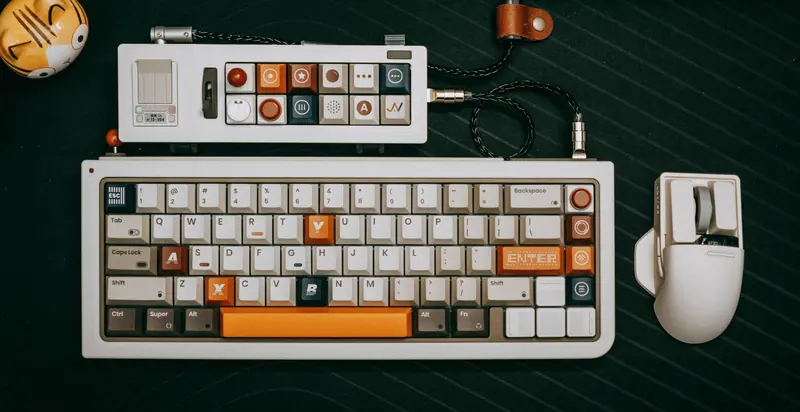
The 75 percent layout squeezes a TKL feature set into a tighter footprint by pushing the function row and a slim column of keys right up against the alphas. You keep function keys and arrows, but the gaps vanish, so it takes a short adjustment period. It is a favorite for people who want compact size without losing the top row.
65 and 60 percent: going smaller with layers
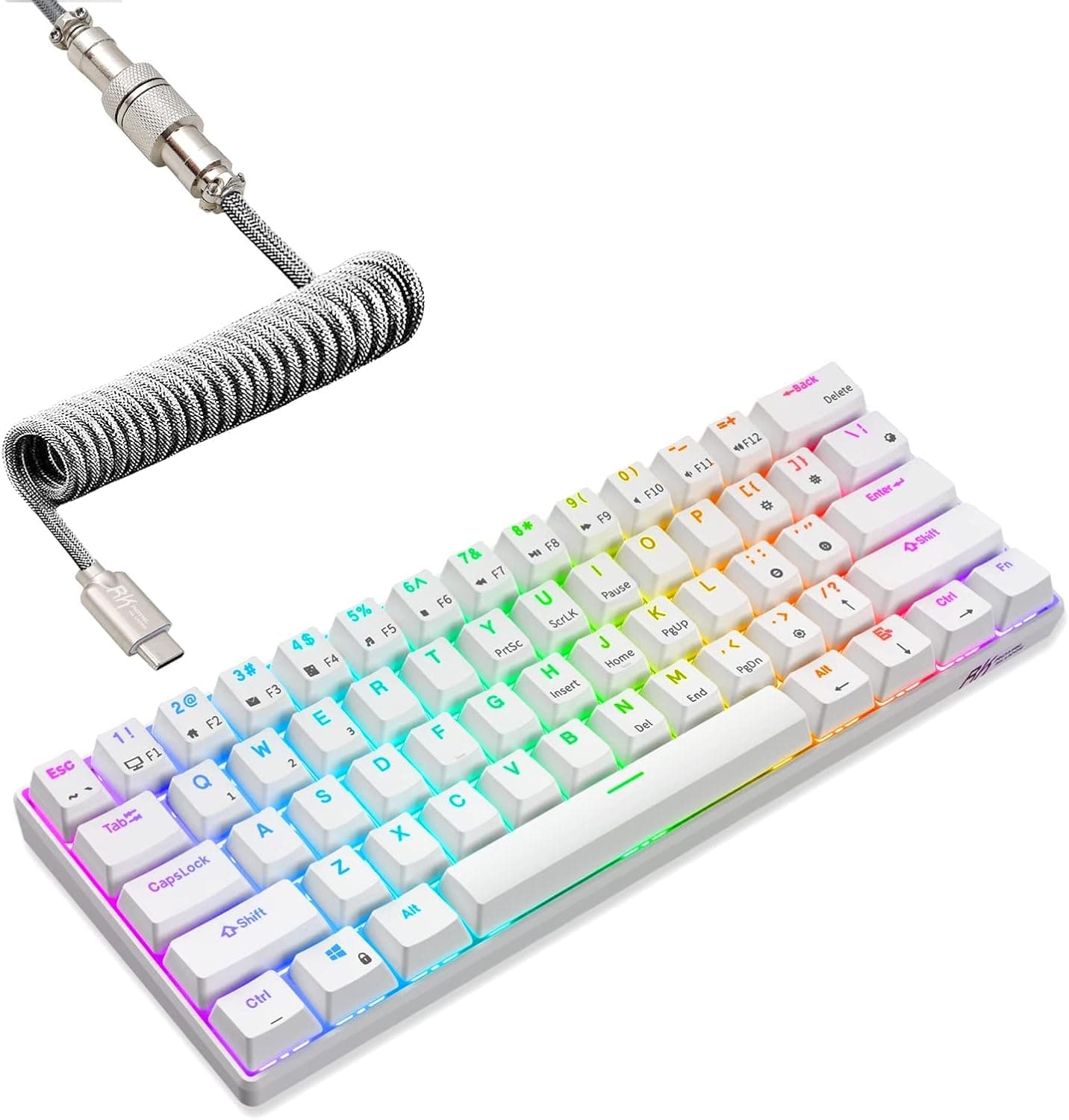
Going smaller, 65 percent drops the function row but keeps dedicated arrow keys and a few navigation keys, while 60 percent removes the arrows and function row entirely. On these boards you reach missing keys through a function layer, holding a modifier to turn other keys into arrows or shortcuts. Smaller boards free up huge amounts of desk and travel well, but they ask you to learn layers, so pick the smallest size whose missing keys you are genuinely willing to live without.
Frequently asked questions
What is the difference between TKL and full size keyboards? TKL removes the number pad but keeps the function row, arrows, and navigation cluster, reclaiming desk width while keeping everything most people use daily.
What is a 60 percent keyboard missing? The function row and dedicated arrow keys, both reached through a function layer (holding a modifier to turn other keys into arrows or shortcuts).
Which keyboard size should I buy? The smallest size whose missing keys you are genuinely willing to live without. TKL is the safest middle ground; 60 and 65 percent trade convenience for maximum desk space.
What is a 75 percent keyboard? A layout that keeps the same keys as TKL (function row, arrows) but pushes them tight against the alphas for a more compact footprint, with a short adjustment period.
Popular right now
- What Is a Hot-Swap Keyboard and Why It MattersArticle
- Best Ortholinear Keyboards (2026)Buying guide
- North vs South Facing SwitchesArticle
- What Are QMK and VIA? Keyboard Firmware ExplainedArticle
- Linear vs Tactile vs ClickyArticle
- Mechanical Keyboard Switch ChartArticle
Based on the last 28 days of search and visitor data.