The O-Ring Mod Explained
Published How we research
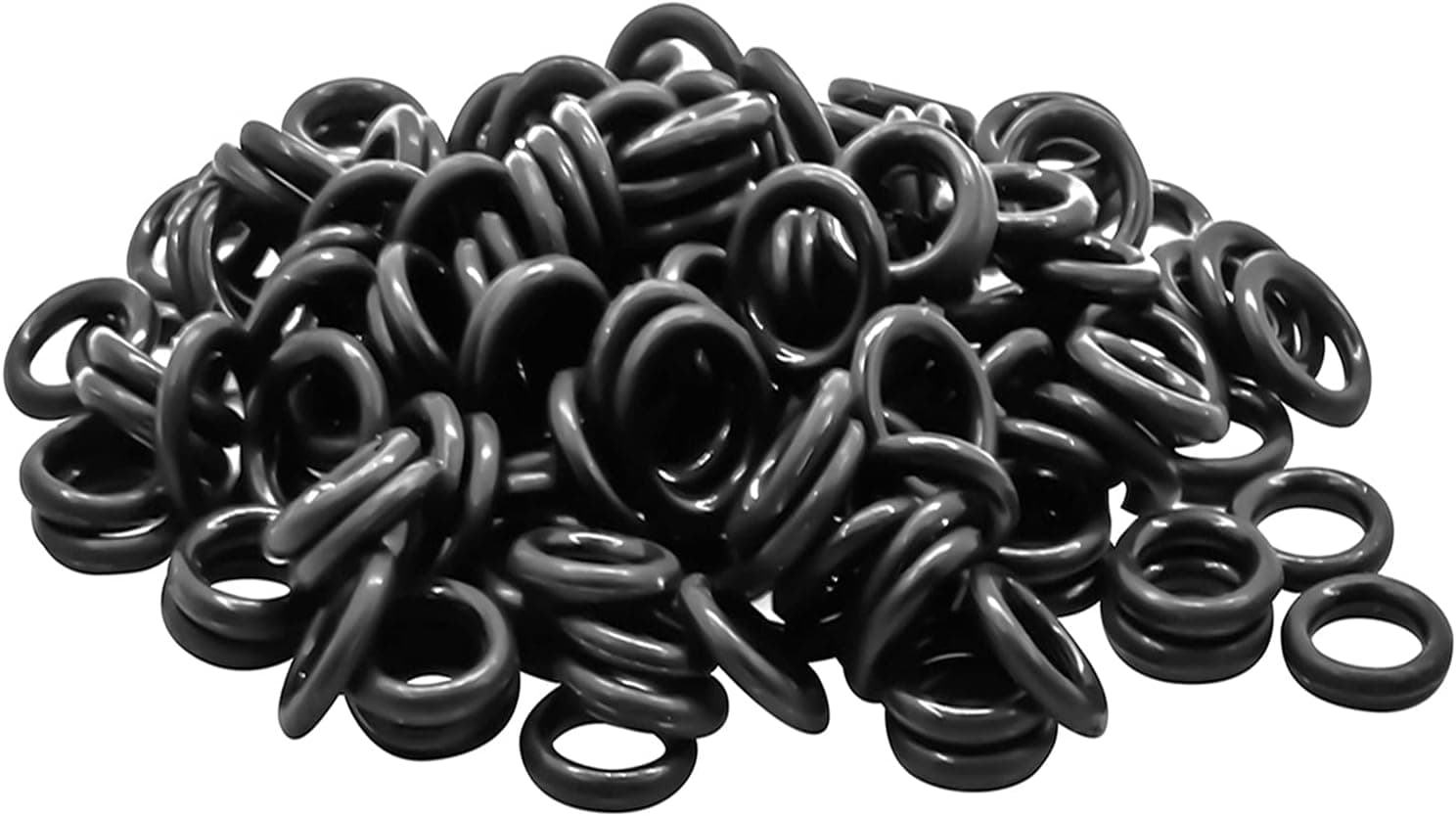
The o-ring mod is a simple modification that places small rubber rings onto the stems of your keycaps to cushion the moment the key bottoms out. When you press a key all the way down, the keycap normally strikes the switch housing with a firm impact, and the o-ring sits in that path to soften the landing. It is a quick, reversible mod that appeals to people who want a gentler, quieter typing experience.
Products from this article
The highest-scoring picks from the buying guides this article links to. Scores are our editorial assessment, not customer ratings.
+ Remover tool and brush are included for easier installation
From our guide: Best Keycap O-Rings (2026)
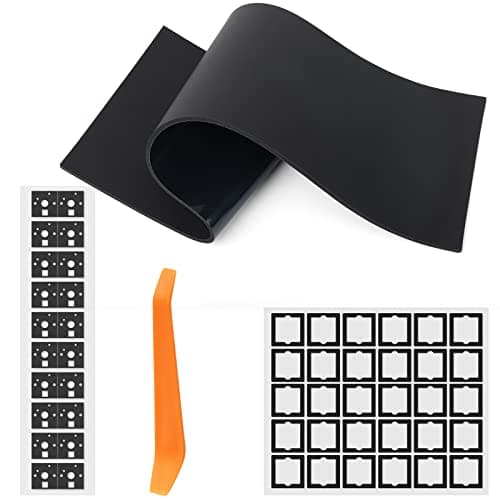
+ Band-aid mod reduces wire noise and stabilizer wobble
From our guide: Best Band-Aid Mod Kits (2026)
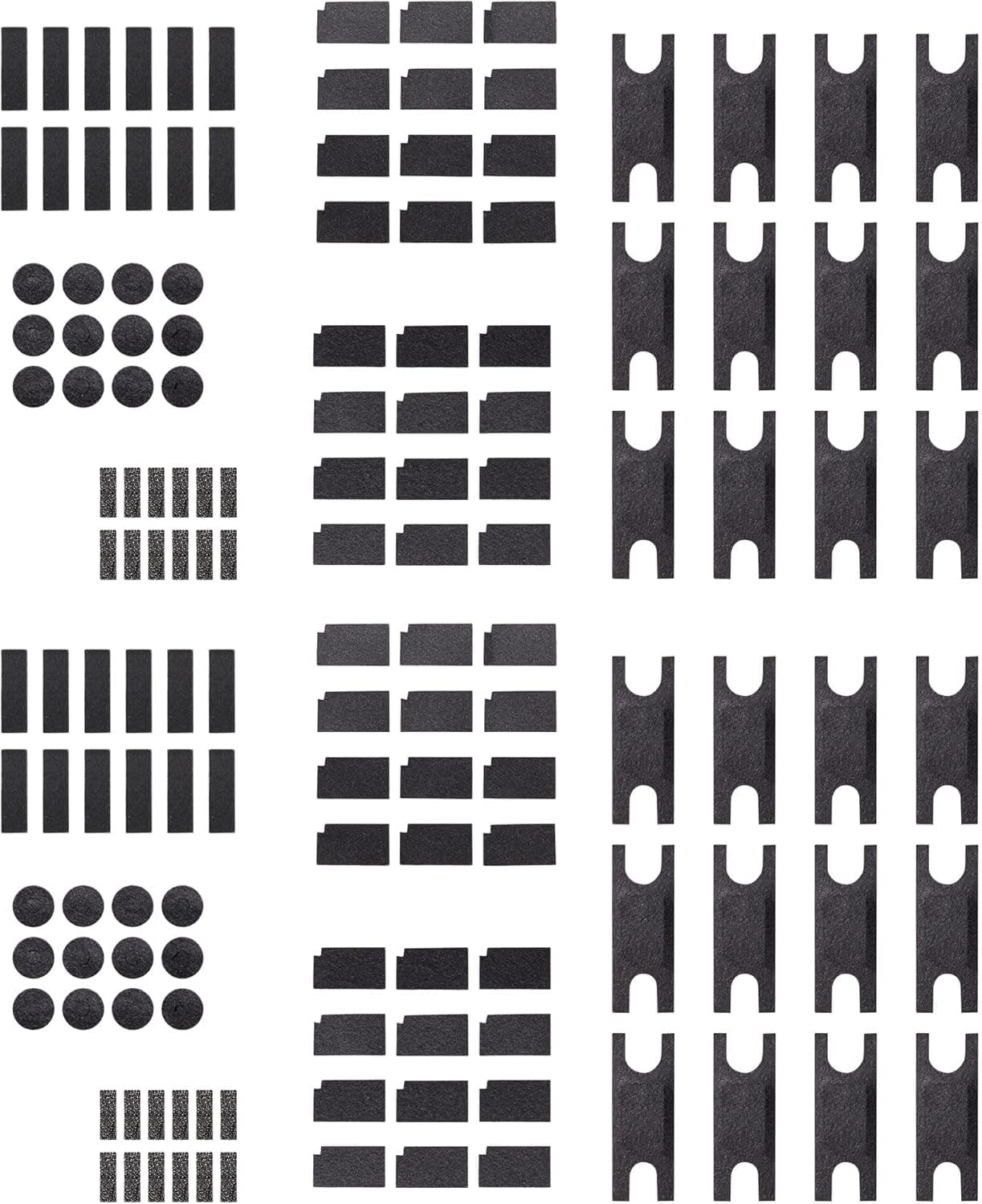
+ Three mods in one pack: bottom case foam, switch pads and modular PCB-to-plate foam
From our guide: Best Plate Foam (2026)
+ Black rings disappear under dark keycaps
From our guide: Best Keycap O-Rings (2026)
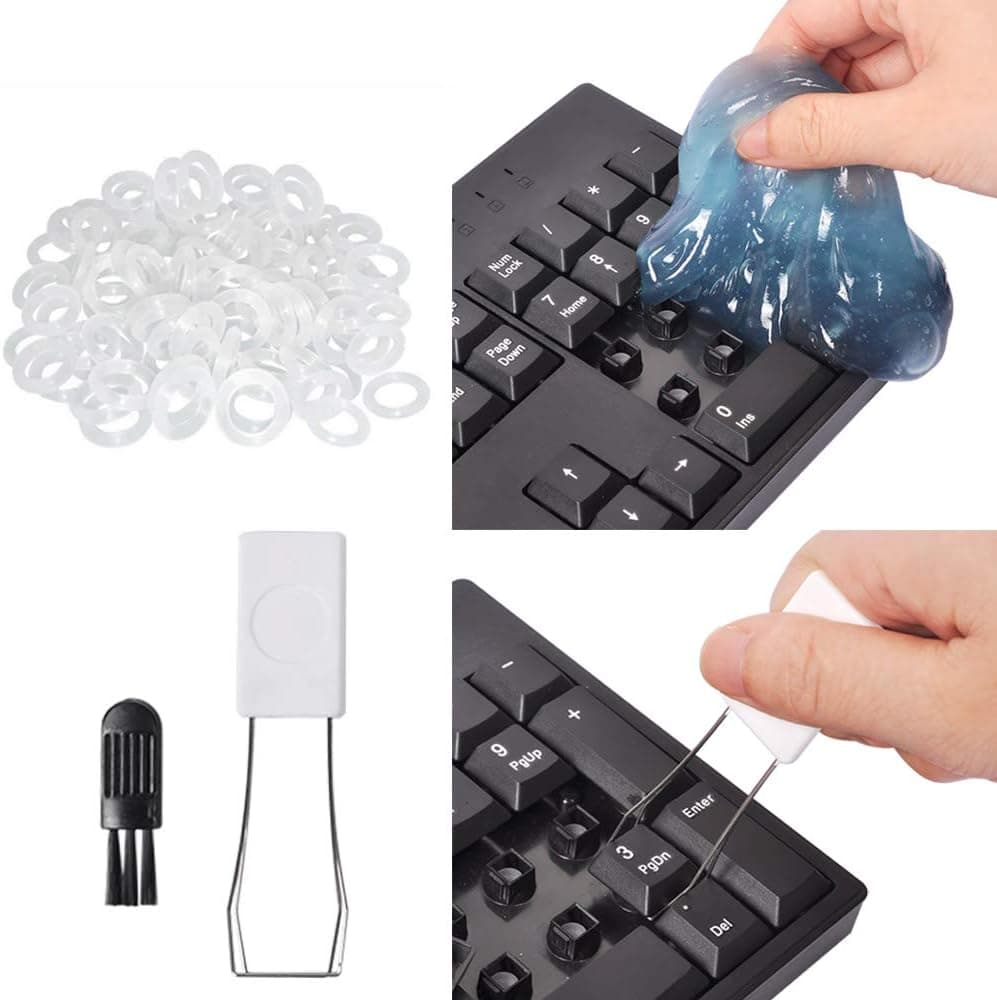
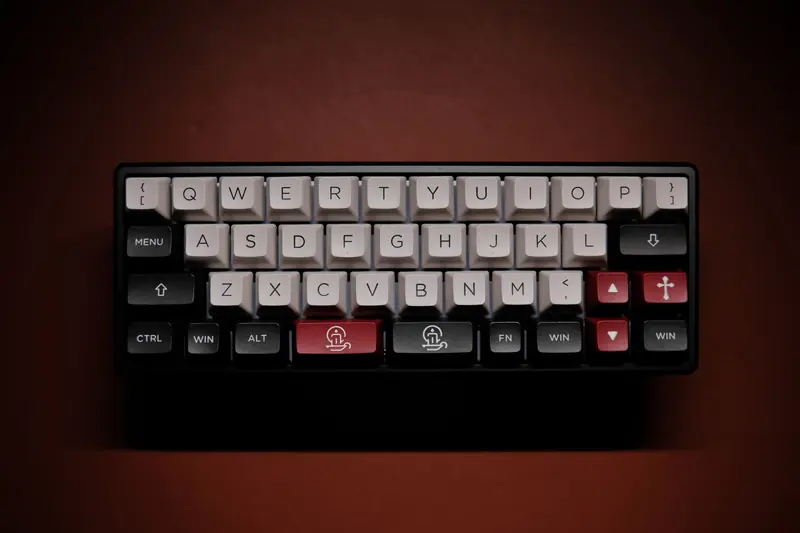
The main effects are a softer bottom out and reduced noise on the downstroke. Because the rubber absorbs part of the impact, the keys feel cushioned rather than hard, and the sharp sound of bottoming out is muffled. For anyone typing in a shared space or who simply dislikes a hard, loud bottom out, these are appealing changes.
Installing the mod is easy. You remove each keycap, slide a small ring around the stem on the underside, and press the cap back on. No tools beyond a keycap puller are needed, and because nothing is permanent, you can pull the rings back out at any time if you do not like the result. This low risk makes it an easy experiment.
The trade offs are real and worth understanding. O-rings shorten the total travel of the key because the ring stops the cap before it would normally reach the bottom, so the keys feel a little shallower. They also change the feel from a crisp bottom out to a mushier one, which some typists dislike as much as others enjoy. Ring thickness affects how pronounced these changes are.
Decide based on what you are after. If your priority is a quieter, softer board and you do not mind slightly reduced travel and a cushioned feel, the o-ring mod is a cheap and effective option. If you love a crisp, full depth bottom out, it is probably not for you. Because it is so easy to reverse, the simplest approach is to try it and judge the feel for yourself.
Popular right now
- What Is a Hot-Swap Keyboard and Why It MattersArticle
- Best Ortholinear Keyboards (2026)Buying guide
- North vs South Facing SwitchesArticle
- What Are QMK and VIA? Keyboard Firmware ExplainedArticle
- Linear vs Tactile vs ClickyArticle
- Mechanical Keyboard Switch ChartArticle
Based on the last 28 days of search and visitor data.