Wireless vs Wired Mechanical Keyboards
Published How we research
The choice between wireless and wired is really a choice about convenience versus simplicity, and modern boards have narrowed the gap enough that either can be an excellent daily driver. Wireless keyboards connect over radio, usually through a small dongle or over Bluetooth, while wired boards use a cable, most often detachable USB-C. Each approach carries a set of trade offs worth weighing against how you work.
Products from this article
The highest-scoring picks from the buying guides this article links to. Scores are our editorial assessment, not customer ratings.
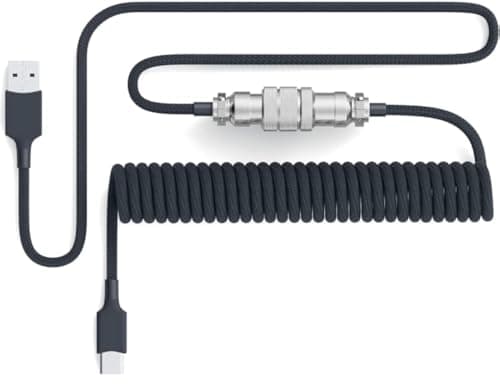
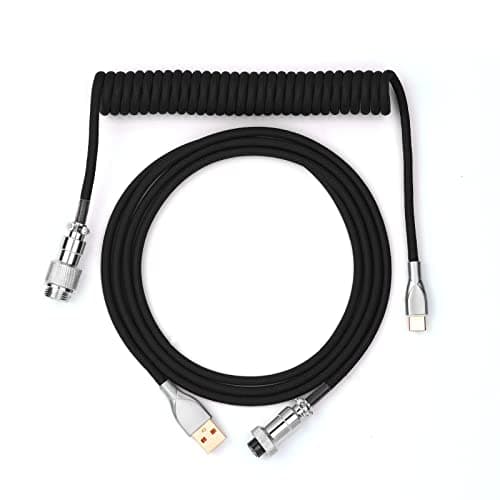
+ USB-C cable with a USB-A adapter included, so it works with either port type on the computer
From our guide: Best Coiled Cables (2026)
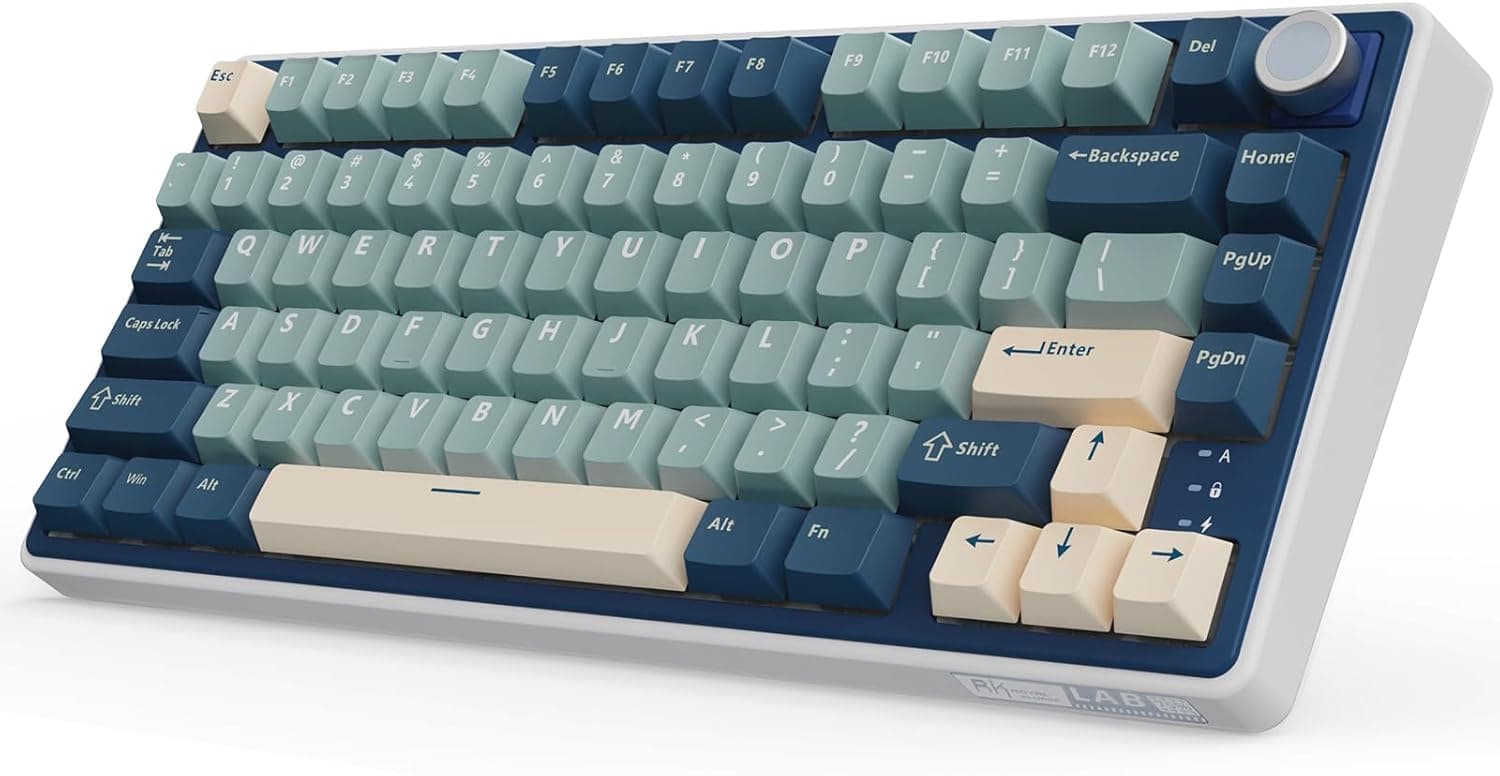
+ Gasket mount softens bottom-out and gives a cushioned, more premium typing feel
From our guide: Best Wireless Mechanical Keyboards (2026)
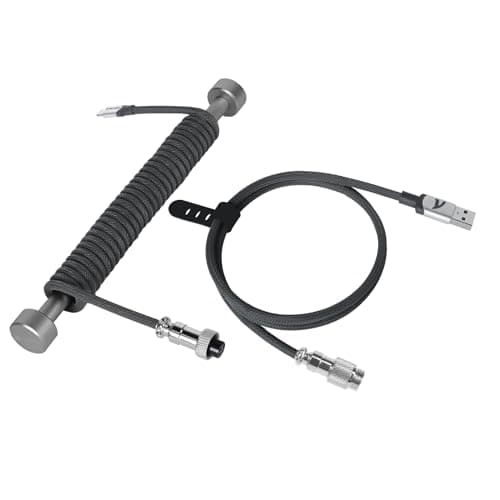
+ Four copper wires with aluminum shielding foil, with reinforced joints for stable transfer.
From our guide: Best USB-C Cables (2026)
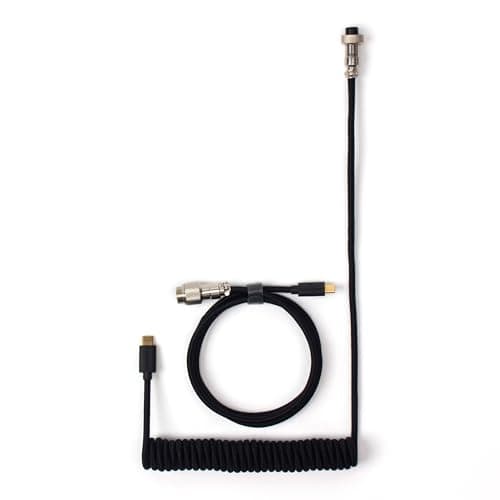
+ Double-sleeved with Techflex and PP for a cable the listing calls durable and flexible
From our guide: Best Coiled Cables (2026)
Wireless shines on desk cleanliness and flexibility. Without a cable you can reposition the board freely, move between a couple of devices, and keep the desk tidy. Boards that connect through a dedicated dongle typically offer very responsive performance suitable even for fast paced use, while Bluetooth trades a little responsiveness for the convenience of pairing with almost anything.
Wired keeps things simple and never needs charging. A cable means guaranteed consistent input, no battery to manage, and no pairing to fuss with, which some people strongly prefer for a primary workstation. The trade off is the cable itself and a fixed position, though a detachable cable at least makes transport and cable swaps easy.
Battery life is the practical wildcard for wireless. Real endurance depends heavily on whether backlighting is on, since lighting drains batteries quickly, and on which connection mode you use. If you go wireless, plan to charge periodically and know that most boards can run wired while charging, so a dead battery never stops you working.
For competitive gaming where every millisecond counts, a good wired connection or a low latency dongle is the safe pick, while Bluetooth is better reserved for typing and casual use. For everyone else, choose based on lifestyle: pick wireless if a clean, flexible desk and multi device switching appeal to you, and wired if you value zero maintenance and absolute consistency. Many strong boards now offer both, letting you switch as your needs change.
Popular right now
- What Is a Hot-Swap Keyboard and Why It MattersArticle
- Best Ortholinear Keyboards (2026)Buying guide
- North vs South Facing SwitchesArticle
- What Are QMK and VIA? Keyboard Firmware ExplainedArticle
- Linear vs Tactile vs ClickyArticle
- Mechanical Keyboard Switch ChartArticle
Based on the last 28 days of search and visitor data.