Best Macropads (2026)
Updated How we research
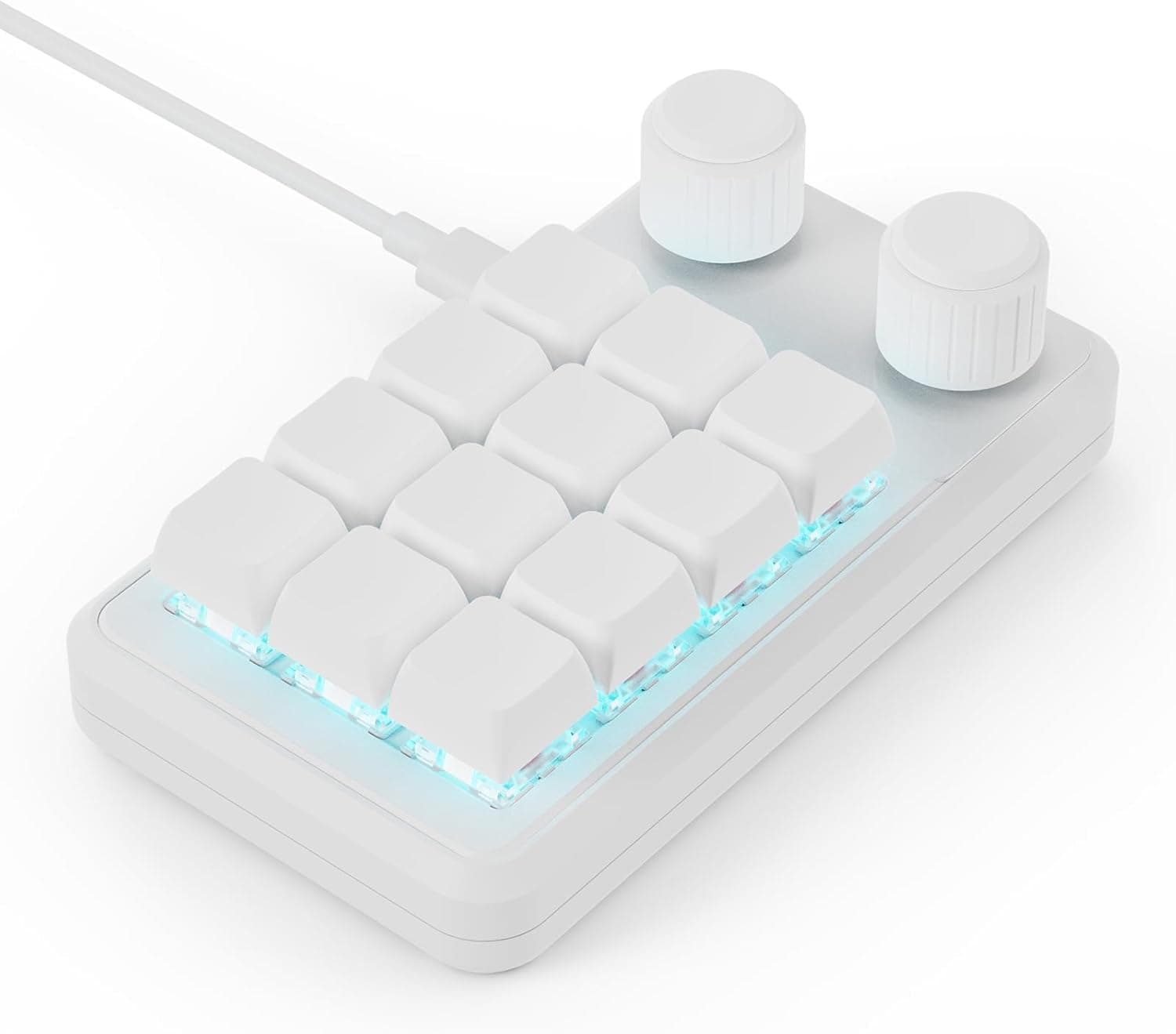
MOSHOU Macro Pad 12-Key Programmable Macro Keypad with 2 Knobs Hot Swappable RGB Mini Shortcut Keypad (White)
MOSHOU's white 12-key programmable macro keypad has 2 knobs, hot-swap sockets and RGB for shortcut heavy workflows.
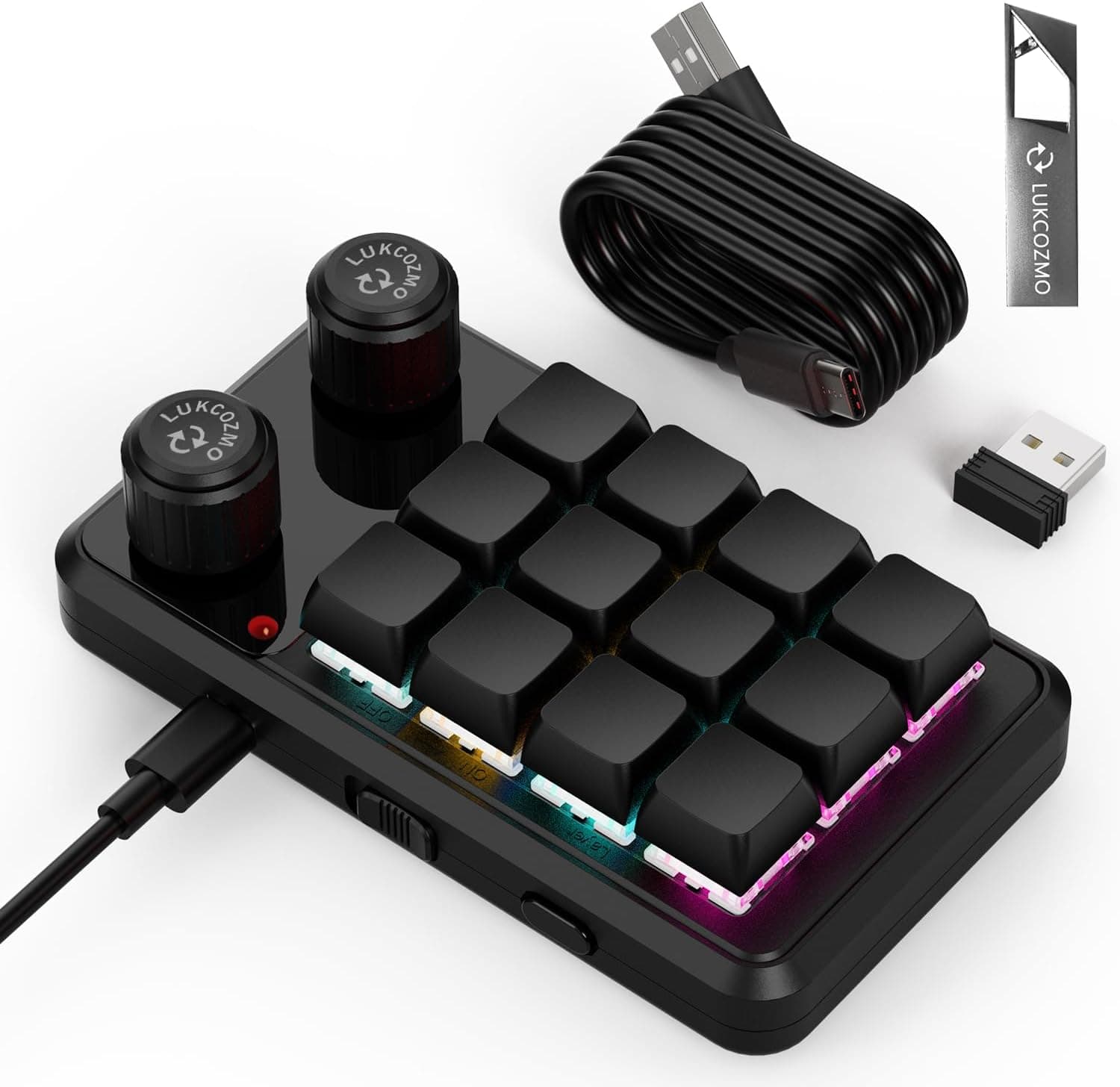
Macro Pad Programmable Keypad 12-Key Mini Mechanical Gaming Keyboard RGB OSU Knob Wireless Receiver Type-C (Black)
A black 12-key mechanical macro pad with RGB, a knob, a wireless receiver and Type-C, for gamers and editors.
A macropad is a small block of programmable keys that sits beside your main keyboard and fires shortcuts, macros, or media controls at a single press. Many models add rotary knobs for volume or scrubbing and small screens that show what each key does. When choosing one, look at how many keys and knobs you need, whether it is hot-swappable, and how flexible the software is for mapping actions and layers. Solid, well-supported software is what turns a macropad into a real time-saver. Macropads suit editors, designers, streamers, developers, and anyone who repeats the same commands often. They let you offload complex shortcuts from finger gymnastics to one clean tap. Consider how the pad fits your desk and whether you want it wired or wireless. If your workflow rarely uses repeated shortcuts, you may not need one, but for people who live in creative or coding tools all day, a well-configured macropad can noticeably speed up the work and cut fatigue.
The short version
We compared 7 picks. Our scores range from 6.6 to 8.4 out of 10.
- Best overall:MOSHOU Macro Pad 12-Key Programmable Macro Keypad with 2 Knobs Hot Swappable RGB Mini Shortcut Keypad (White). Highest overall score in this guide at 8.4/10.
- Also great value:Macro Pad Programmable Keypad 12-Key Mini Mechanical Gaming Keyboard RGB OSU Knob Wireless Receiver Type-C (Black). Value score of 8/10, overall 7.6/10.
- Solid build:Hapivida One Handed Macro Mechanical Keyboard, 12 Key Mini Keyboard | Programmable Macro Keyboard, Usb-C Portable Mini Keypad For Office, Cad, Obs, Music Daw, Computer Accessories. Build and materials score of 6/10, overall 7.6/10.
- Feature-rich:SIKAI CASE Programmable Macro Keyboard, 6 Key Mechanical Gaming Keypad, Custom Knob KeyPad, Hot swappable Switch Gaming Keyboard, Wired programmable keypad with Drawing Programming Video. Features score of 7/10, overall 7.0/10.
Scores are our editorial assessment, not customer ratings. How we score
- 1.MOSHOU Macro Pad 12-Key Programmable Macro Keypad with 2 Knobs Hot Swappable RGB Mini Shortcut Keypad (White)8.4/10See on AmazonCheck price
- 2.Macro Pad Programmable Keypad 12-Key Mini Mechanical Gaming Keyboard RGB OSU Knob Wireless Receiver Type-C (Black)7.6/10See on AmazonCheck price
- 3.Hapivida One Handed Macro Mechanical Keyboard, 12 Key Mini Keyboard | Programmable Macro Keyboard, Usb-C Portable Mini Keypad For Office, Cad, Obs, Music Daw, Computer Accessories7.6/10See on AmazonCheck price
- 4.SIKAI CASE Programmable Macro Keyboard, 6 Key Mechanical Gaming Keypad, Custom Knob KeyPad, Hot swappable Switch Gaming Keyboard, Wired programmable keypad with Drawing Programming Video7.0/10See on AmazonCheck price
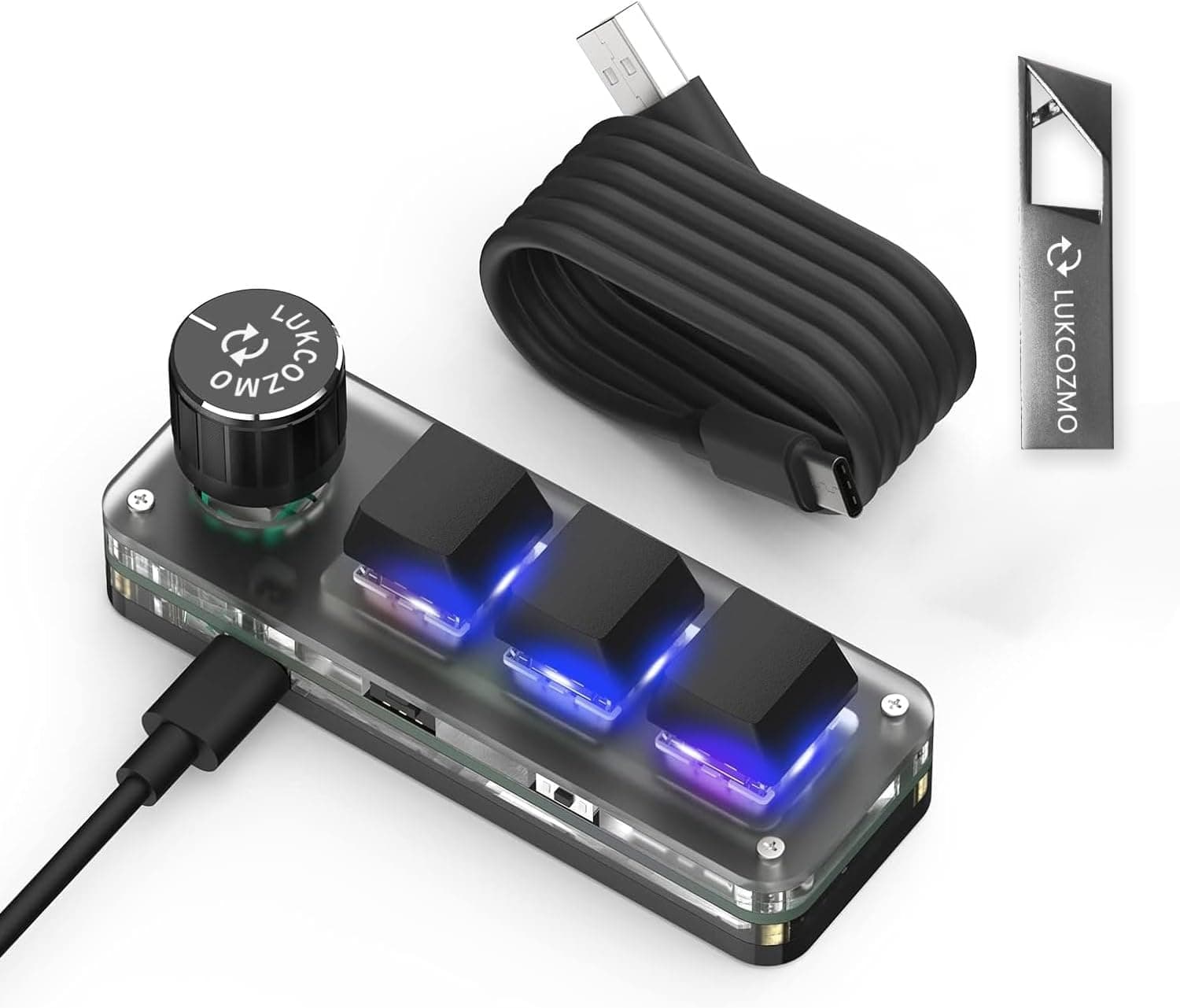
- 5.LUKCOZMO Macro Pad 3-Key Mini Mechanical Programmable Keyboard RGB LED Backlit OSU with Knob Type-C (Black)6.8/10See on AmazonCheck price
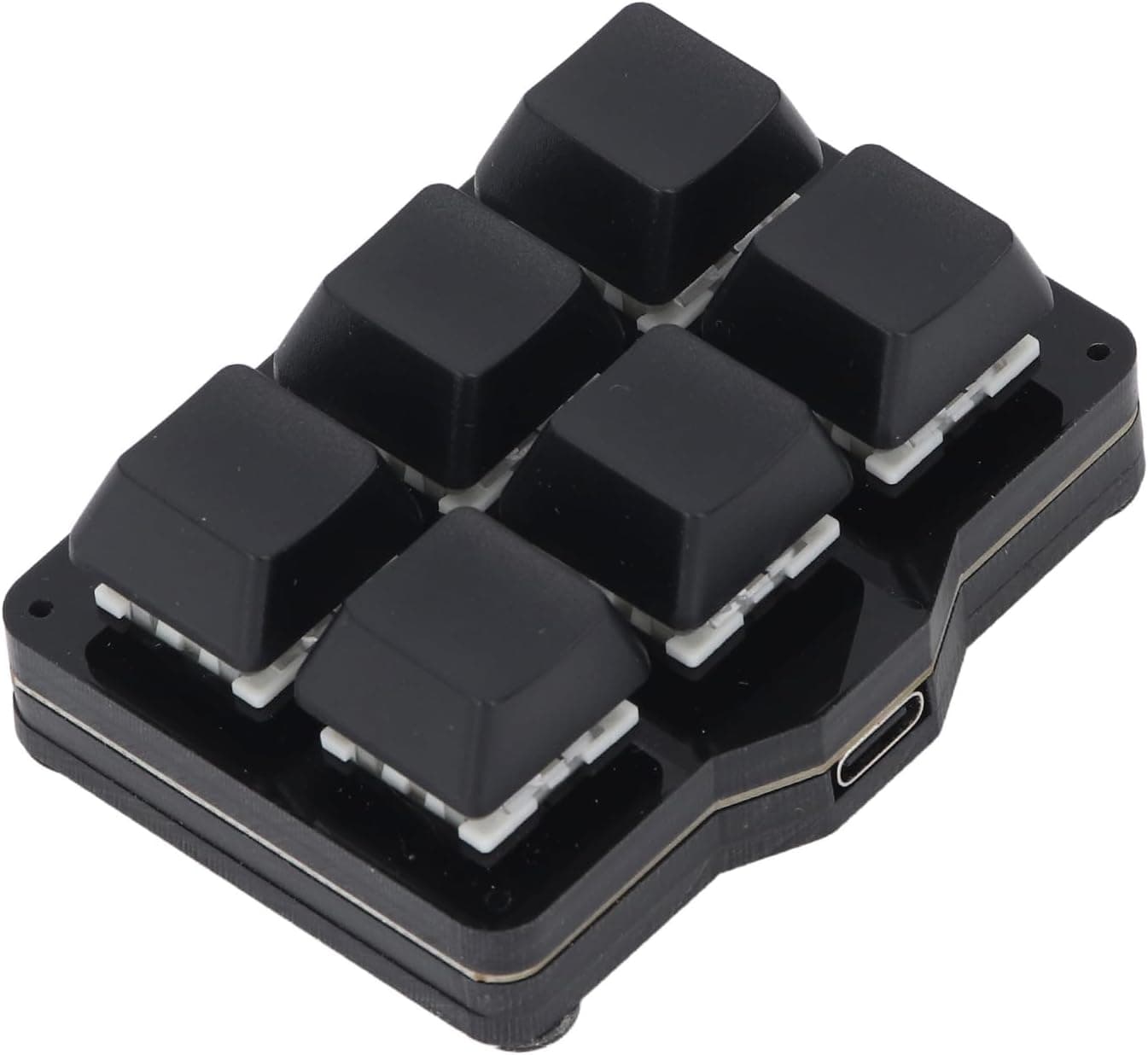
- 6.Serounder Macro Pad 6 Key Fully Programmable NKRO Hotkeys Mini Mechanical Gaming Keypad USB6.8/10See on AmazonCheck price
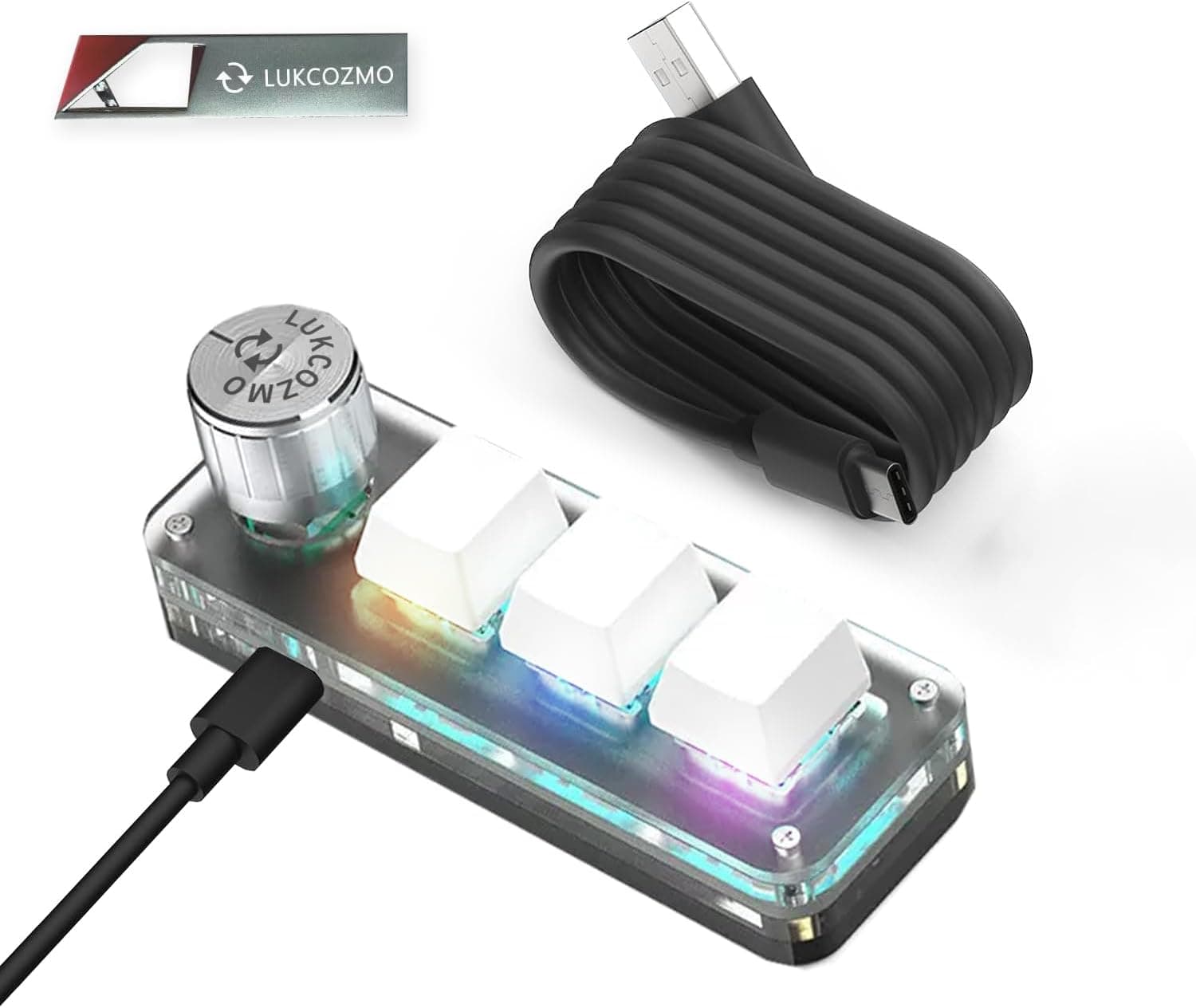
- 7.LUKCOZMO Macro Pad 3-Key Mini Mechanical Programmable Keyboard RGB LED Backlit OSU Knob Type-C6.6/10See on AmazonCheck price
 #1
#1MOSHOU's white 12-key programmable macro keypad has 2 knobs, hot-swap sockets and RGB for shortcut heavy workflows.
Fit for the job 9/10 · Features and specs 9/10 · Build and materials 7/10 · Value 8/10
- + Hot-swap sockets let you pick switches that match your main keyboard
- + 2 knobs split tasks such as volume and timeline scrubbing
- + White body with RGB looks tidy beside light colored setups
- - Configuration software may be less refined than big brand tools
- - Wired pad adds another cable to the desk
 #2
#2A black 12-key mechanical macro pad with RGB, a knob, a wireless receiver and Type-C, for gamers and editors.
Fit for the job 8/10 · Features and specs 8/10 · Build and materials 6/10 · Value 8/10
- + 12 programmable keys cover common shortcuts for editing, streaming or osu play
- + Wireless receiver lets you place the pad anywhere on the desk
- + Knob gives quick volume or timeline scrubbing control
- - Macro functions must be programmed in software before first use
- - Battery powered wireless use means occasional charging
 #3
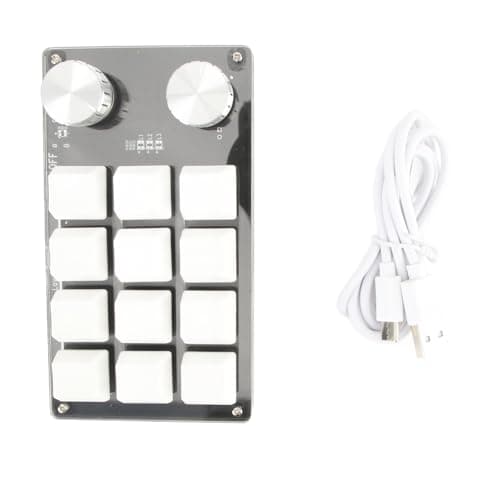
#3Hapivida 12-key mini macro keyboard with a rotary knob, onboard memory, USB-C connection and an acrylic body for CAD, OBS and DAW shortcuts.
Fit for the job 8/10 · Features and specs 8/10 · Build and materials 6/10 · Value 8/10
- + Twelve programmable keys plus a knob for volume, zoom or brush size, matching the layout of the old pick.
- + Onboard memory keeps settings, so it can be used on Mac or Linux after setup on Windows.
- + Compact 5.2 x 3 x 1.5 in size with acrylic build, and switches rated for 50 million keystrokes.
- - Programming software is listed as Windows-compatible, so setup needs a Windows PC.
- - Stock is shown as limited, and the switch type is not named in the listing.
 #4
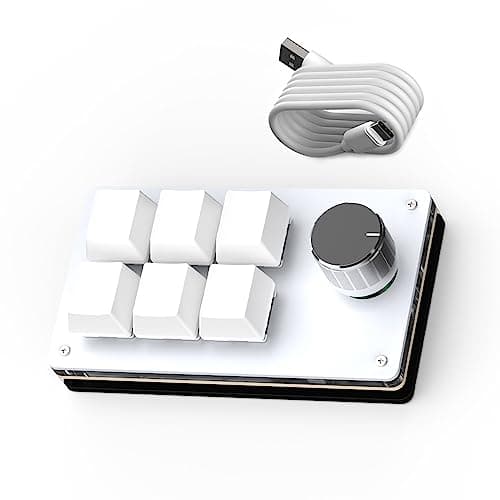
#4SIKAI CASE 6-key macro keypad with a custom knob, hot-swappable switches, onboard memory and wired USB for shortcuts and media control.
Fit for the job 7/10 · Features and specs 7/10 · Build and materials 6/10 · Value 8/10
- + Hot-swappable switches let you change the feel of the six keys without soldering.
- + Onboard memory stores six custom shortcuts, so it works on other computers without reprogramming.
- + Knob and keys can run media controls, copy and paste, text snippets or app launches.
- - Windows is needed for setup, and the listing's setup text is long and uneven.
- - Six keys only, so busy workflows may want a larger macro pad from this guide.
 #5
#5LUKCOZMO's black 3-key mini macro pad with RGB, a knob and Type-C is built for osu players and simple shortcut use.
Fit for the job 7/10 · Features and specs 6/10 · Build and materials 6/10 · Value 8/10
- + 3 keys and a knob are ideal for osu tapping or basic copy paste shortcuts
- + Tiny size fits next to any keyboard or laptop
- + RGB LED backlight adds a fun look on a small accessory
- - Only 3 keys limits it for complex editing workflows
- - Programming software for small brands can be basic
 #6
#6Serounder's 6-key fully programmable NKRO mini keypad connects by USB for simple hotkeys in games and apps.
Fit for the job 7/10 · Features and specs 6/10 · Build and materials 6/10 · Value 8/10
- + NKRO ensures several macro keys can be pressed together reliably
- + 6 keys are enough for common hotkeys without clutter
- + Plug and play USB makes it easy to move between computers
- - No knob, so volume or scroll controls are not included
- - Small brand software may lack advanced macro options
 #7
#7This LUKCOZMO 3-key macro pad listing offers the same RGB knob and Type-C design without a stated color.
Fit for the job 7/10 · Features and specs 6/10 · Build and materials 6/10 · Value 7/10
- + Knob plus 3 keys handle the core shortcuts of a single workflow
- + Type-C connection is reversible and easy to replace
- + Small footprint suits laptops and cramped gaming desks
- - Check the color option before ordering this macro pad
- - Very limited key count for anyone wanting a full shortcut deck
Before you buy: trade-offs we flagged
No pick is perfect. These are the main compromises we noted for the top products in this guide, so you can check they will not matter for you.
- Configuration software may be less refined than big brand tools (MOSHOU Macro Pad 12-Key Programmable Macro...)
- Macro functions must be programmed in software before first use (Macro Pad Programmable Keypad 12-Key Mini...)
- Programming software is listed as Windows-compatible, so setup needs a Windows PC. (Hapivida One Handed Macro Mechanical...)
- Windows is needed for setup, and the listing's setup text is long and uneven. (SIKAI CASE Programmable Macro Keyboard, 6 Key...)
- Only 3 keys limits it for complex editing workflows (LUKCOZMO Macro Pad 3-Key Mini Mechanical...)
- No knob, so volume or scroll controls are not included (Serounder Macro Pad 6 Key Fully Programmable...)
Frequently asked questions
›What is the best choice among macropads (2026)?
MOSHOU Macro Pad 12-Key Programmable Macro Keypad with 2 Knobs Hot Swappable RGB Mini Shortcut Keypad (White) is our top overall pick. MOSHOU's white 12-key programmable macro keypad has 2 knobs, hot-swap sockets and RGB for shortcut heavy workflows. It earns our score of 8.4/10, based on fit for the job, features, build and value.
›What is a good budget option?
Macro Pad Programmable Keypad 12-Key Mini Mechanical Gaming Keyboard RGB OSU Knob Wireless Receiver Type-C (Black) is the strongest low-cost pick in this guide. A black 12-key mechanical macro pad with RGB, a knob, a wireless receiver and Type-C, for gamers and editors.
›How much should I expect to spend?
Picks in this guide span See on Amazon price bands (roughly: $ = under $30, $$ = $30 to $100, $$$ = over $100). We never display exact prices because they change constantly, so the buttons above always show Amazon's current price.
›How were these products chosen?
We shortlist products that fit the job this guide solves and compare their published specifications, such as size, capacity, materials and what is included. Each pick gets an editorial score out of 10 for fit, features, build and value, and we write the pros and cons from those details. Our score is not an Amazon customer rating. We earn a commission if you buy through our links, which never affects the ranking.
MechKeeb Lab independently selects every product; we may earn a commission from links above.
Popular right now
- What Is a Hot-Swap Keyboard and Why It MattersArticle
- Best Ortholinear Keyboards (2026)Buying guide
- North vs South Facing SwitchesArticle
- What Are QMK and VIA? Keyboard Firmware ExplainedArticle
- Linear vs Tactile vs ClickyArticle
- Mechanical Keyboard Switch ChartArticle
Based on the last 28 days of search and visitor data.