Keycap Profiles Explained
Published How we research
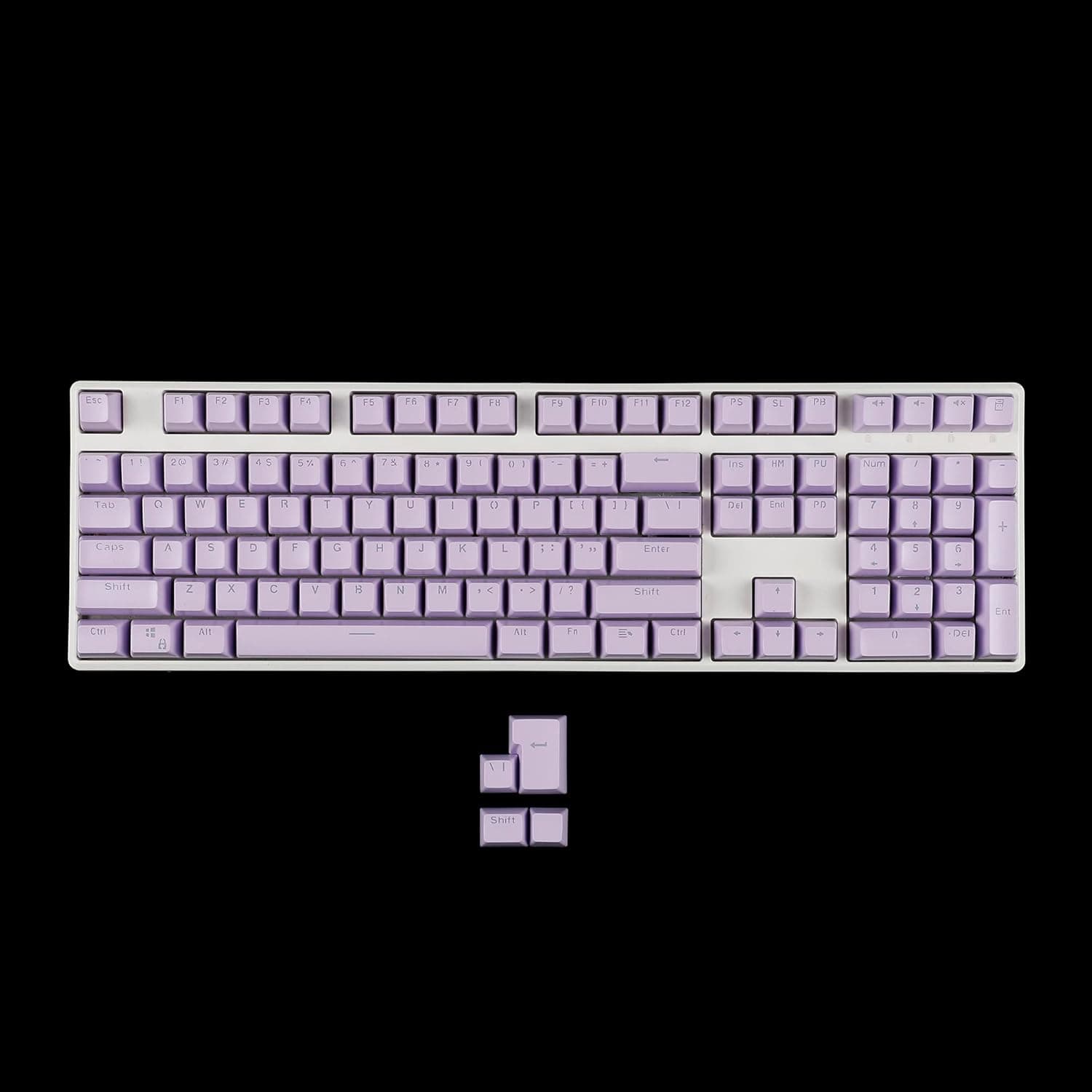
Keycap profile describes the height and shape of your keycaps, both the overall stack height and the way individual rows are angled. Profile is easy to overlook next to switches, but it has a large effect on typing comfort, sound, and even how fast you adapt to a new board. Two identical boards with different profiles can feel like completely different keyboards.
Products from this article
The highest-scoring picks from the buying guides this article links to. Scores are our editorial assessment, not customer ratings.
+ ANSI and ISO support is uncommon and helps European layouts
From our guide: Best SA Profile Keycaps (2026)
+ Minimalist white design suits bright and airy desk setups
From our guide: Best XDA Profile Keycaps (2026)
+ Piano inspired colors give an elegant black and white theme
From our guide: Best Cherry Profile Keycaps (2026)
+ KSA profile offers a spherical top with a slightly lower height than SA
From our guide: Best SA Profile Keycaps (2026)
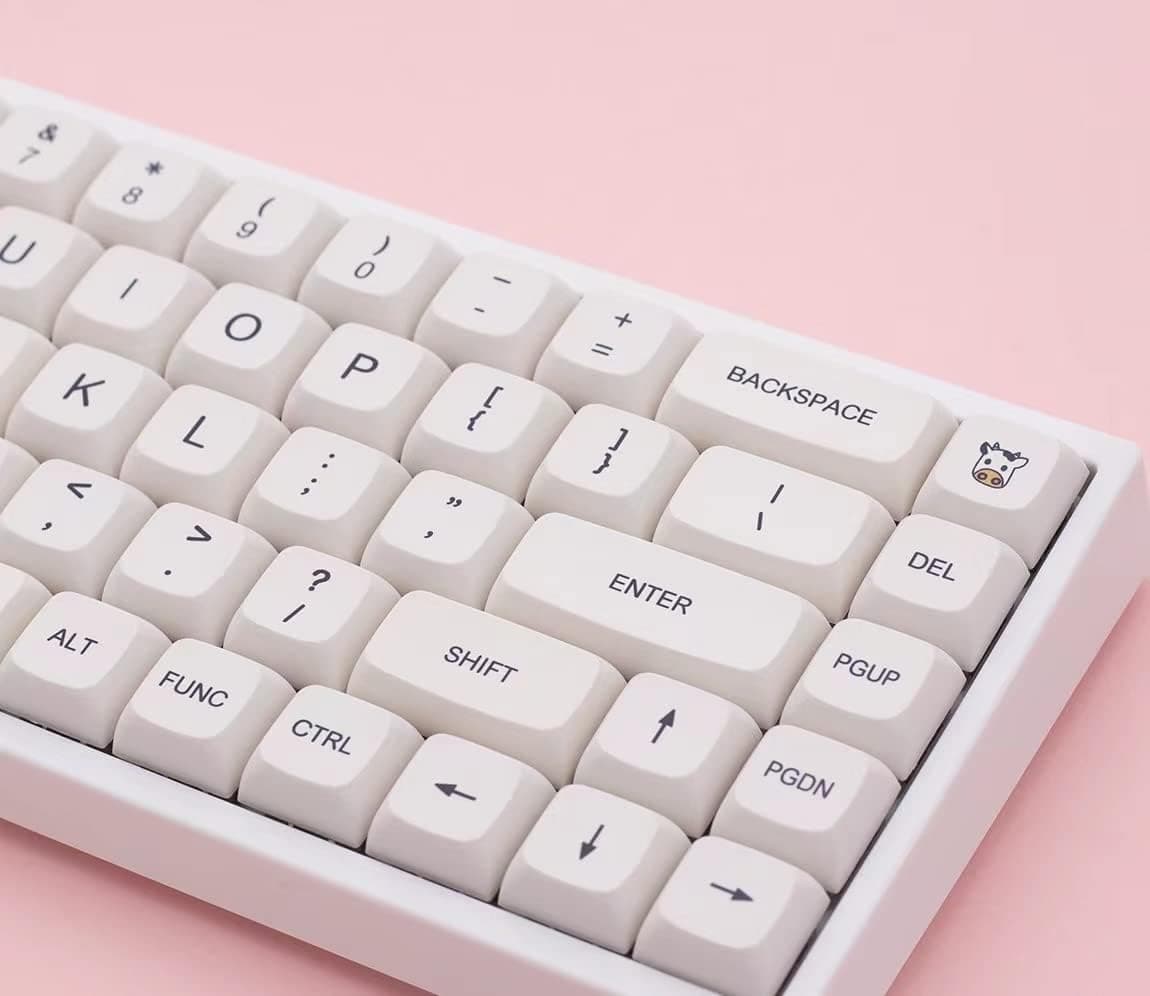
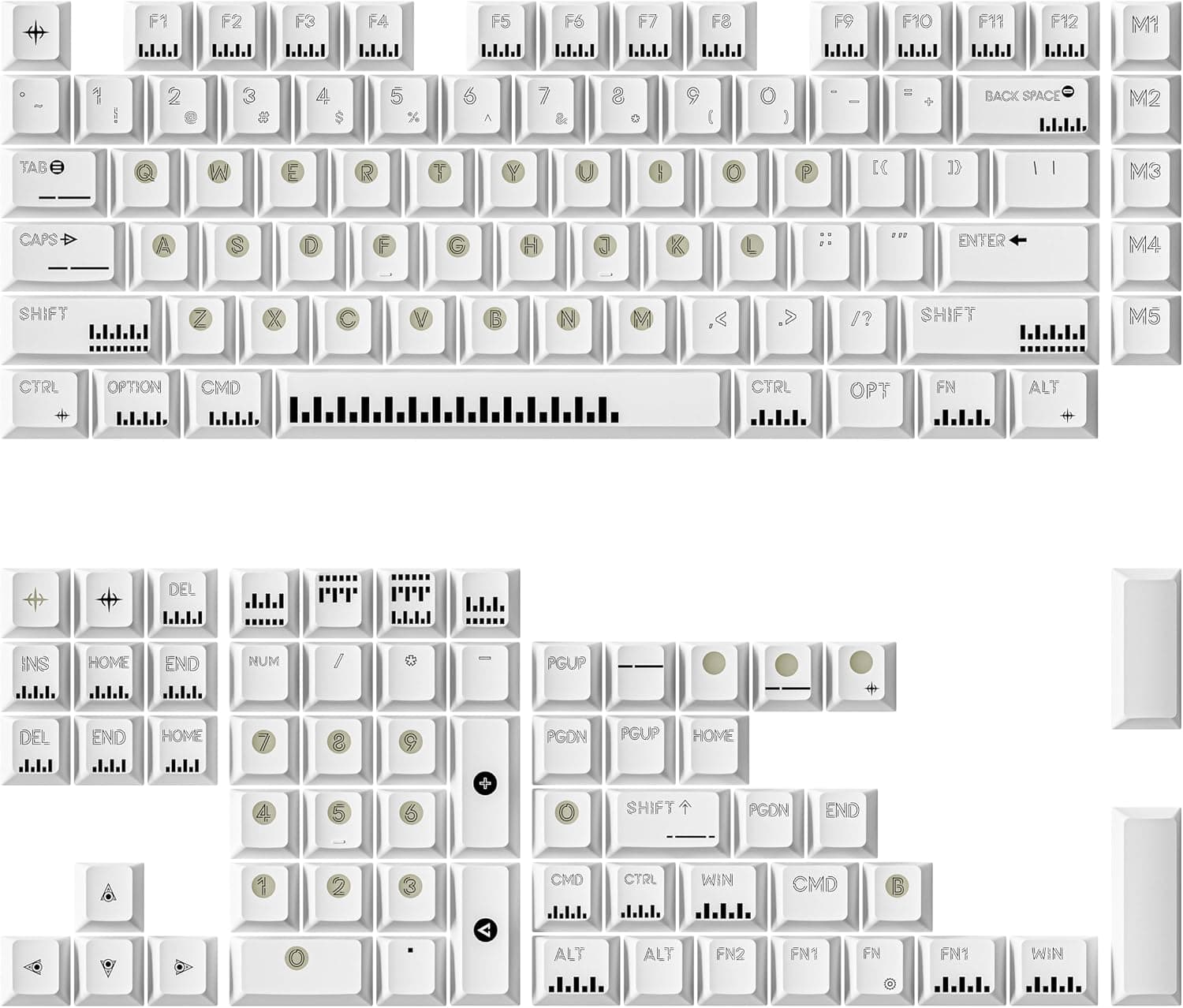
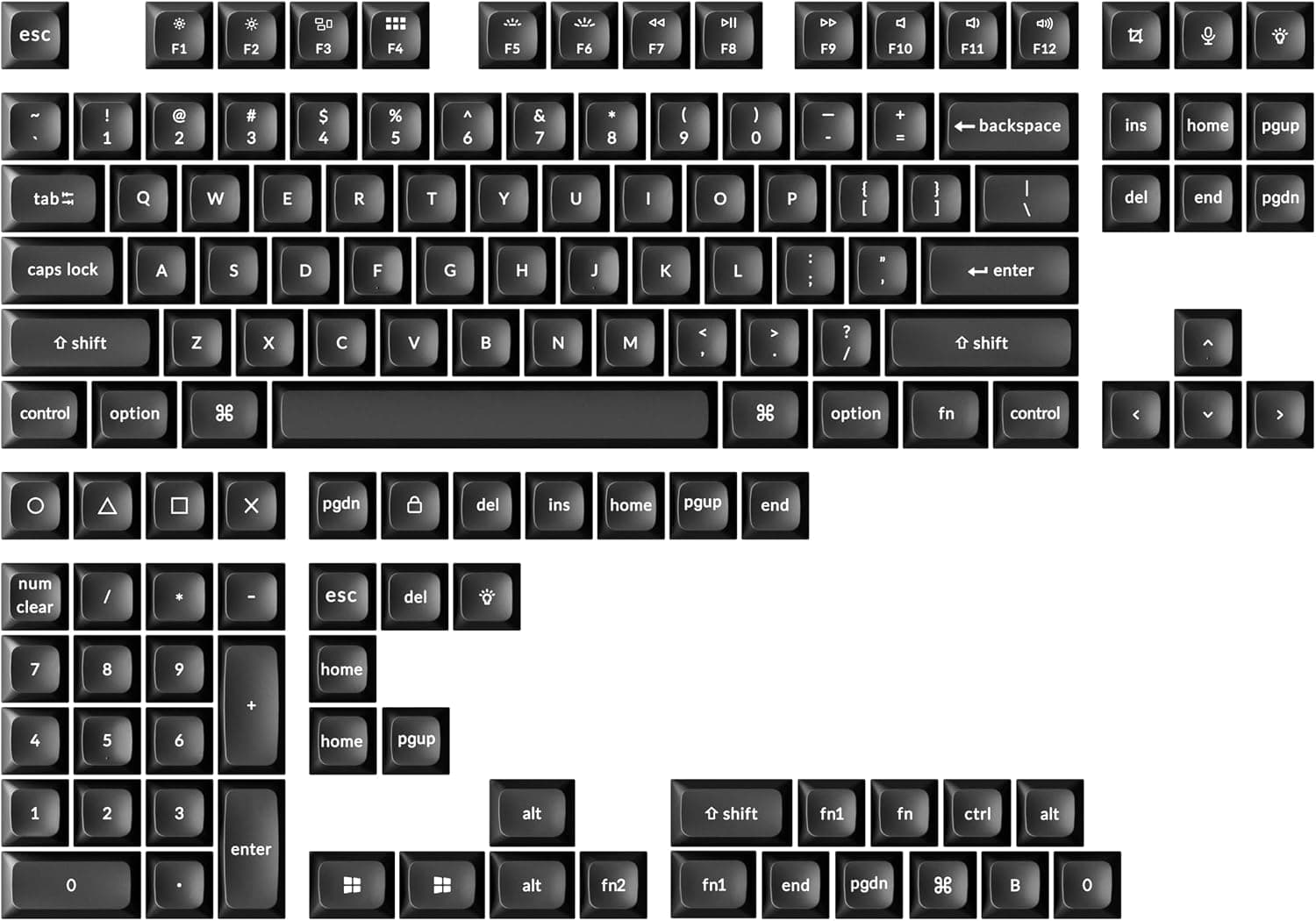
The first split is sculpted versus uniform. Sculpted profiles give each row of keys a different shape and angle so the keyboard forms a gentle curve that cradles your fingers, which many typists find natural without thinking about it. Uniform profiles make every row the same height and shape, giving a clean, flat look that some people prefer and that makes keycaps interchangeable between rows.
Height is the next consideration. Taller profiles put more material under your fingers and often produce a deeper, fuller sound, but they may benefit from a wrist rest for comfort. Shorter, lower profiles sit closer to the plate, feel more laptop like to some, and can reduce the reach to far keys. Neither is correct, and the best height depends on your hands and taste.
Profiles also change acoustics. A tall, thick keycap with a long internal cavity tends to sound deeper, while a short, thin cap sounds higher and clackier. This is why swapping keycaps alone can noticeably alter a board's character even when every switch stays the same.
When choosing, weigh three things: the look you want, the sound you are chasing, and how much adjustment you are willing to accept. Sculpted taller profiles feel traditional and comfortable to many, while uniform lower profiles look modern and minimal. If you can, type on a board with a given profile before buying a full set, because profile preference is nearly as personal as switch preference.
Popular right now
- What Is a Hot-Swap Keyboard and Why It MattersArticle
- Best Ortholinear Keyboards (2026)Buying guide
- North vs South Facing SwitchesArticle
- What Are QMK and VIA? Keyboard Firmware ExplainedArticle
- Linear vs Tactile vs ClickyArticle
- Mechanical Keyboard Switch ChartArticle
Based on the last 28 days of search and visitor data.