How to Fix Key Chatter and Double Typing on a Mechanical Keyboard
Published How we research
Key chatter is when a single keypress registers twice or more, producing typos like doubled letters. It can also make keys register intermittently. Chatter is one of the most common mechanical keyboard faults and often appears on frequently used keys. Depending on the cause, fixes range from simple cleaning to replacing a switch.
Products from this article
The highest-scoring picks from the buying guides this article links to. Scores are our editorial assessment, not customer ratings.
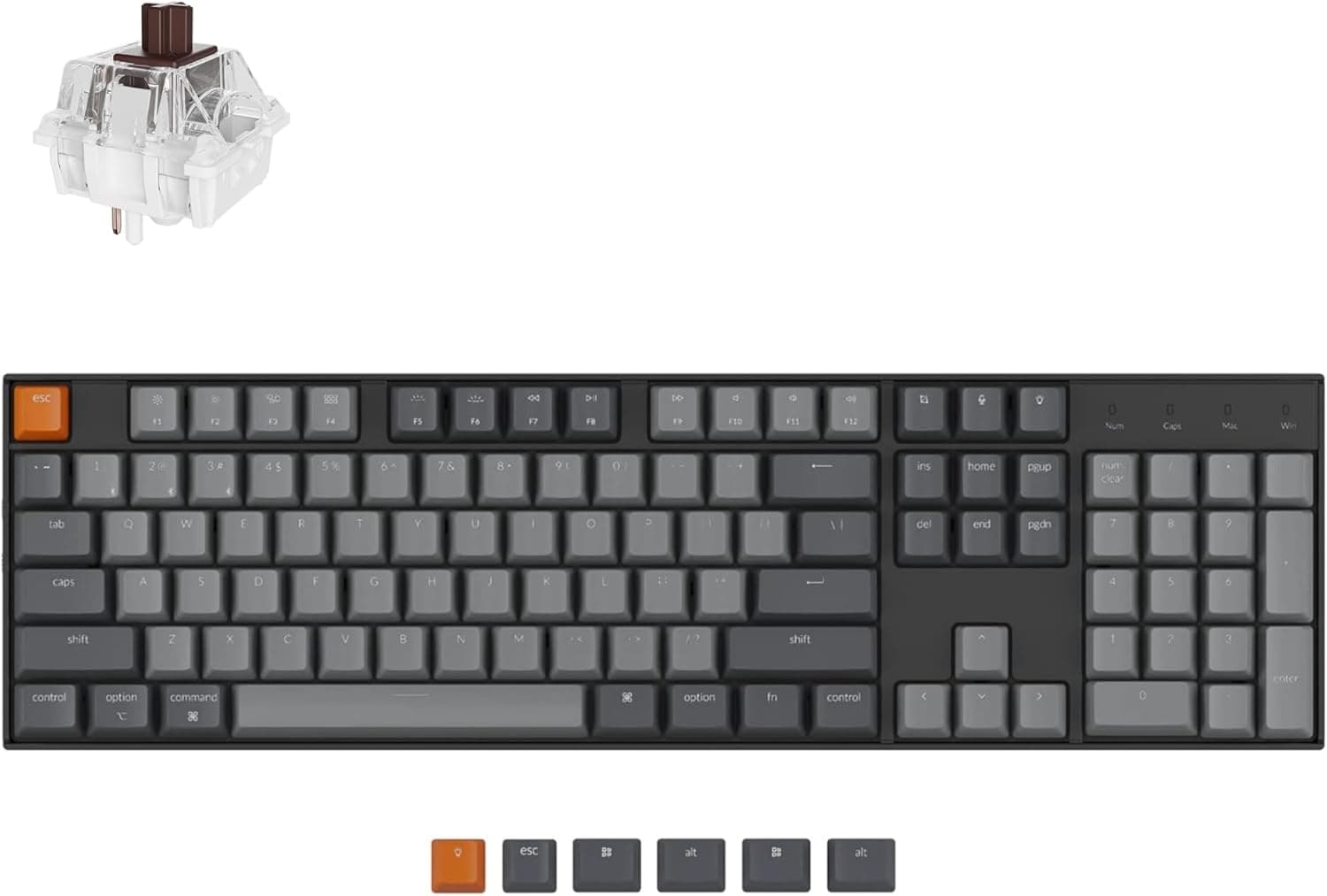
+ Hot-swap sockets let you customize switches without losing the full numpad
From our guide: Best Hot-Swappable Mechanical Keyboards (2026)
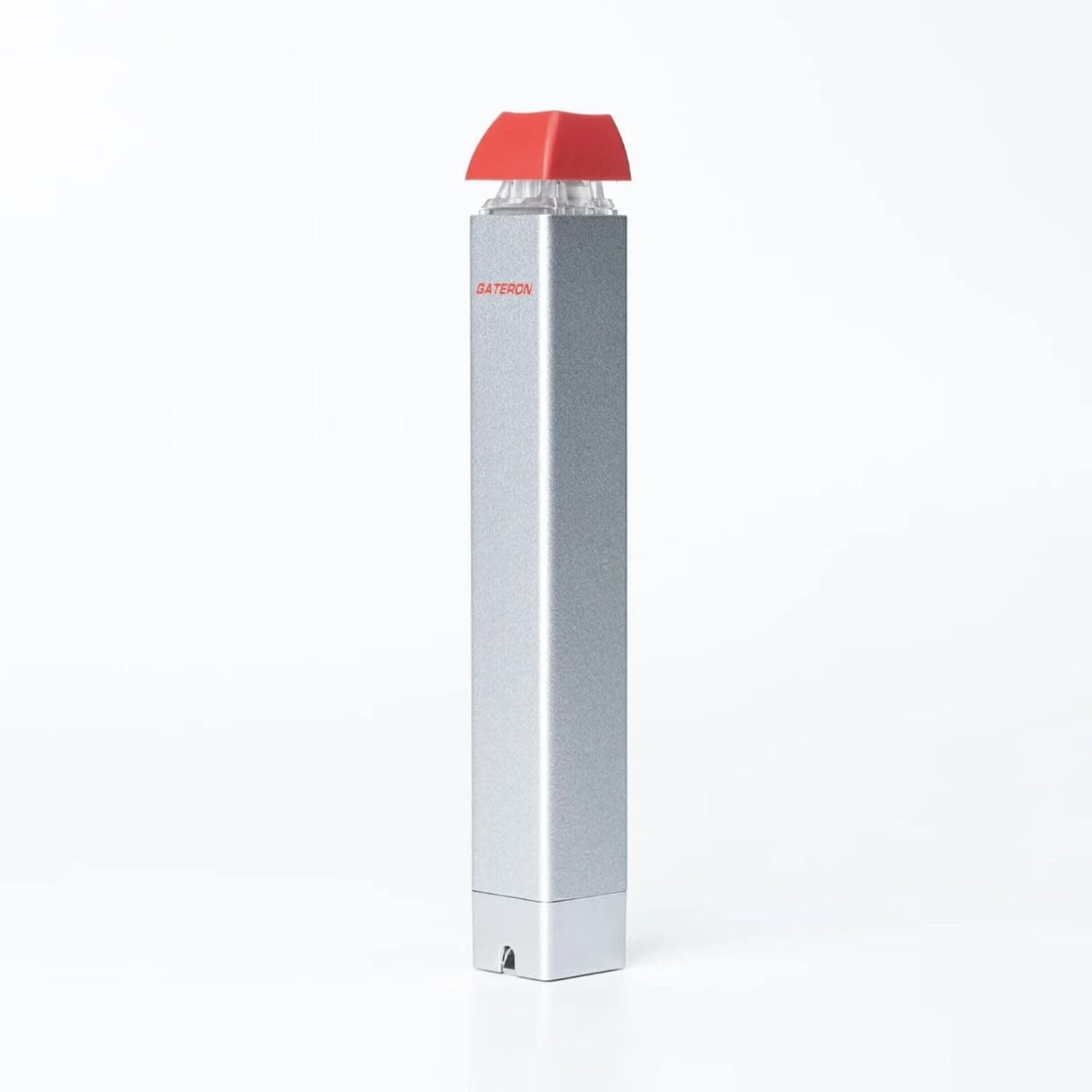
+ Semi-automatic action reduces effort when pulling many switches
From our guide: Best Switch Pullers (2026)
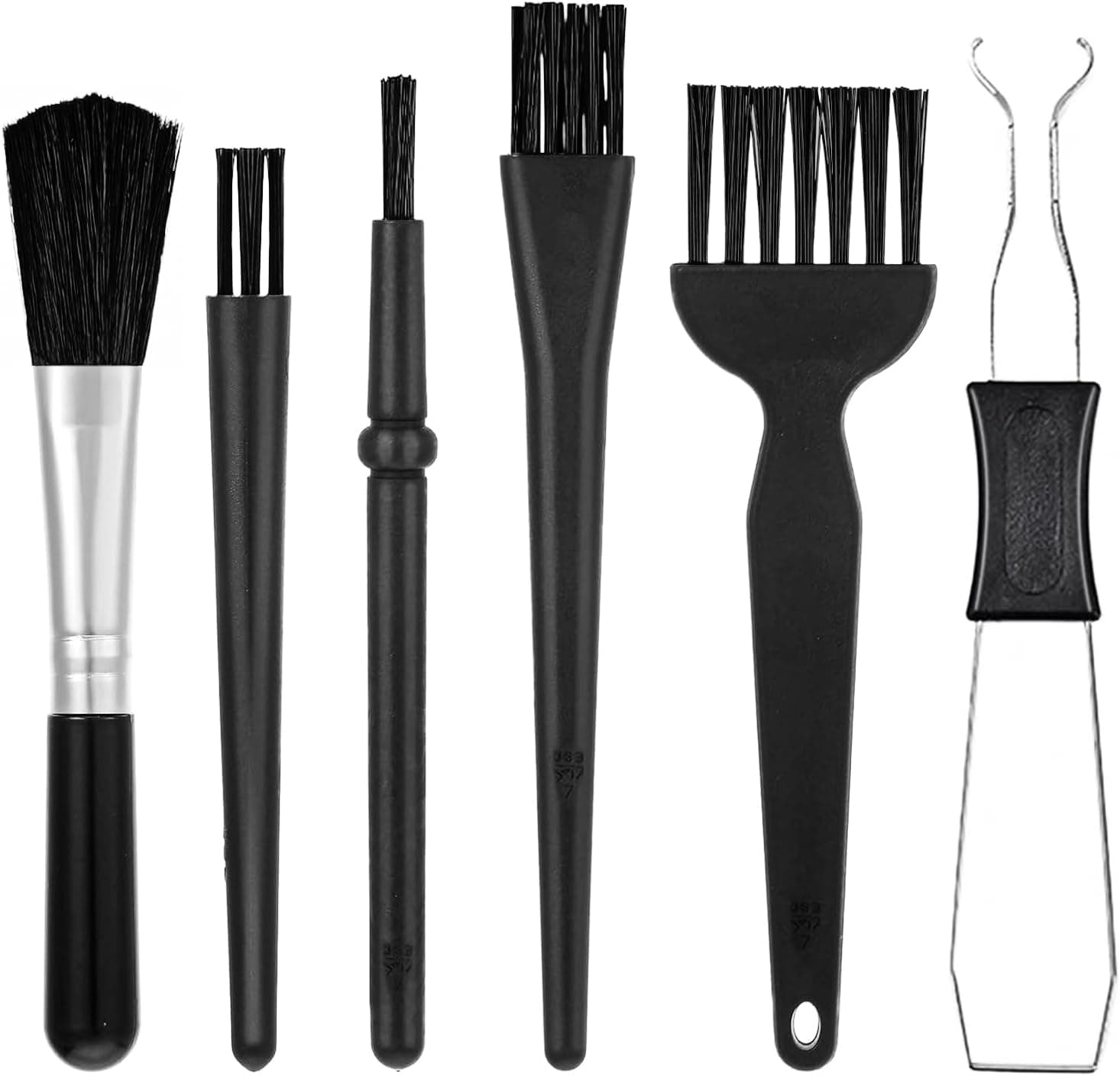
+ Anti-static brush reduces dust clinging to keyboards
From our guide: Best Keyboard Brushes (2026)
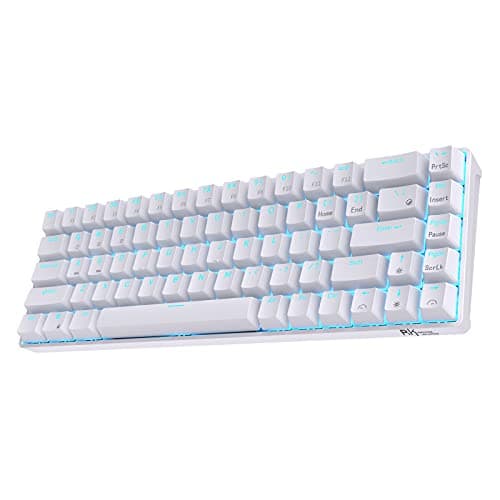
+ Hot-swap PCB accepts 3-pin and 5-pin switches, so you can change switches without soldering.
From our guide: Best Hot-Swappable Mechanical Keyboards (2026)
Confirm the problem
Use an online keyboard tester or a simple text editor and press the affected key slowly and repeatedly. Note whether it registers twice per press, fails occasionally or only misbehaves when pressed at a certain angle.
Test on another computer or with a different cable if possible. If the issue follows the keyboard, the problem is in the keyboard; if not, check software, drivers and USB ports.
Clean dust and debris
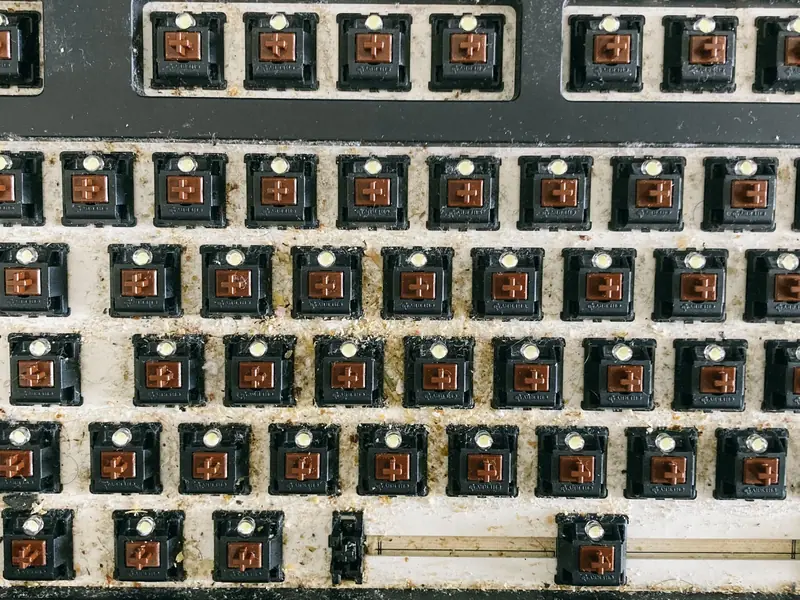
Dust, crumbs and hair inside or around switches can interfere with contact and cause chatter. Unplug the keyboard, remove keycaps with a keycap puller and clean around the switches with a brush or compressed air.
For stubborn problems, press the affected key rapidly many times while blowing compressed air around it. This can dislodge debris from inside the switch housing.
Check hot-swap switches and sockets
On hot-swappable keyboards, a switch that is not seated fully or has bent pins can cause intermittent contact. Remove the switch with a switch puller, check the pins are straight and reinsert it firmly while supporting the socket.
Swapping the chattering switch with one from a less-used key quickly shows whether the switch or the socket is at fault. If the problem moves with the switch, replace the switch.
Adjust debounce settings
Debounce time filters the tiny electrical bounces that occur when a switch closes. Keyboards with very low debounce settings or aging switches may register bounces as extra presses.
Keyboards running QMK, VIA or manufacturer software sometimes allow debounce adjustments. Increasing debounce slightly can reduce chatter, although it may add a small delay.
Replace switches or repair
Switches wear out over time, especially in heavily used keys. On soldered keyboards, replacing a switch requires desoldering and resoldering, which is manageable with basic soldering skills and the right tools.
If the keyboard is under warranty, contact the manufacturer before opening it. For budget boards with many failing keys, upgrading to a hot-swappable keyboard can make future fixes much easier.
Popular right now
- What Is a Hot-Swap Keyboard and Why It MattersArticle
- Best Ortholinear Keyboards (2026)Buying guide
- North vs South Facing SwitchesArticle
- What Are QMK and VIA? Keyboard Firmware ExplainedArticle
- Linear vs Tactile vs ClickyArticle
- Mechanical Keyboard Switch ChartArticle
Based on the last 28 days of search and visitor data.