The Tape Mod Explained
Published How we research
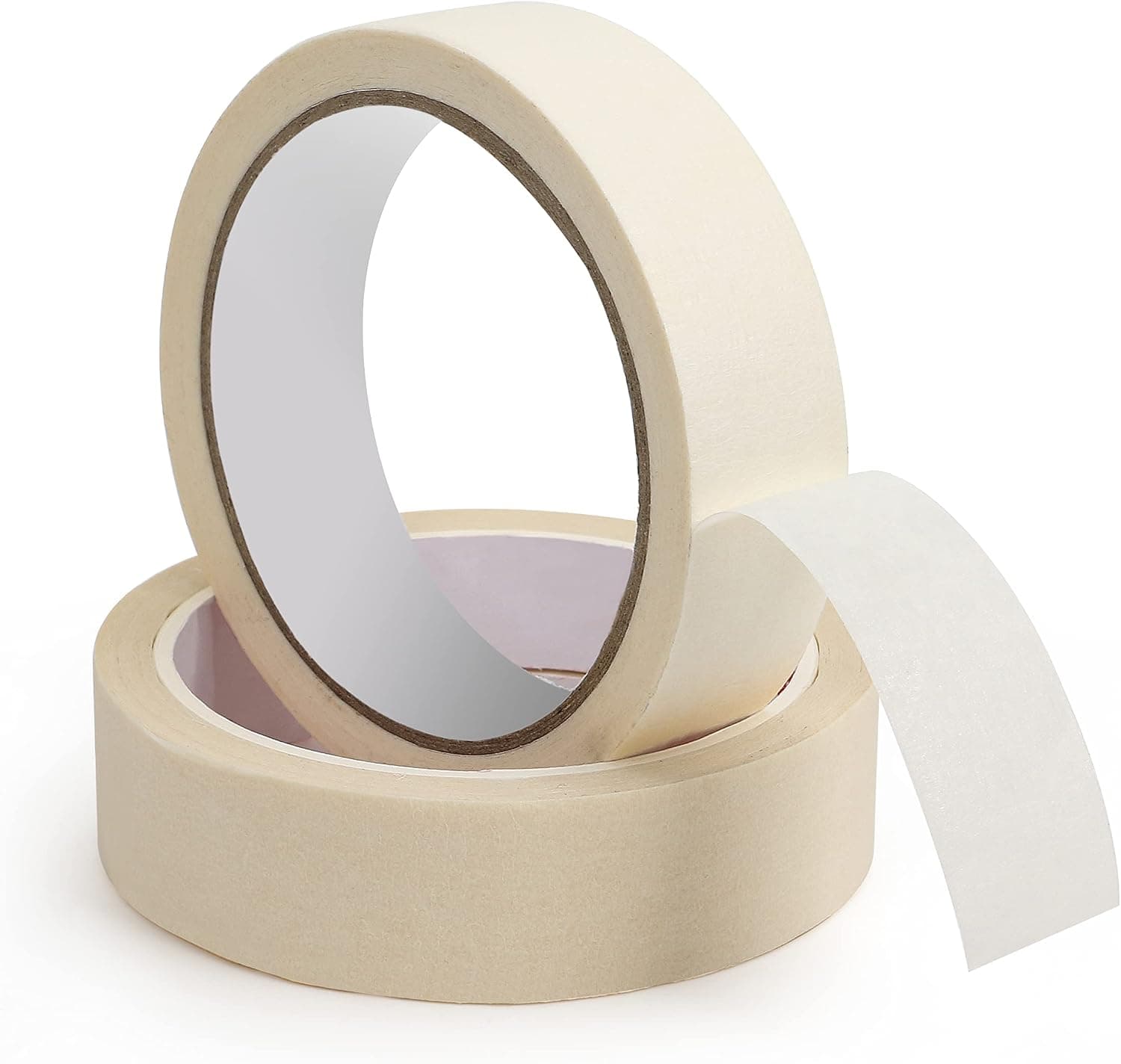
The tape mod applies one or more layers of tape to the back of a keyboard's circuit board, which deepens and fills out the sound and reduces higher, hollow tones. It costs nothing but a roll of clean-peeling tape, needs no tools, and fully reverses. Unplug the board, apply a smooth even layer cutting neat openings around components and ports, reassemble, and listen; add a second layer only to push the sound further. It is a subtle refinement, best alongside tuned stabs and foam. The tape mod is one of the most popular free modifications in the hobby because it costs nothing but a roll of tape and can noticeably change how a board sounds. The mod involves applying one or more layers of tape to the back of the circuit board, which subtly alters the acoustics of the whole assembly. Its popularity comes from how accessible it is: no tools, no permanent changes, and easy to reverse.
Products from this article
The highest-scoring picks from the buying guides this article links to. Scores are our editorial assessment, not customer ratings.
+ 2 inch width covers PCB backs in fewer strips
From our guide: Best Tape Mod Kits (2026)
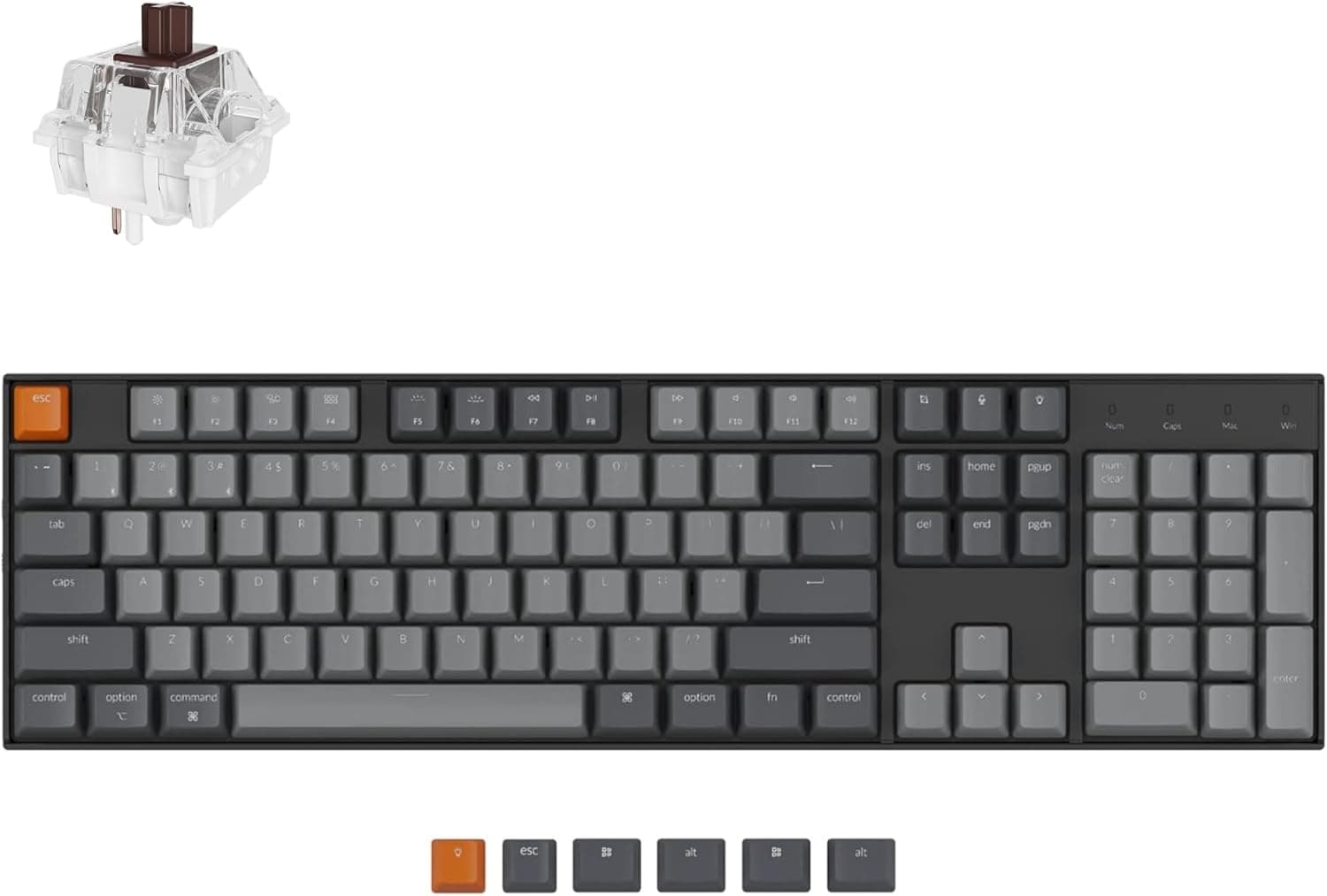
+ Hot-swap sockets let you customize switches without losing the full numpad
From our guide: Best Hot-Swappable Mechanical Keyboards (2026)
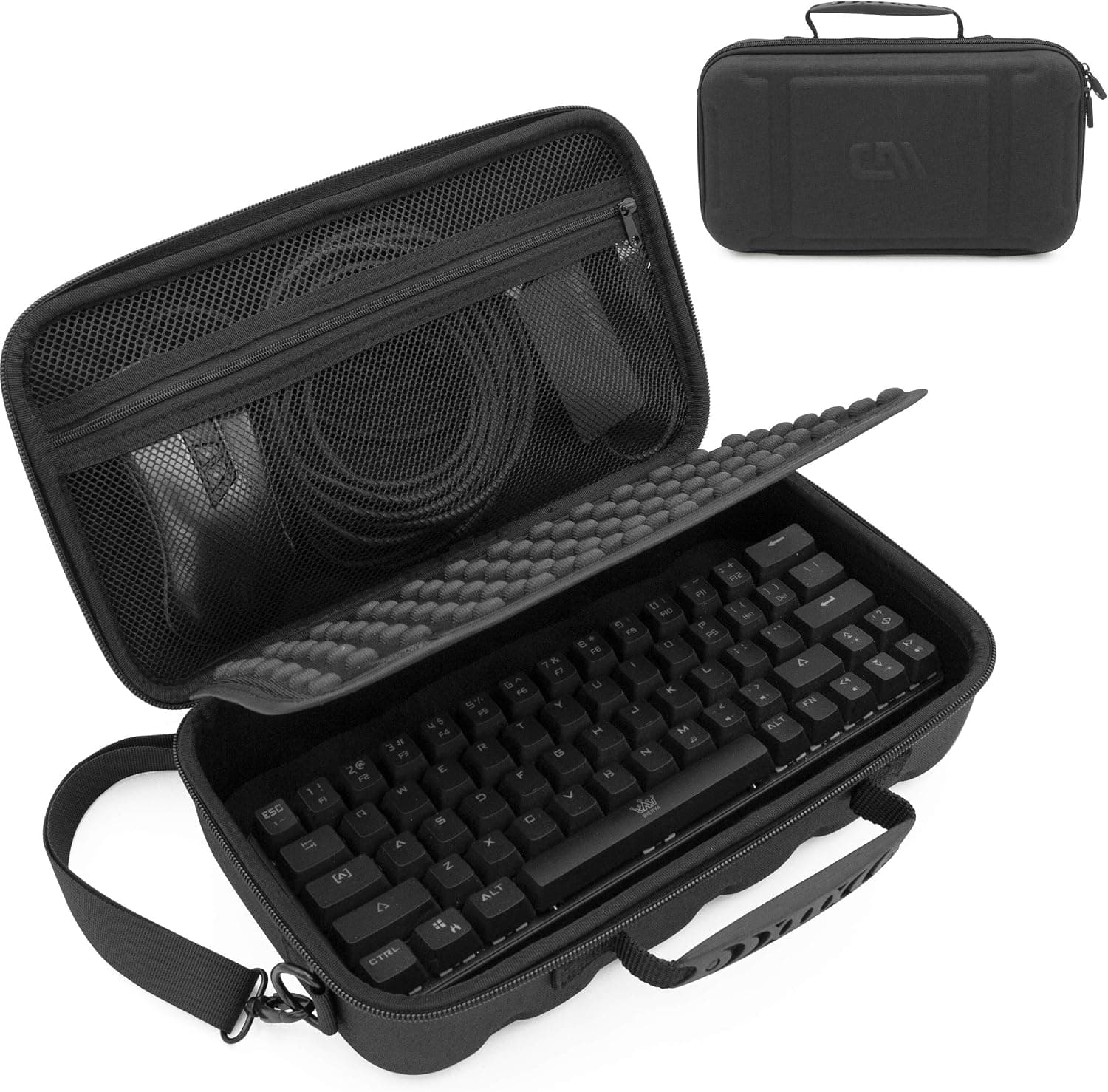
+ Shoulder strap makes carrying to LAN events easier
From our guide: Best Keyboard Carrying Cases (2026)
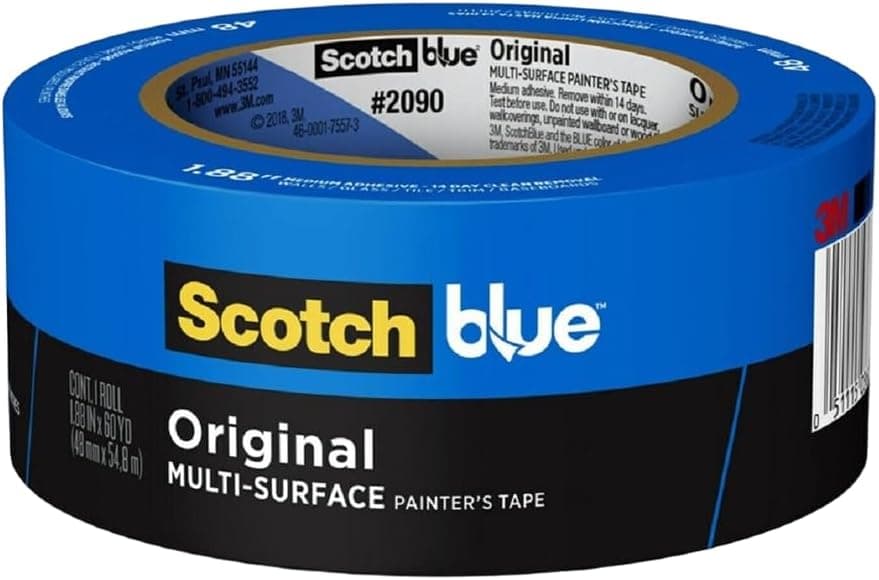
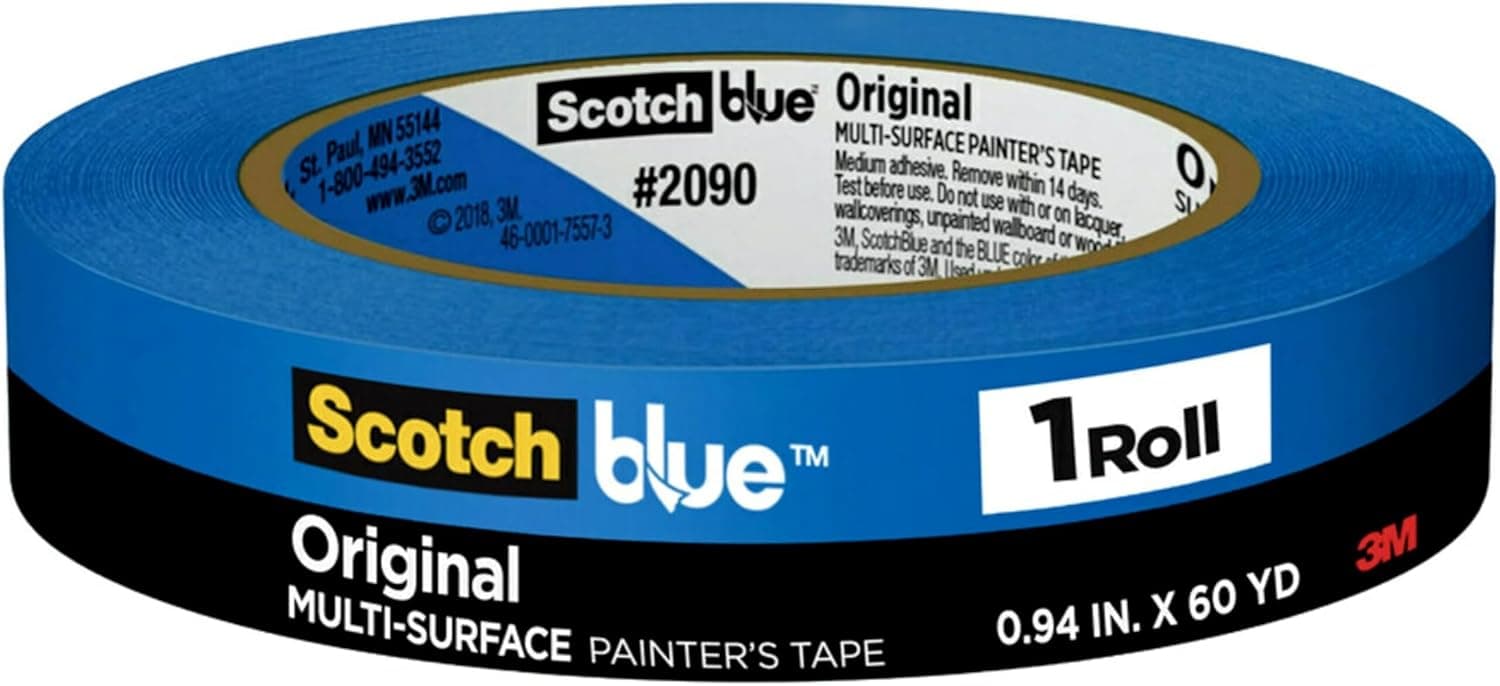
+ ScotchBlue is widely used in the community for PCB tape mods
From our guide: Best Tape Mod Kits (2026)
What the tape mod does to the sound
The effect is generally described as making the board sound deeper, fuller, and a little more poppy, reducing some of the higher, hollow tones. Each added layer tends to push the sound slightly deeper, which is why people experiment with one, two, or a few layers to find the character they like. Because results depend on the specific board, the mod is really an invitation to experiment rather than a fixed recipe.
How to do it
Doing it is straightforward. Remove the circuit board from the case, make sure it is unplugged first, and apply a smooth, even layer of tape across the back, cutting neat openings around any components, ports, or screw holes so nothing is covered that should not be. Press the tape flat to avoid bubbles, then reassemble and listen. Add a second layer only if you want to push the sound further.
Safety cautions
A few cautions keep the mod safe. Use a tape that peels off cleanly and does not leave residue, keep it clear of electrical contacts and connectors, and never force the board back into the case if the added thickness makes it a tight fit. If anything feels wrong, peel the tape off, since the mod is fully reversible.
Managing your expectations
Manage your expectations: the tape mod is a subtle refinement, not a total transformation, and it works best alongside tuned stabilizers and foam rather than on its own. Still, for the price of a roll of masking style tape, it is one of the highest value experiments a new hobbyist can run, and it is a great first step into modding.
Frequently asked questions
What does the tape mod do to a keyboard? Applying tape to the back of the circuit board deepens and fills out the sound and reduces some of the higher, hollow tones. Each layer pushes the sound slightly deeper.
How do I do the tape mod? Unplug and remove the circuit board, apply a smooth even layer of clean-peeling tape across the back with neat openings cut around components, ports, and screw holes, press it flat, and reassemble.
Is the tape mod safe? Yes, if you use a tape that peels off without residue, keep it clear of electrical contacts and connectors, and do not force the board back into a case that has become a tight fit. It is fully reversible.
Will the tape mod transform how my keyboard sounds? No, it is a subtle refinement rather than a total transformation, and it works best alongside tuned stabilizers and case foam rather than on its own.
Popular right now
- What Is a Hot-Swap Keyboard and Why It MattersArticle
- Best Ortholinear Keyboards (2026)Buying guide
- North vs South Facing SwitchesArticle
- What Are QMK and VIA? Keyboard Firmware ExplainedArticle
- Linear vs Tactile vs ClickyArticle
- Mechanical Keyboard Switch ChartArticle
Based on the last 28 days of search and visitor data.